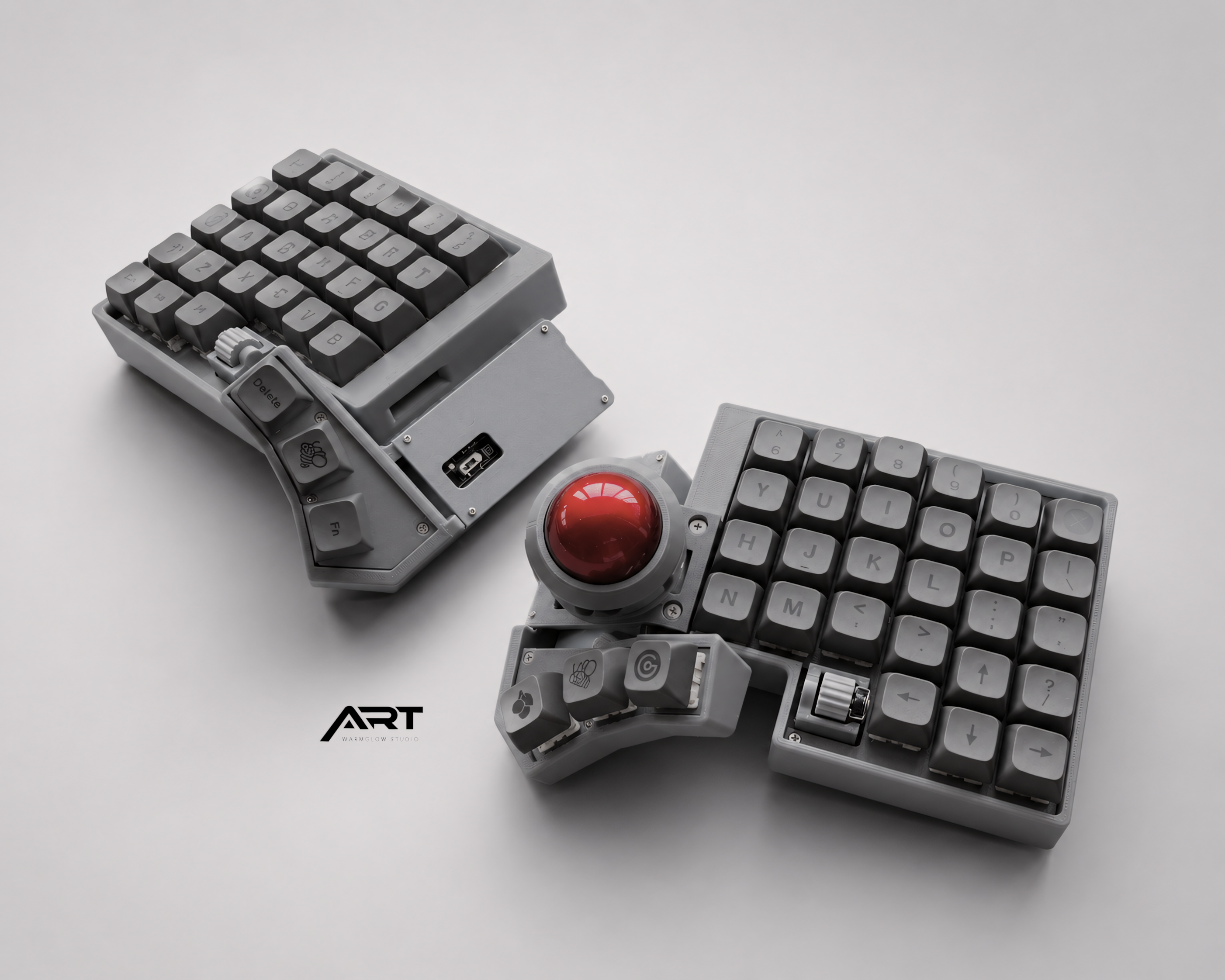
Are Split Keyboards with a Trackball Worth It? An Honest Breakdown
Short answer: yes, if you type for hours a day and switch to a mouse constantly — but only if you're prepared for a few weeks of feeling clumsy first.
If you're on the fence, the rest of this comes down to two questions: does your daily workflow actually match what a split trackball keyboard is good at, and are you willing to push through a short adjustment period to get there. Let's go through both honestly.
Who this is actually for
Split keyboards with a built-in trackball tend to make the most sense for a specific kind of person, not everyone:
- You spend most of your day typing and clicking — developers, writers, designers, support/ops roles. If your hands leave the keyboard every 20 seconds to grab a mouse, that's exactly the friction this setup removes.
- You've already tried a regular split keyboard and liked the wrist/shoulder position, but kept reaching past it for a mouse.
- You're curious about ergonomics but don't want two separate purchases — a trackball built into the keyboard means one less device, one less cable, one less thing taking up desk space.
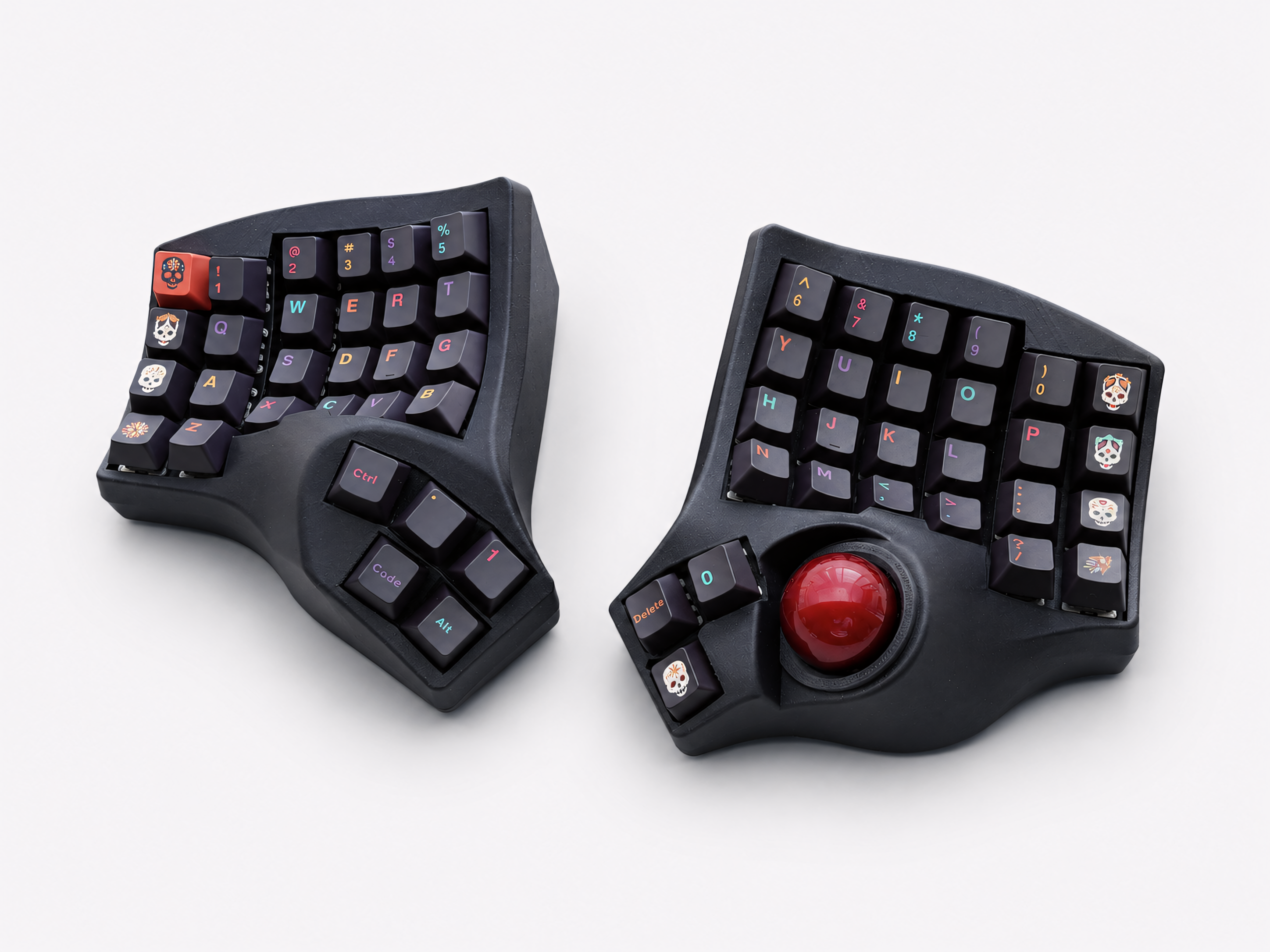
- You want a smaller footprint. Compact split layouts (like a 4x6) plus a built-in trackball mean your mouse mat can disappear entirely.
Who probably shouldn't bother — yet
Being honest here matters more than making a sale. This setup is a worse fit if:
- You type casually. If you're not at a keyboard for hours at a stretch, the ergonomic benefit is smaller than the adjustment cost.
- You need zero learning curve. Any new input device costs you a few days of reduced speed. If that's a dealbreaker for your work right now, wait for a slower period.
- You do precision work that needs a full-size mouse — certain design, CAD, or gaming workflows genuinely perform better with a dedicated high-DPI mouse. A thumb trackball is good at cursor movement and clicking, not necessarily pixel-perfect precision work.
Trackball vs. a separate mouse — what actually changes
This is the part most product pages gloss over, so let's be direct about it.
A built-in trackball doesn't fully replace a mouse for every task. What it replaces is the constant back-and-forth — moving your hand off the keyboard to grab a mouse, then back to type, dozens of times an hour. For everyday cursor movement, clicking links, scrolling, and window management, your thumb never has to leave the board.
Where it's genuinely different from a mouse:
- No arm movement. The trackball sits under your thumb at the keyboard's home position, so your wrist and forearm stay still instead of sweeping across a mouse mat.
- Precision ceiling is lower than a dedicated mouse, especially early on. Fine pixel-level work (detailed photo editing, precise drag-select) takes longer to feel natural with a thumb trackball than with a finger-controlled mouse.
- Speed is a tradeoff you control — most trackball keyboards let you adjust sensitivity, so once you're used to it, quick cursor jumps across a large monitor aren't actually slower.
If your day is 90% typing + light cursor use (browsing, clicking, scrolling, switching windows), a trackball keyboard removes almost all your mouse dependency. If your day is heavy in precision cursor work, you'll likely keep a mouse nearby for those specific tasks — and that's fine. Most people who make the switch don't throw their mouse away; they just stop reaching for it constantly.
How long does it actually take to adjust?
Being specific here, because vague answers like "a bit of time" aren't useful:
- Days 1–3: Typing feels normal if you already know touch typing, but reaching the trackball with your thumb feels unnatural. Cursor movement is slow and overshoots targets.
- Week 1–2: Muscle memory starts kicking in. You'll still default to reaching for a mouse out of habit, especially under time pressure.
- Week 2–4: This is where most people report the switch "clicking." Thumb movement to the trackball becomes automatic, and you stop noticing you're using it.
If you're the type of person who gets frustrated by day two and abandons new tools, factor that into your decision — this isn't an instant upgrade, it's a habit change.
The real reason prebuilt matters here
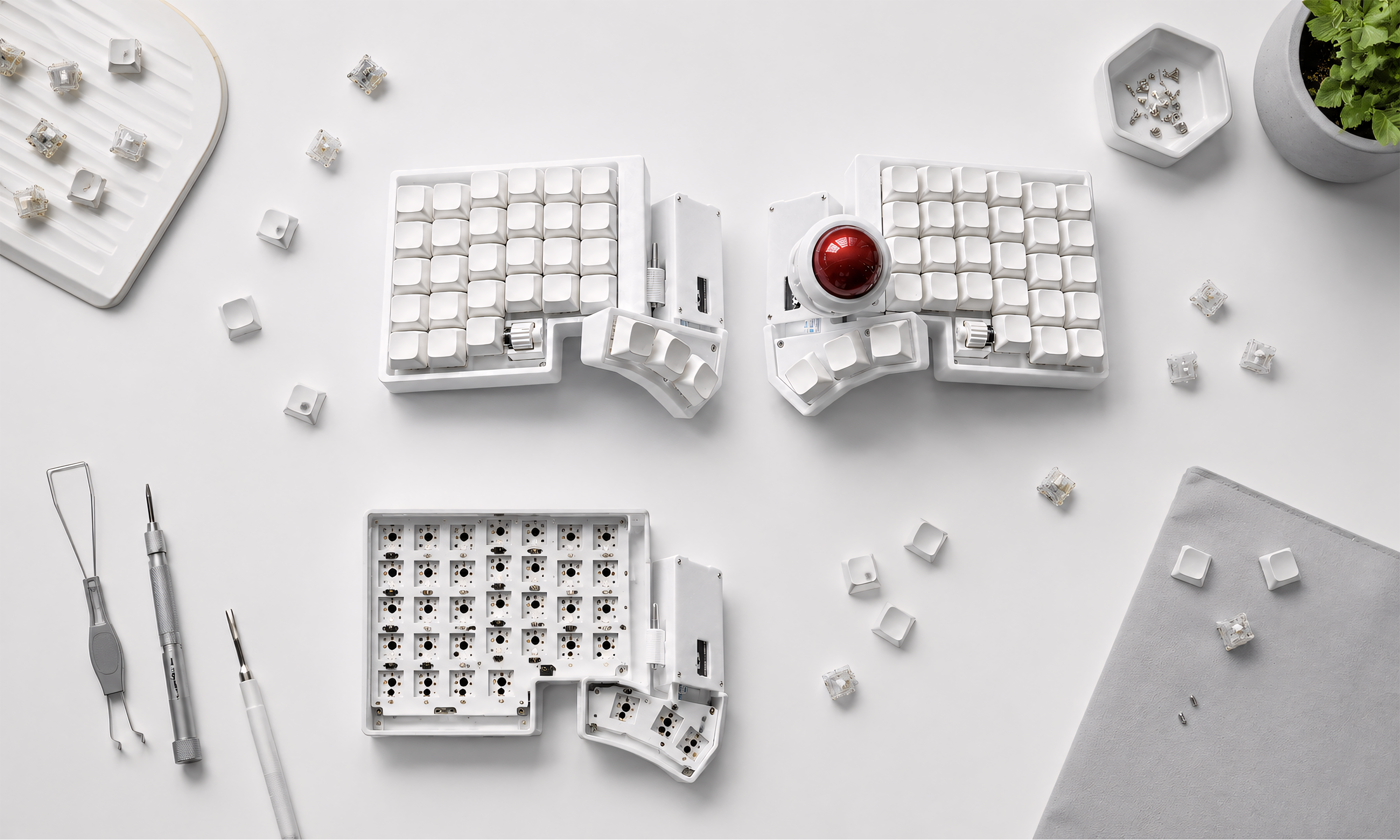
Split trackball keyboards have historically been a DIY-only category — you'd source a PCB, solder switches, flash firmware, and troubleshoot wireless connectivity yourself. That's a real barrier for anyone who just wants to try the ergonomics without a multi-week build project.
A prebuilt option (assembled, pre-flashed, tested before shipping) removes that barrier entirely. You're not evaluating whether you can solder — you're evaluating whether the ergonomics work for you, which is the actual question that matters.
If you've read this far and you fit the "who this is for" list above, a prebuilt wireless split trackball keyboard is a low-risk way to find out — no soldering, no firmware flashing, ready to use out of the box.

Leave a comment
This site is protected by hCaptcha and the hCaptcha Privacy Policy and Terms of Service apply.