Featured collection
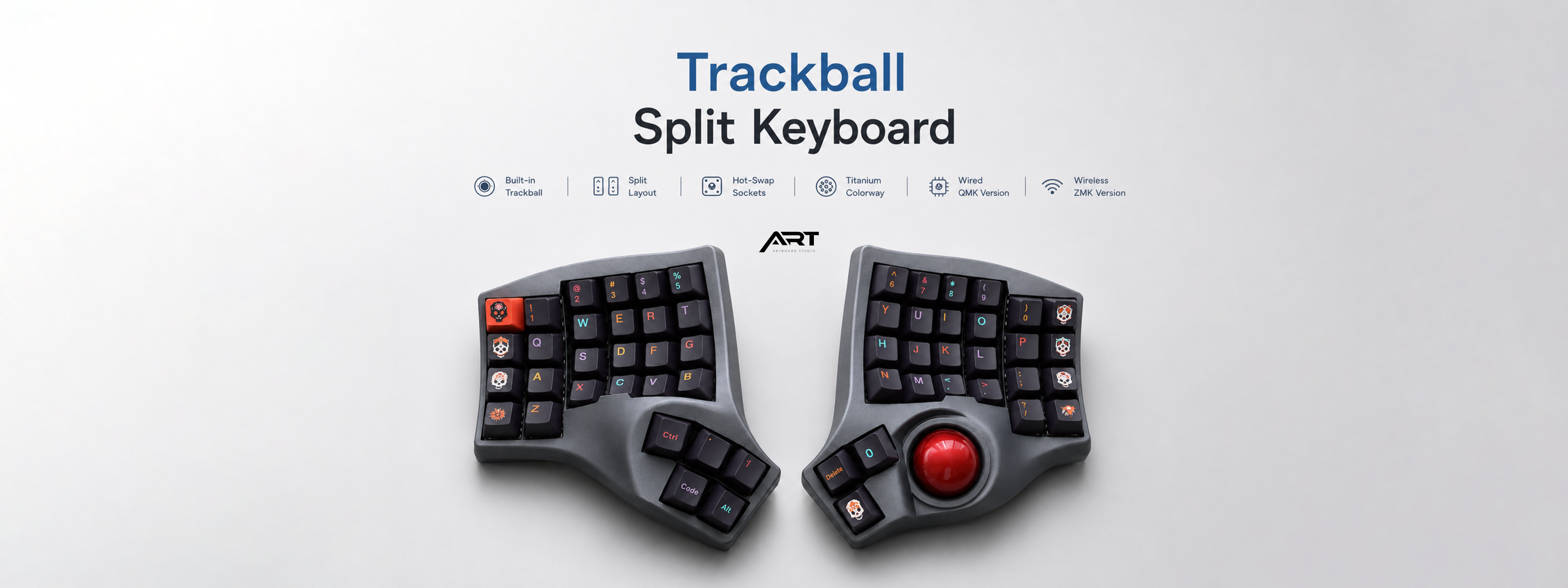
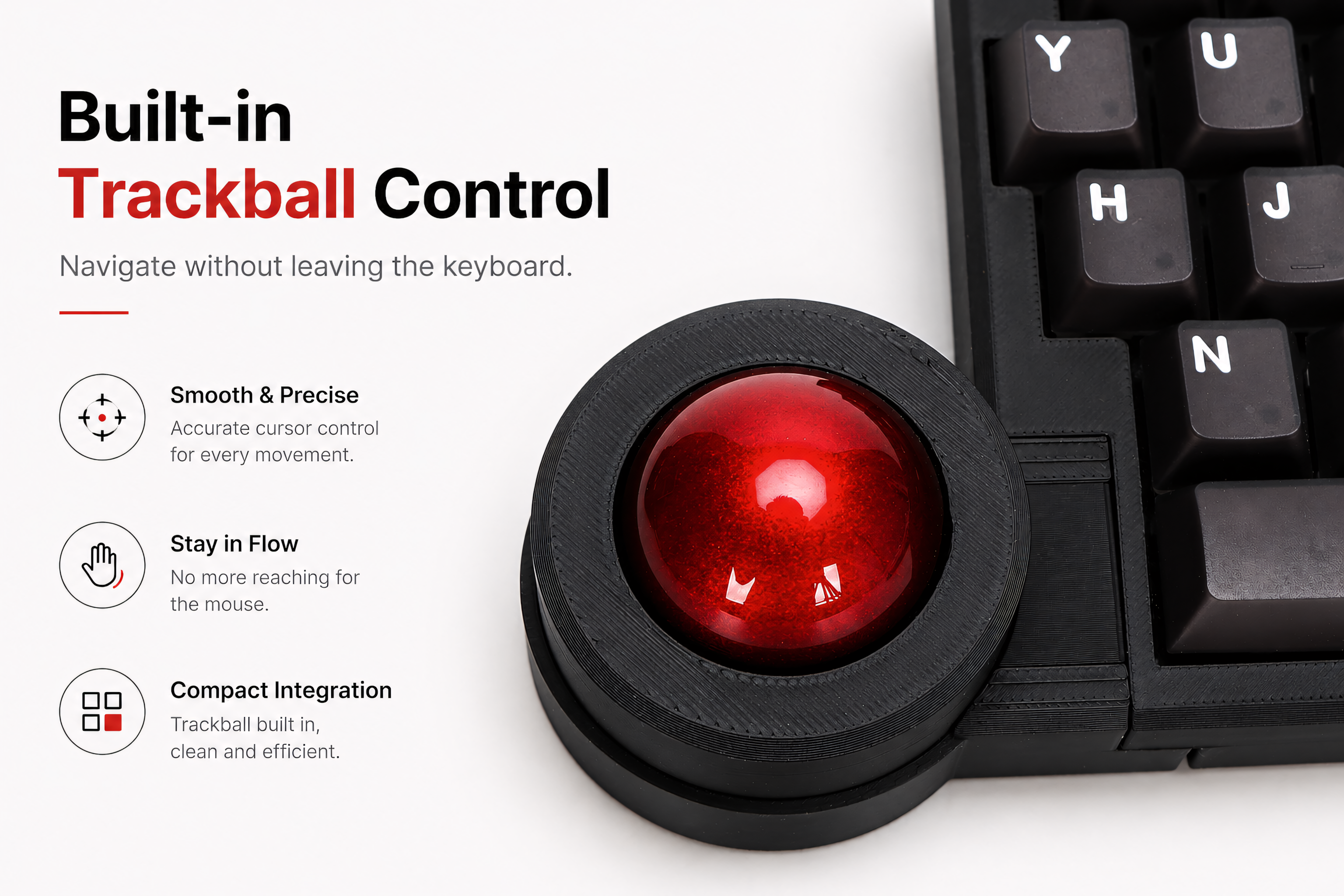
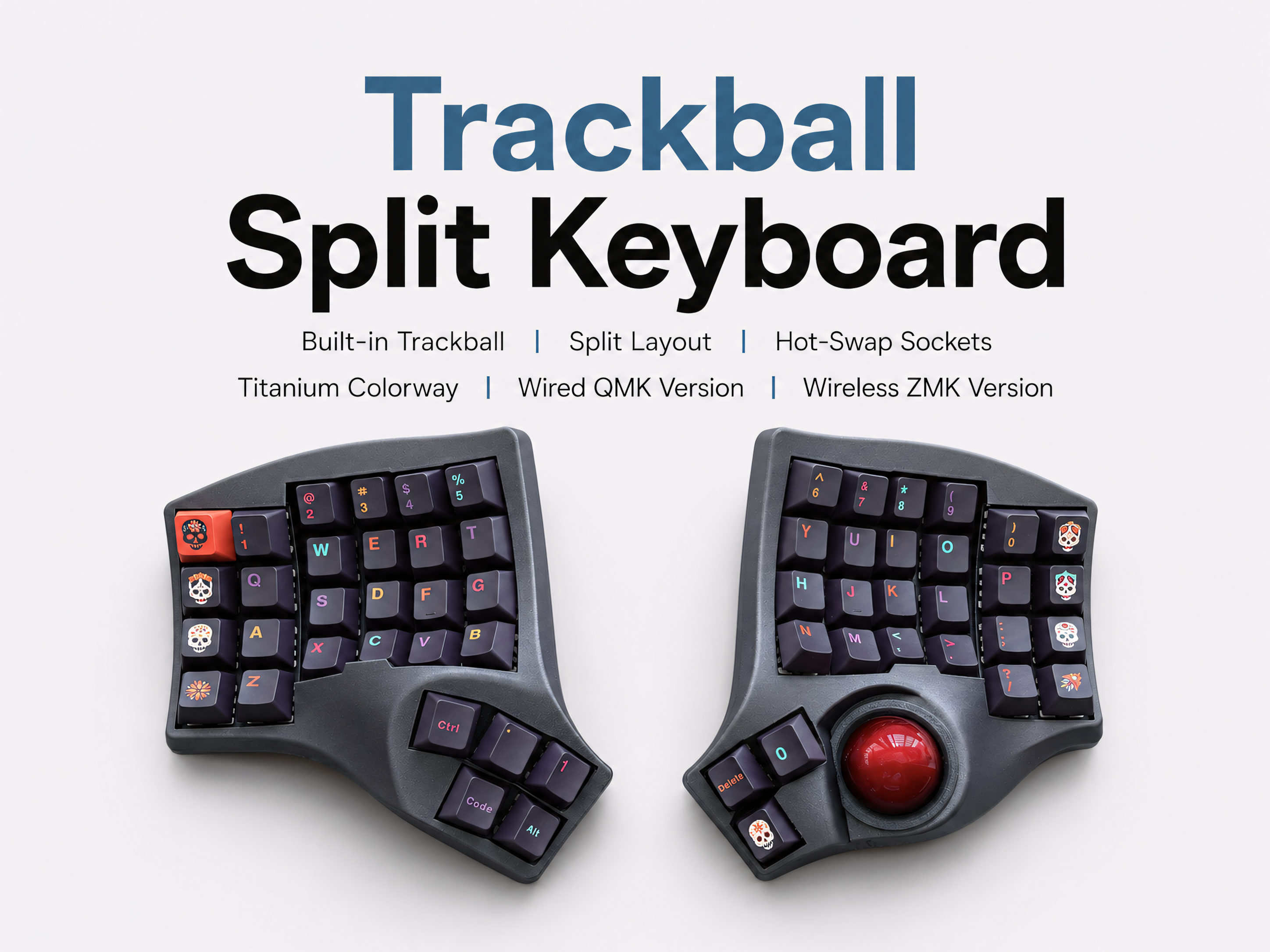
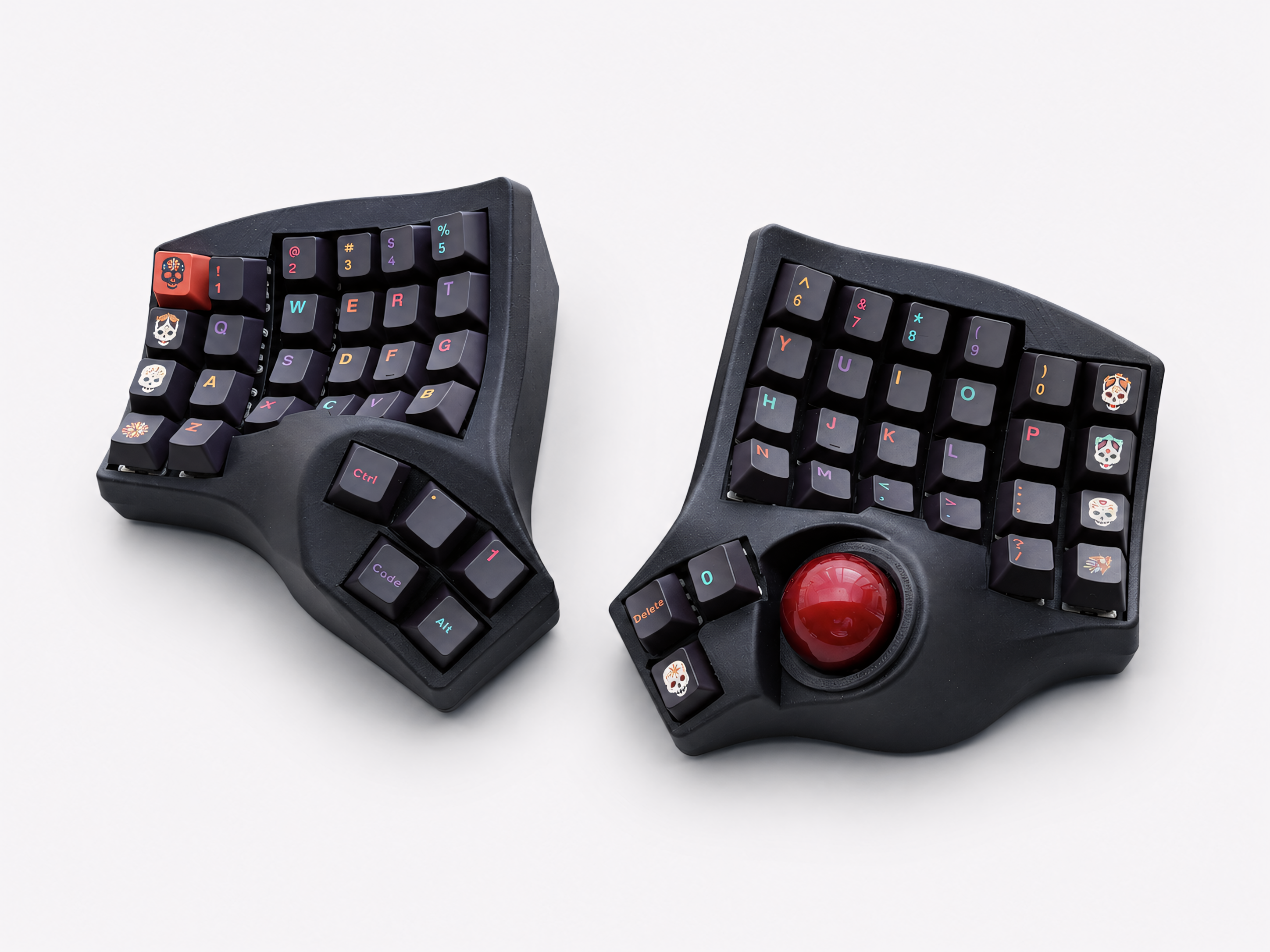
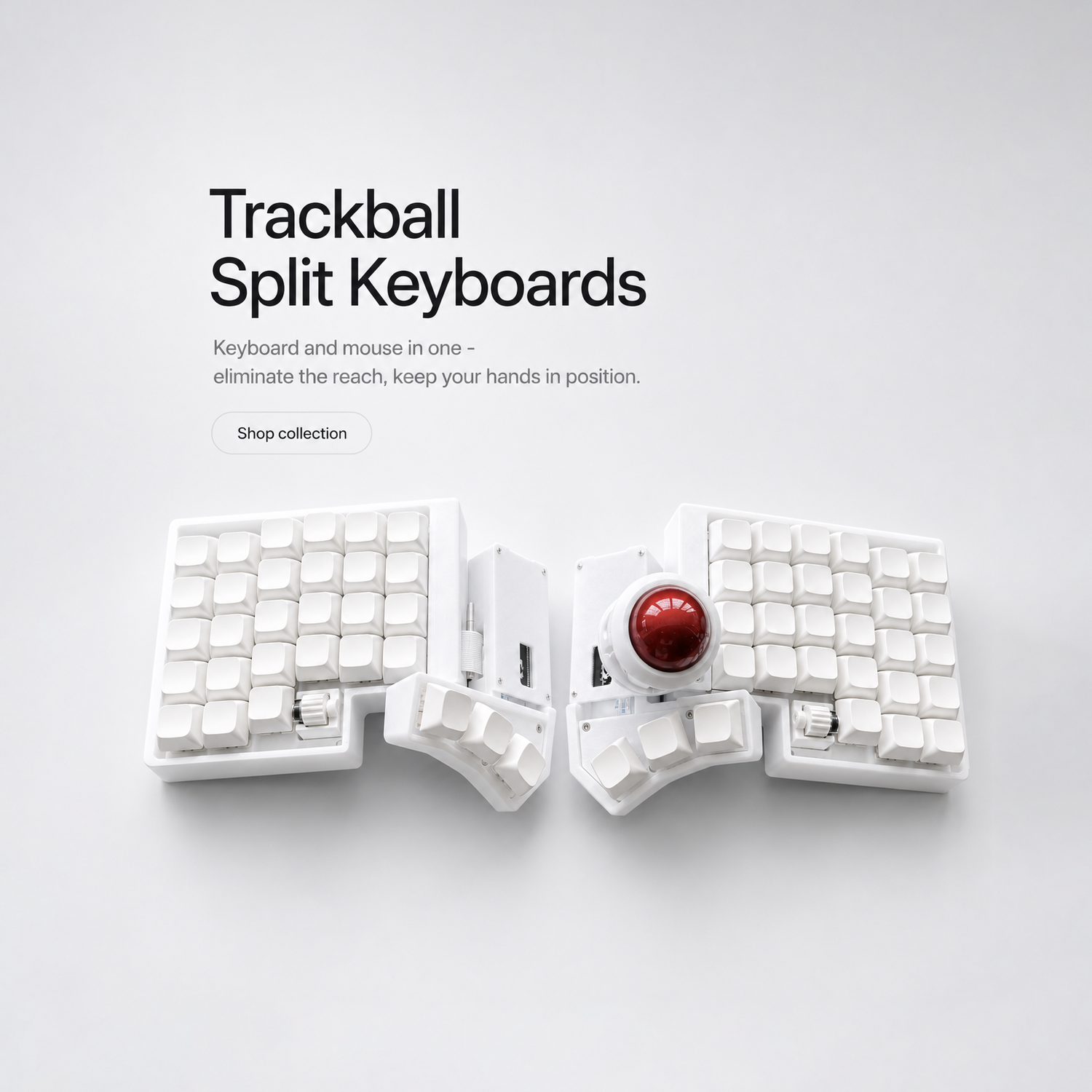
Trackball Split Keyboards
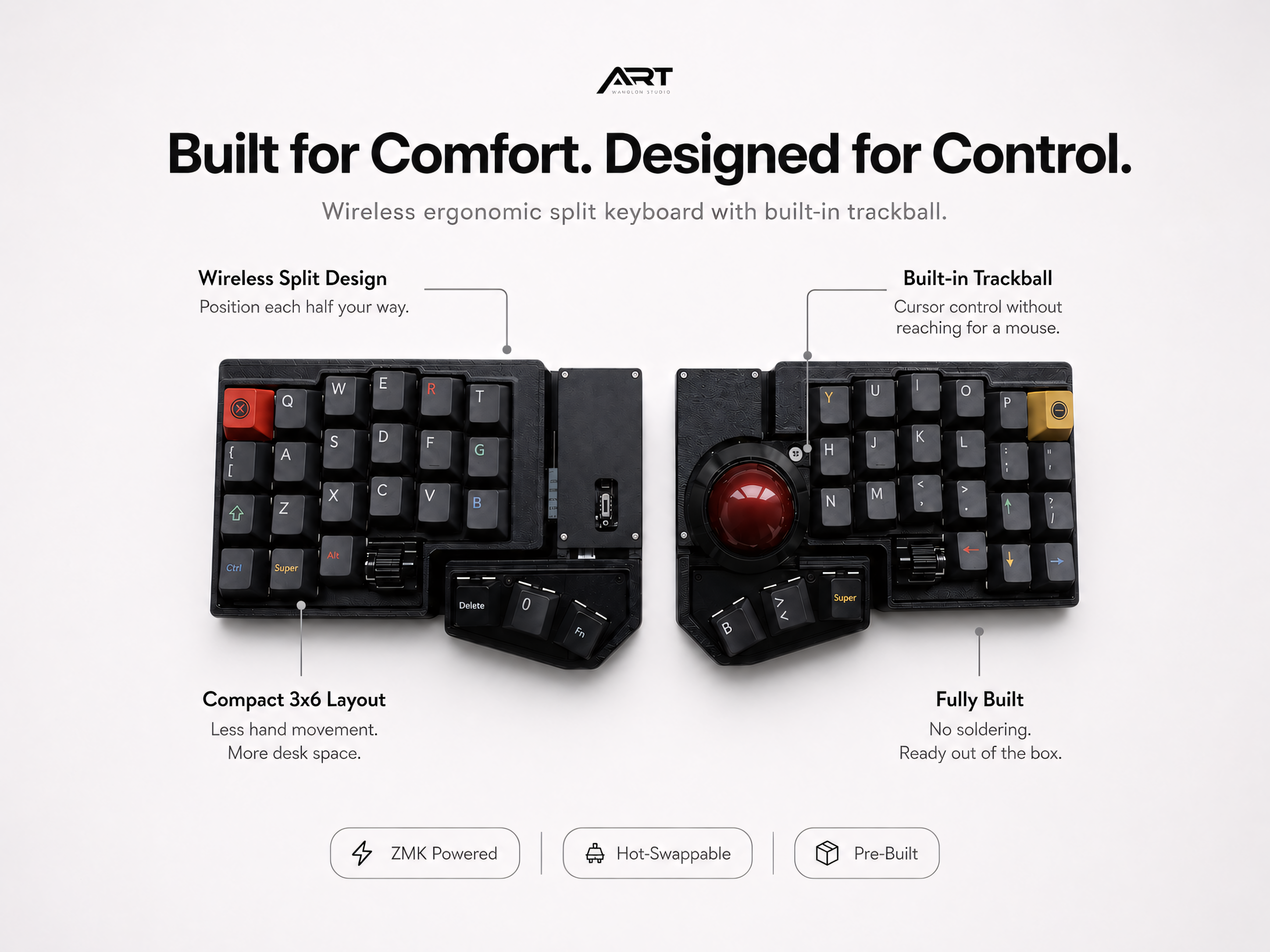
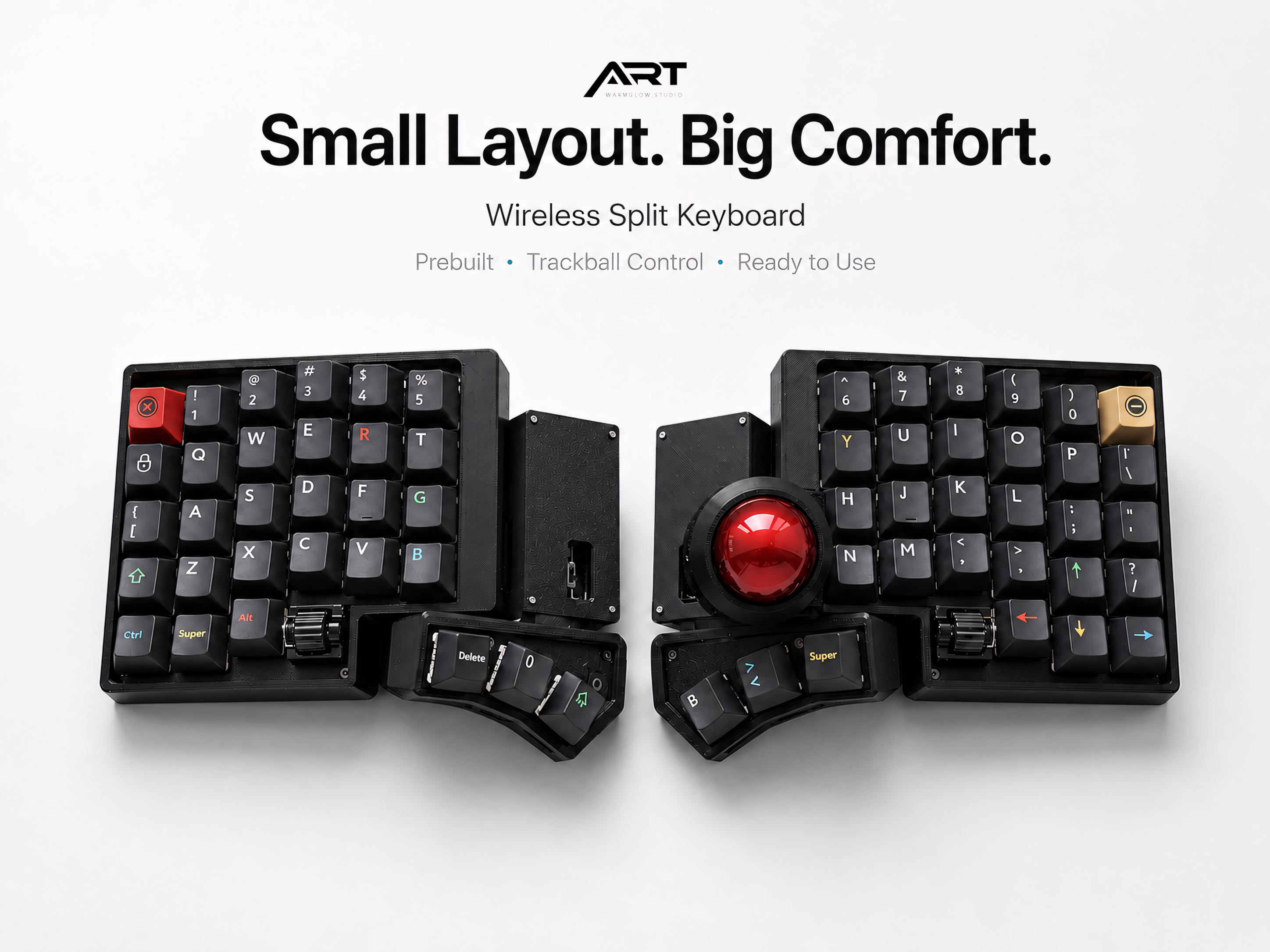
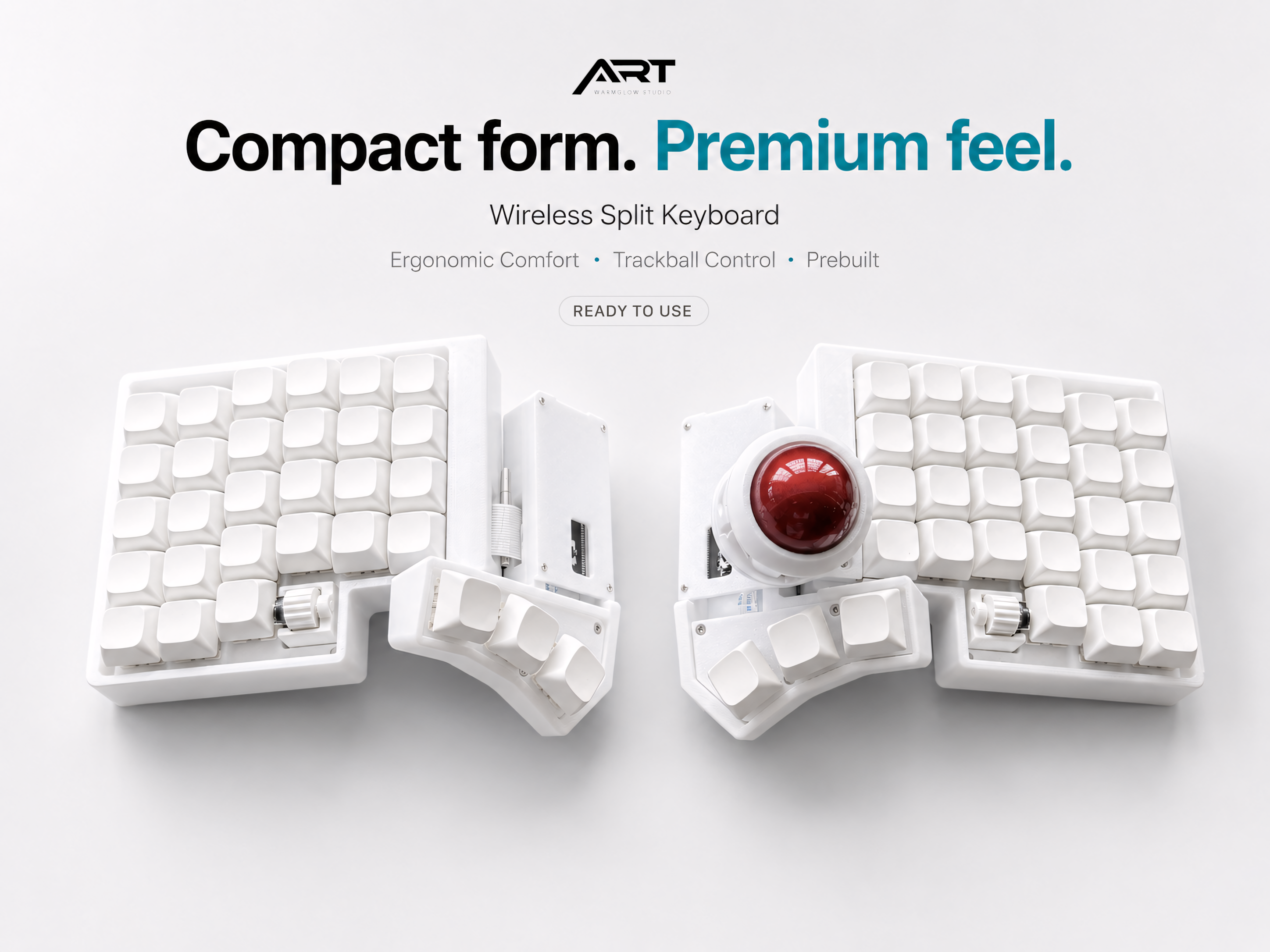
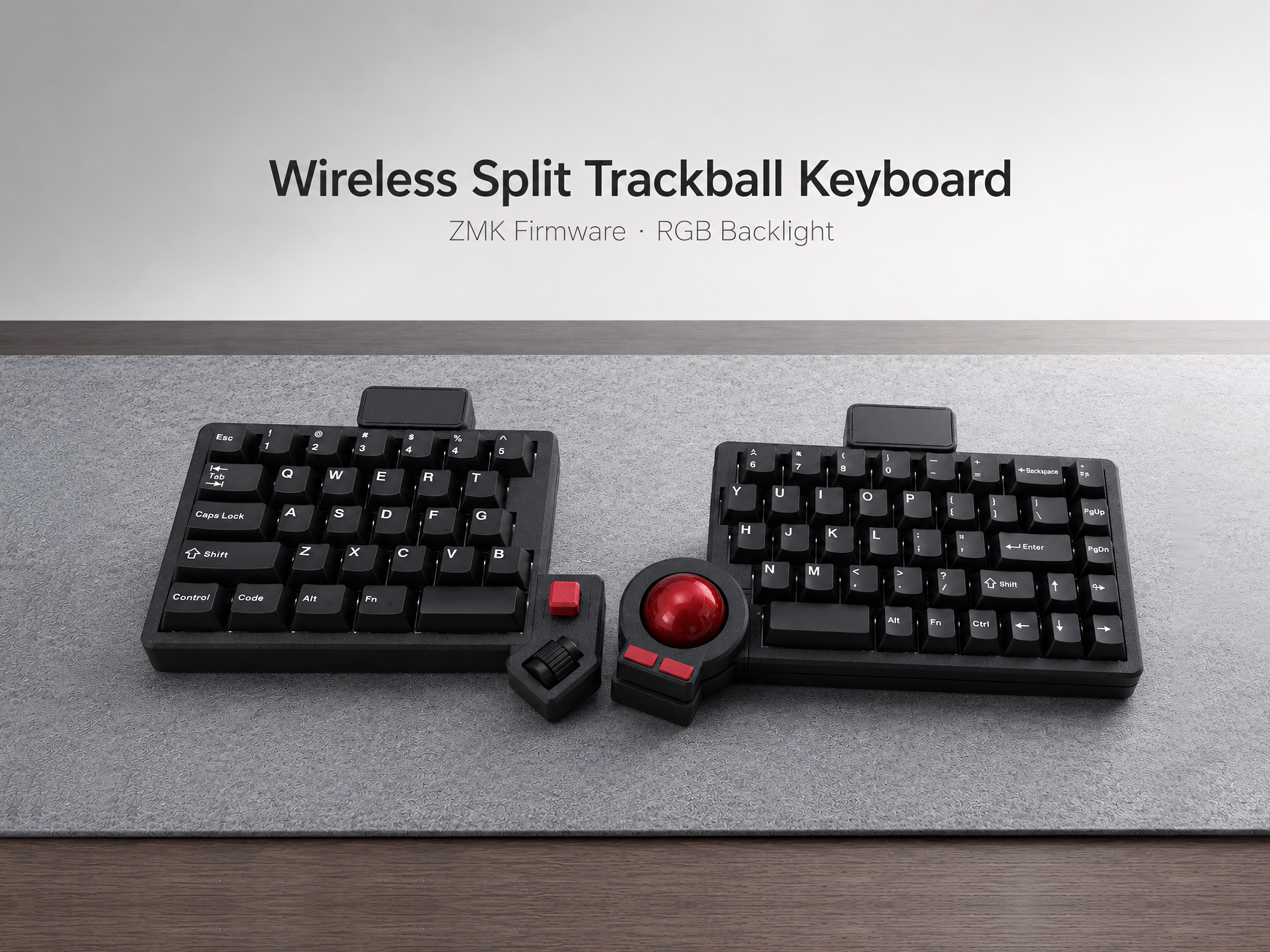
Sacred Space
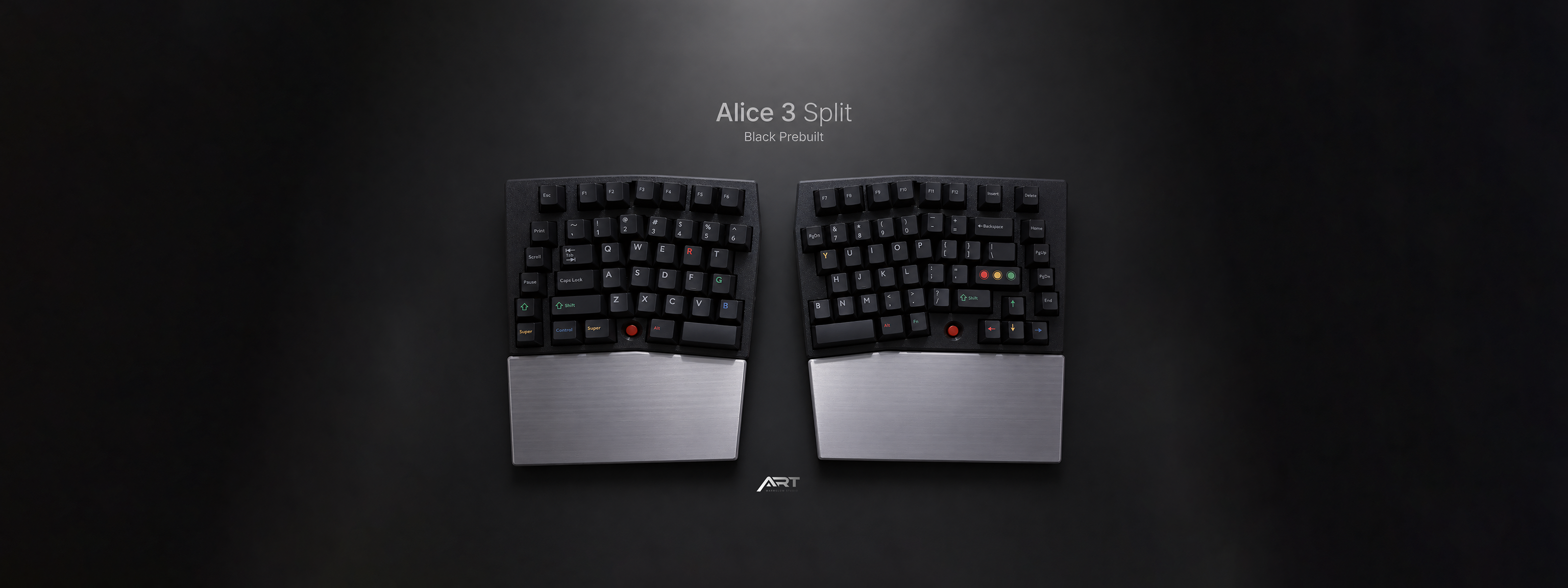
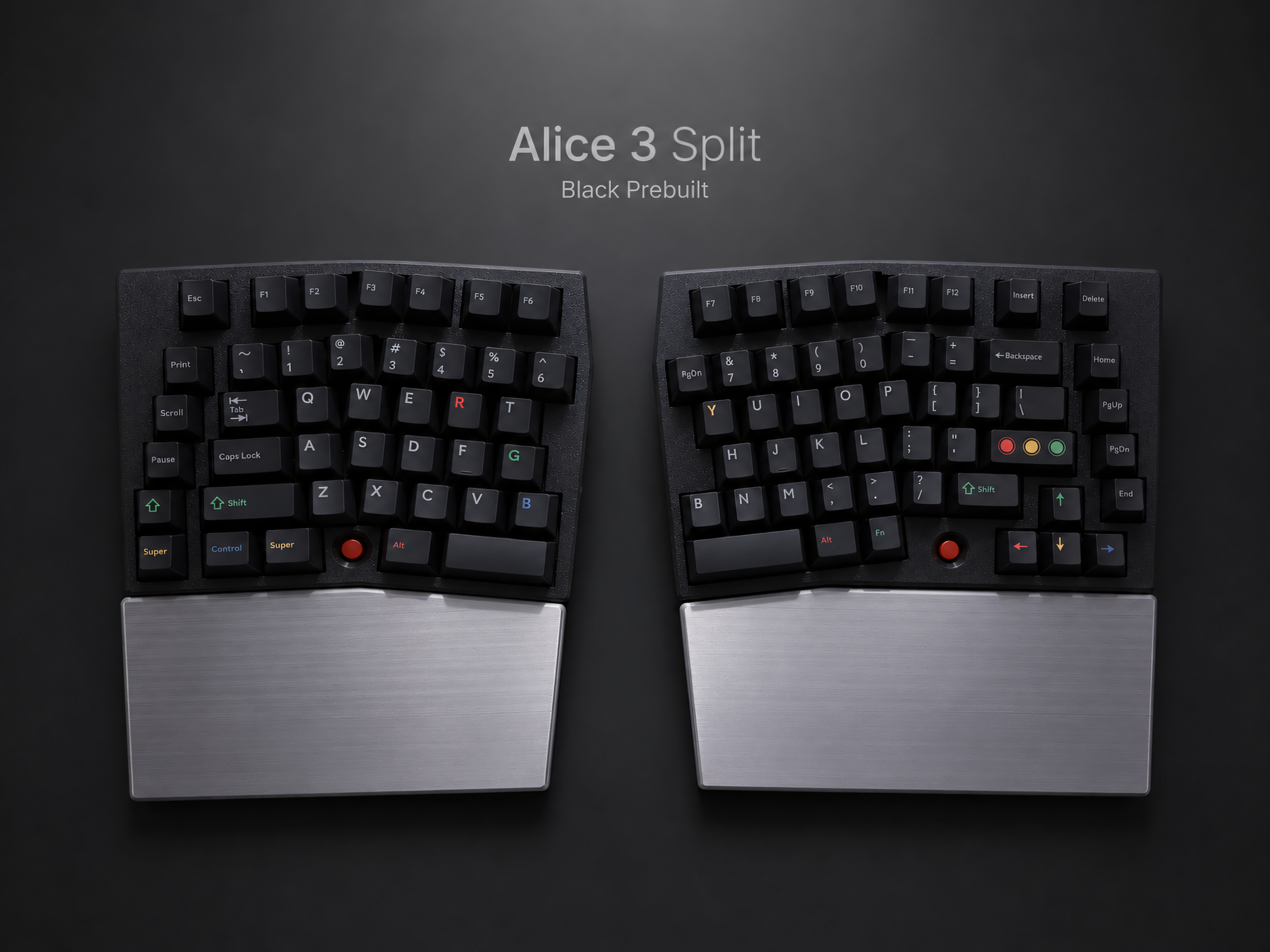
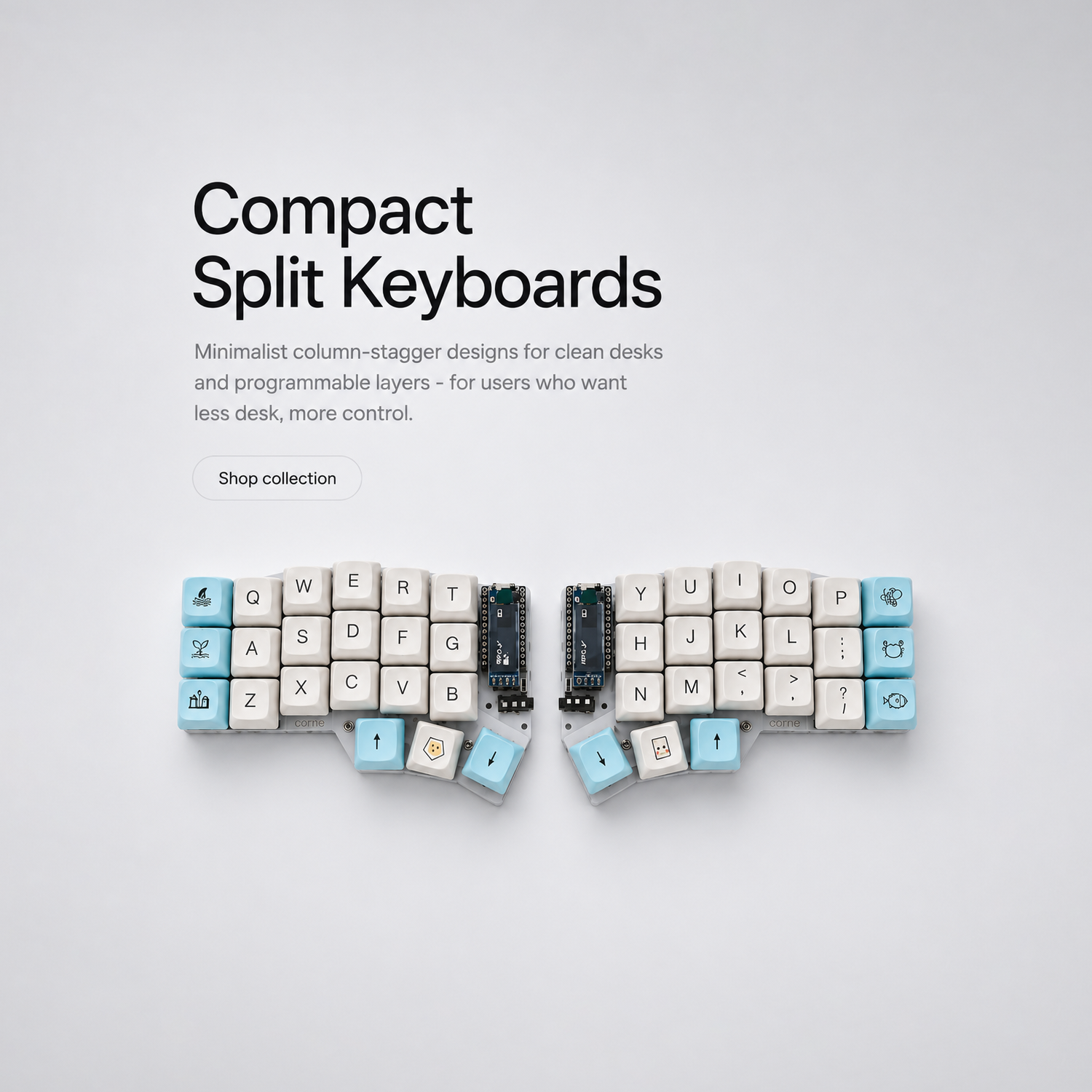
Home Wireless Split Keyboards
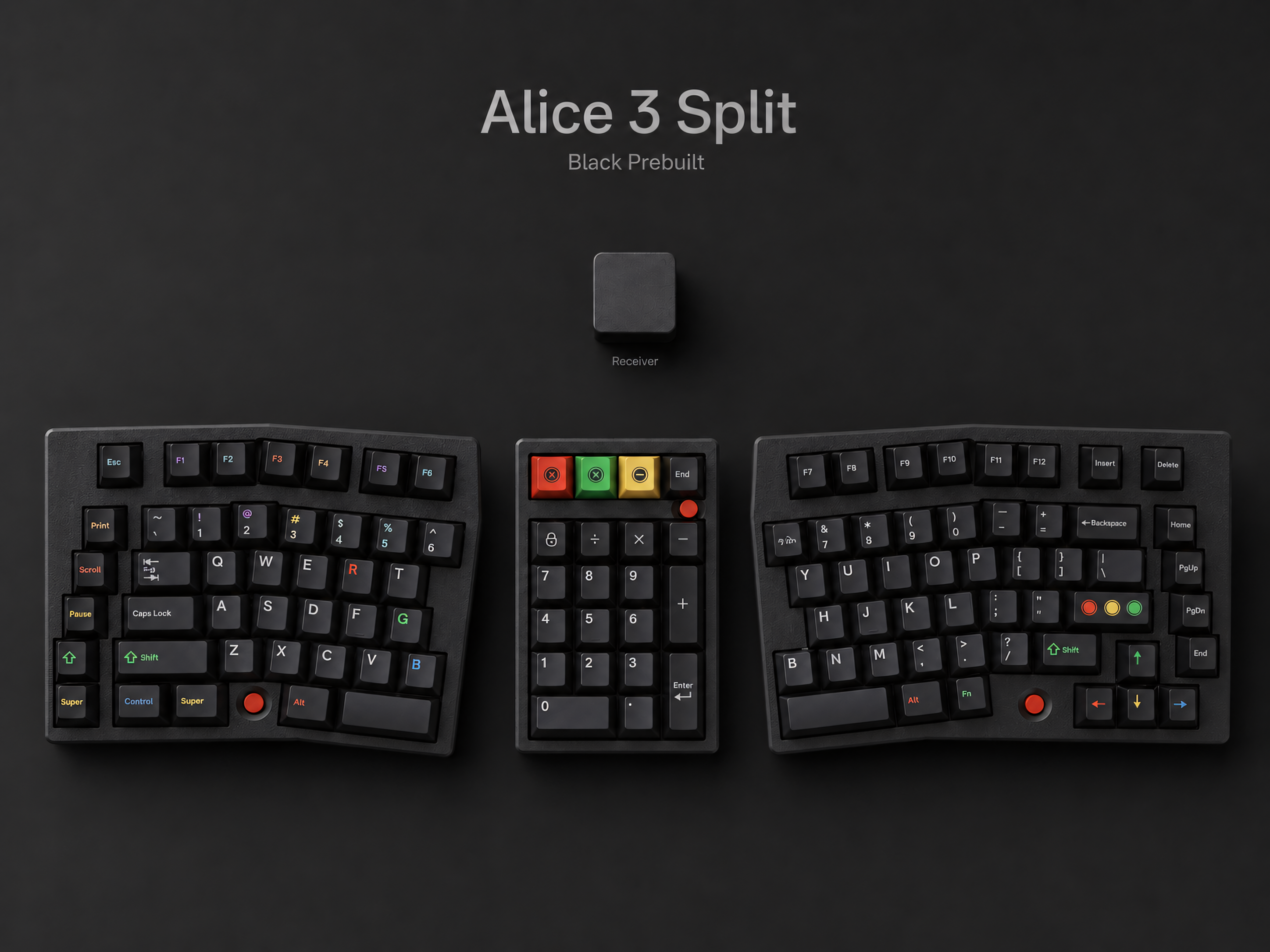
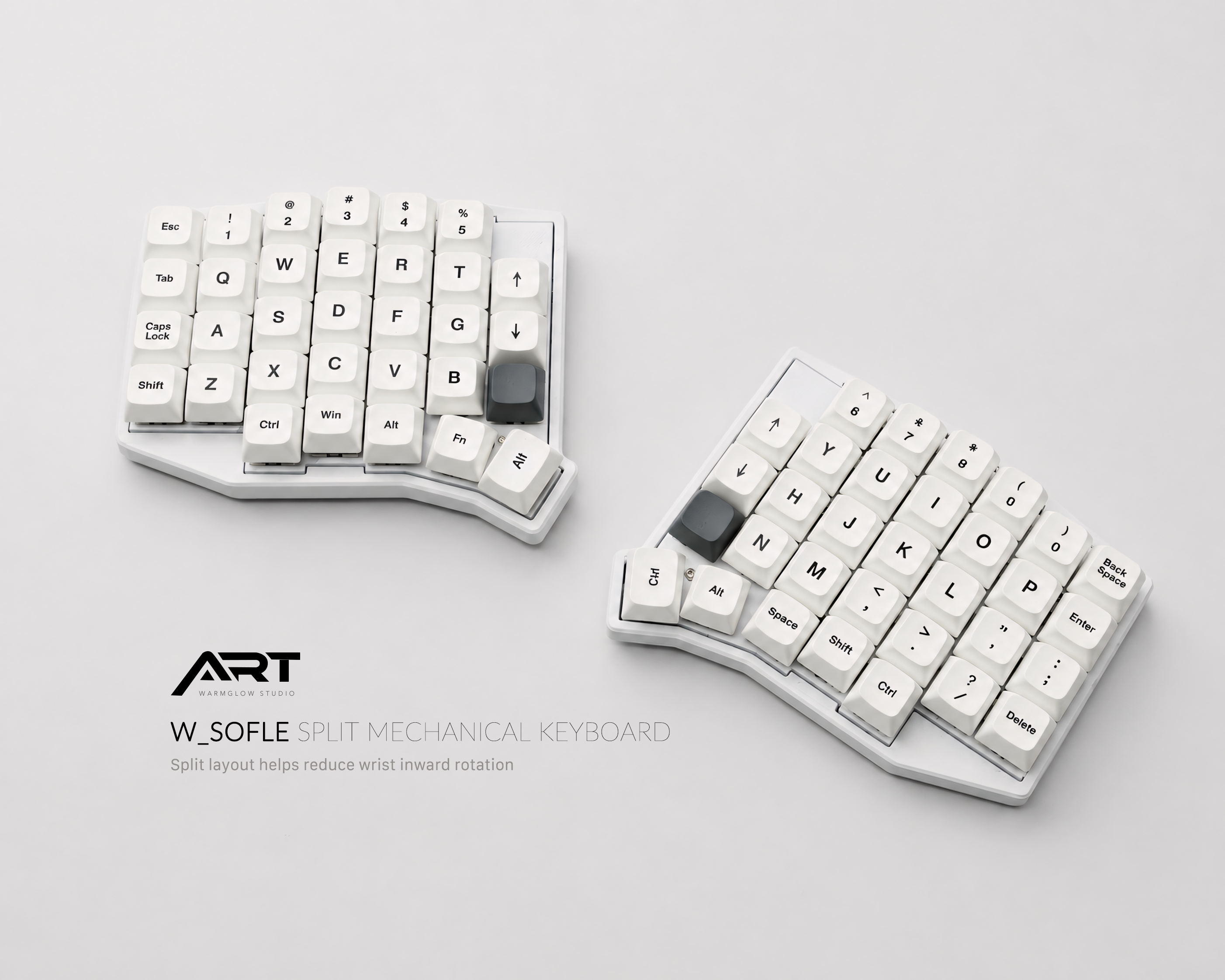
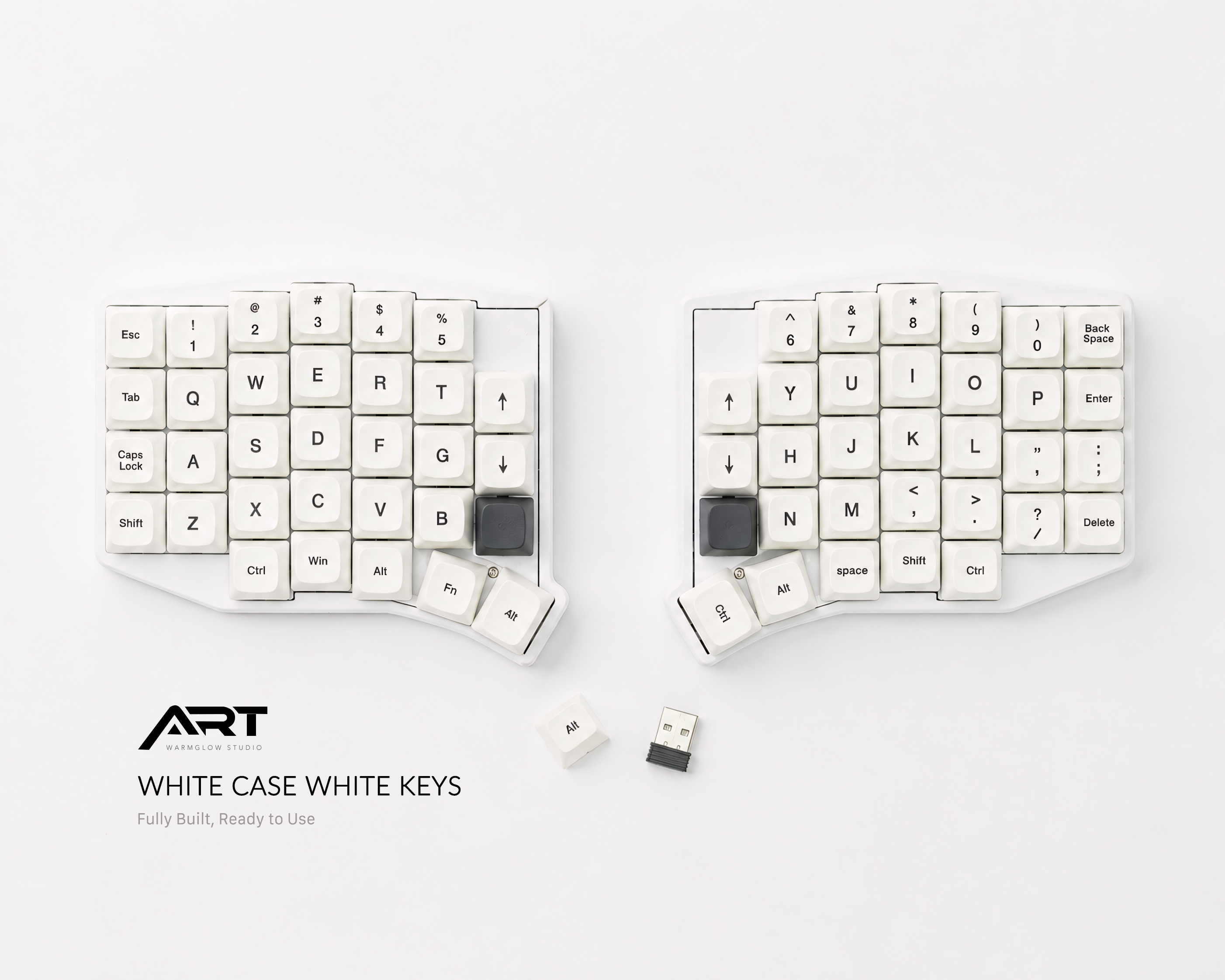
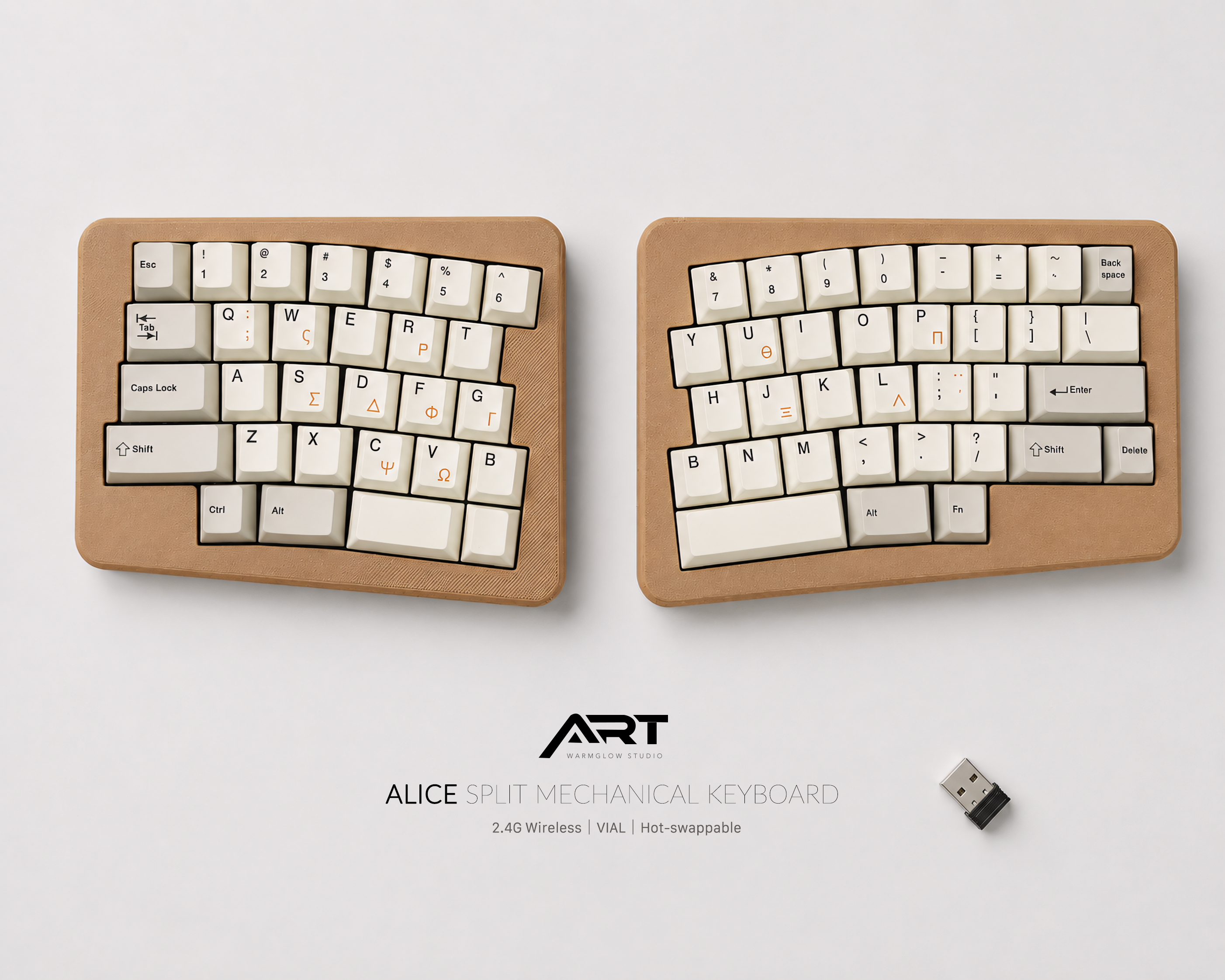
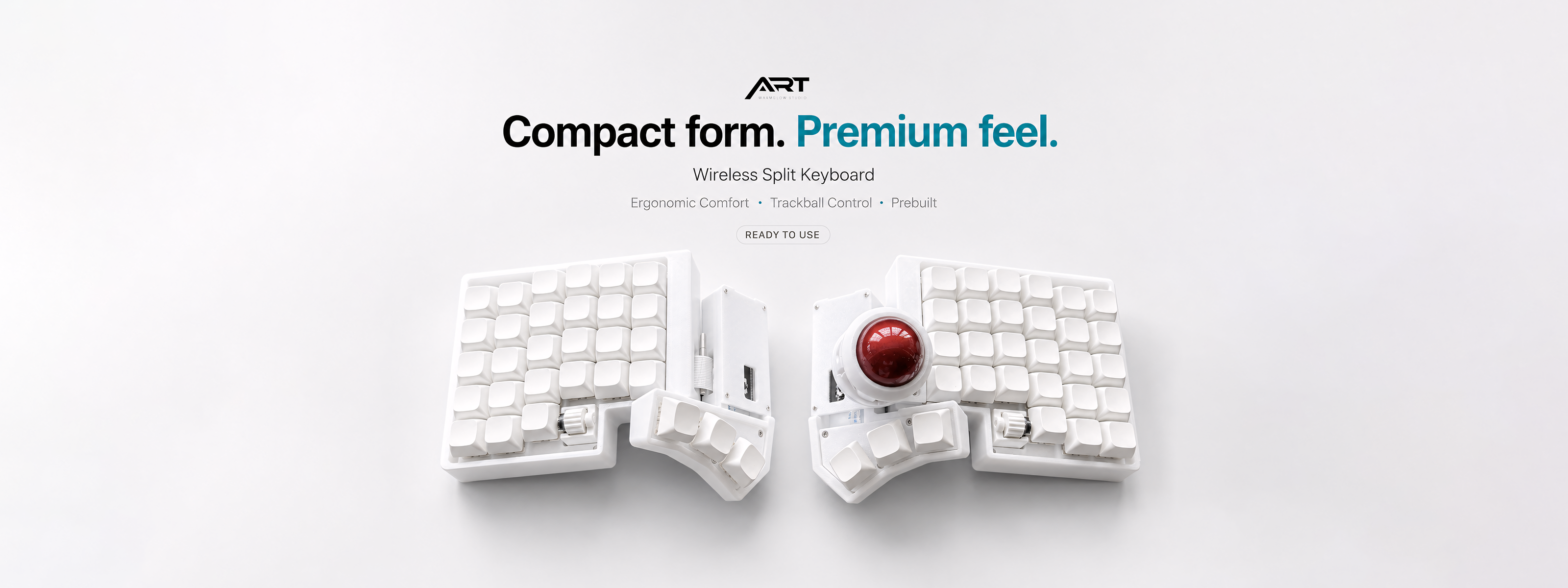
Quiet Power
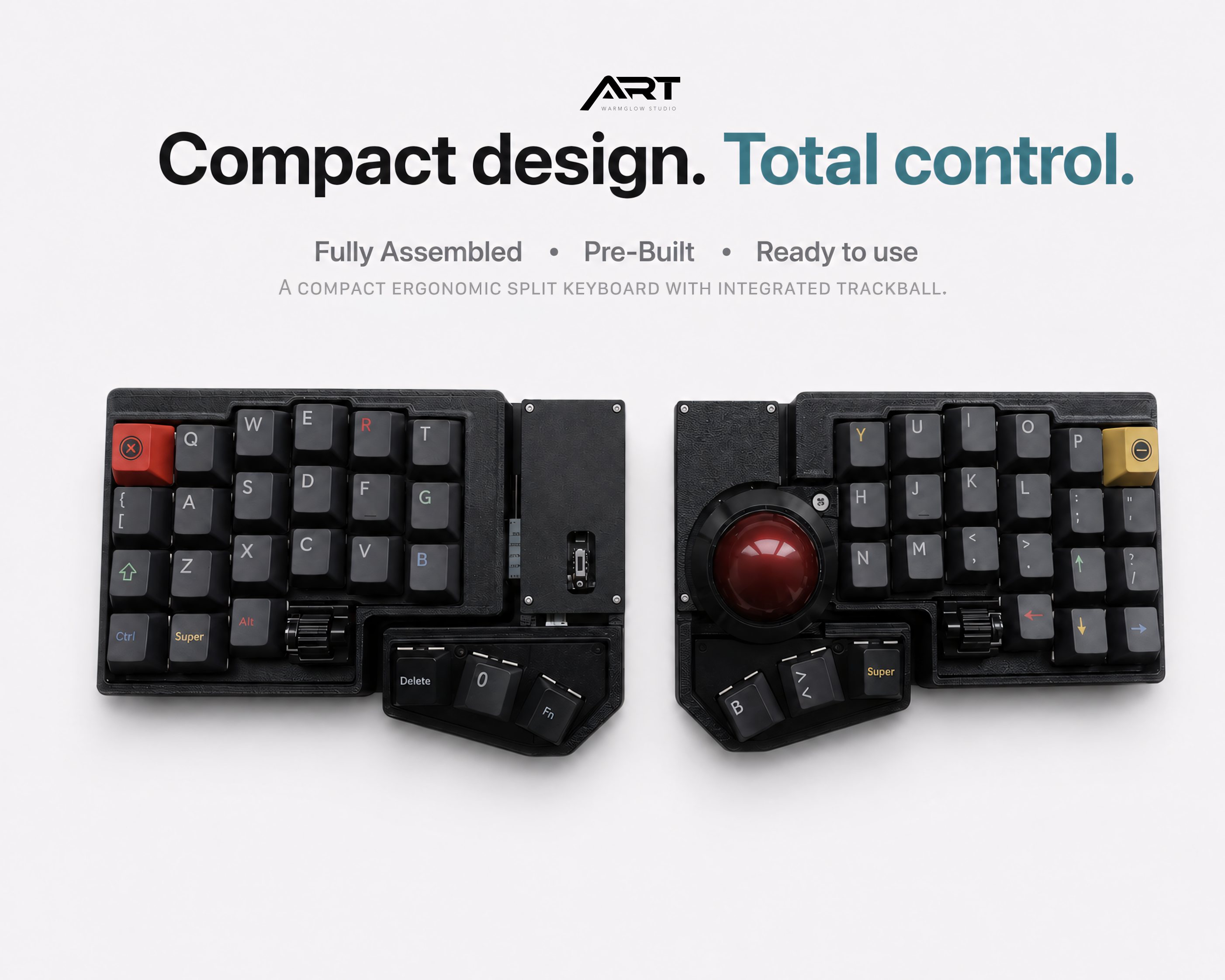
Ready to Ship Keyboards
CUSTOM ERGONOMIC SPLIT KEYBOARDS
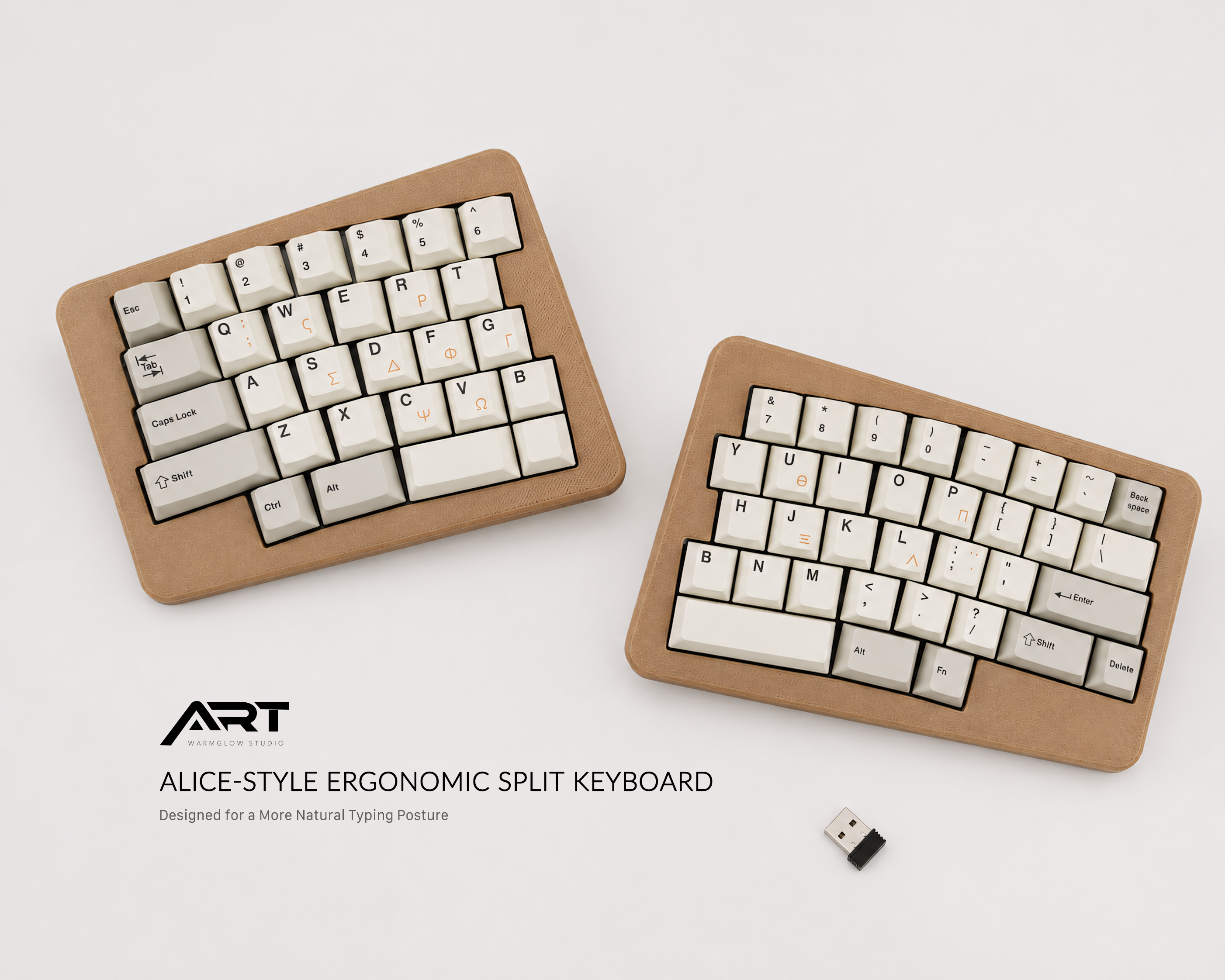
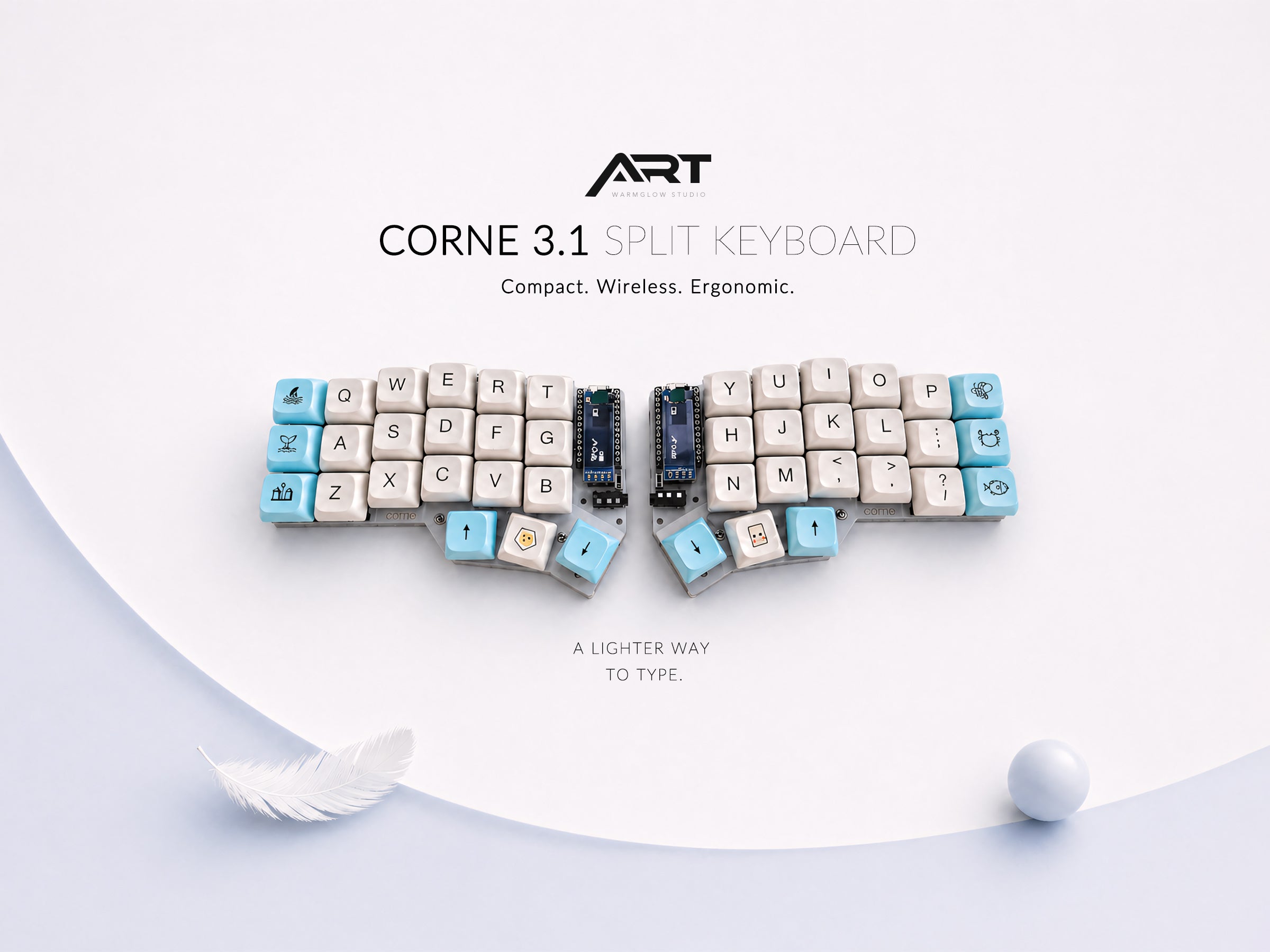
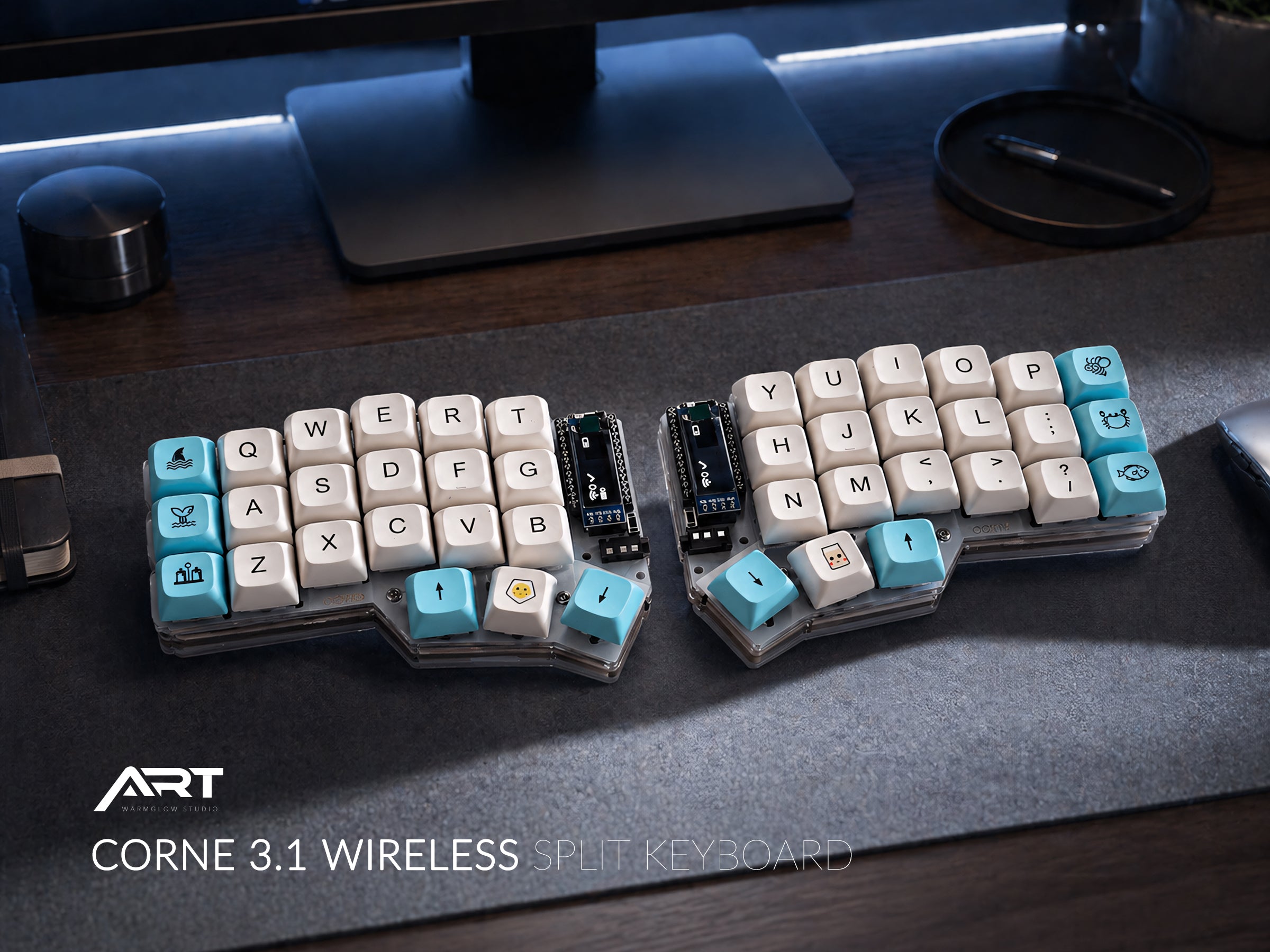
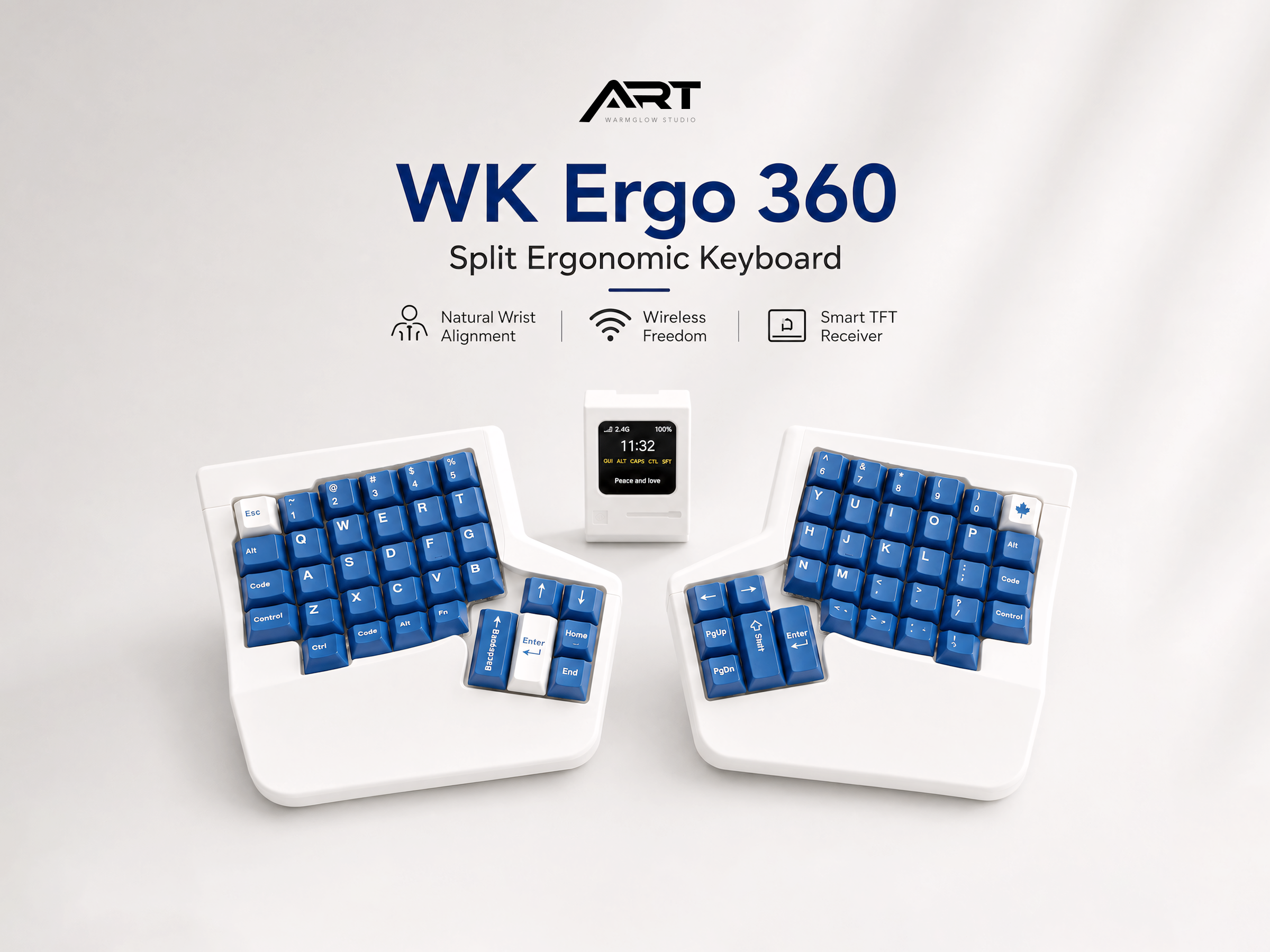
Shop prebuilt, wireless, wired, compact, full-size, and trackball split mechanical keyboards for a more comfortable typing experience.
Top Review
WHAT CUSTOMERS SAY
EASY TO ADAPT
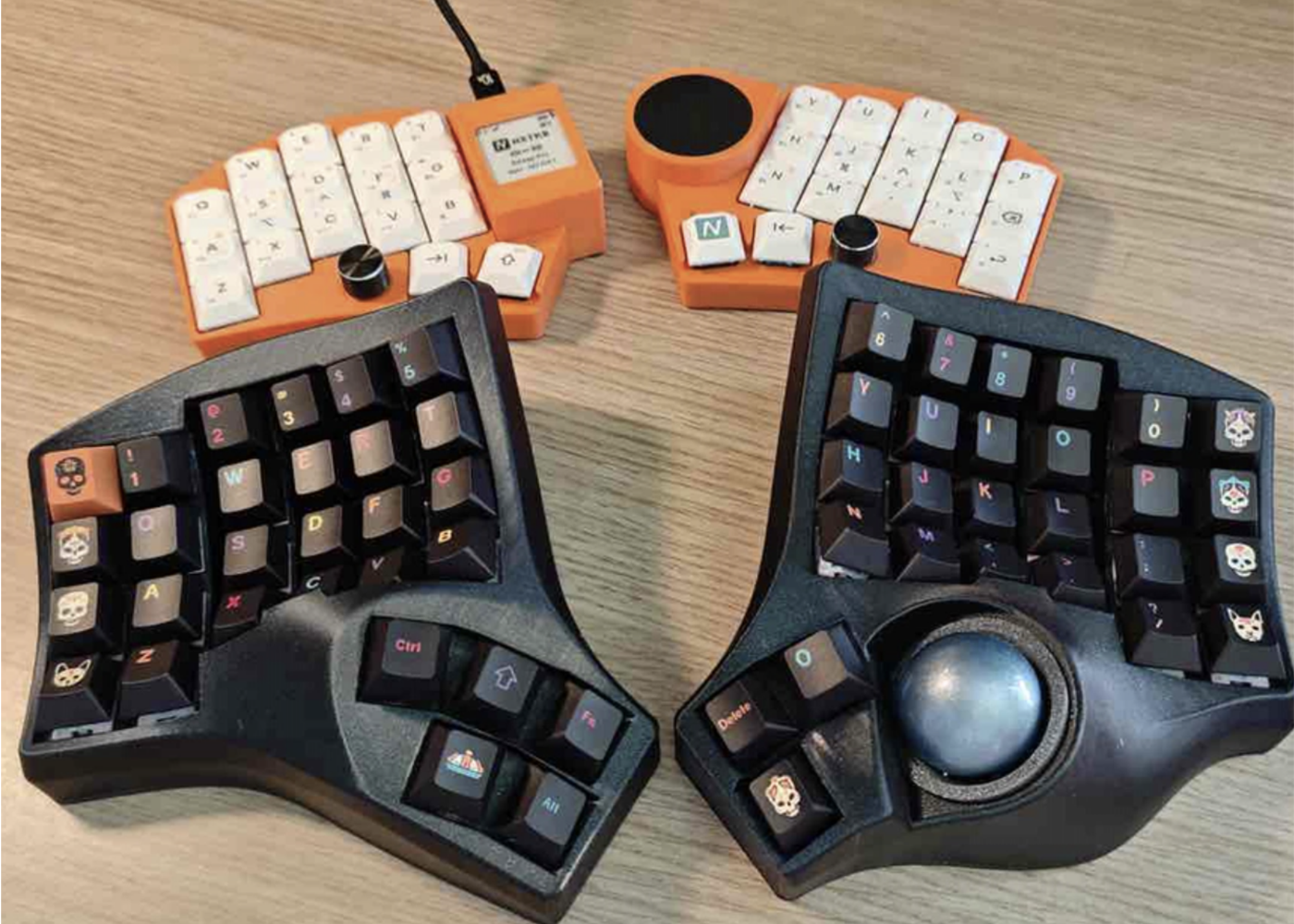
This keyboard is really easy to use, and I got used to it much faster than expected. It doesn’t make switching back to a regular keyboard difficult at all. After about a week, my typing speed felt just as good as on a normal keyboard. Even as a beginner, I’m really enjoying it.
By Lennart
Discover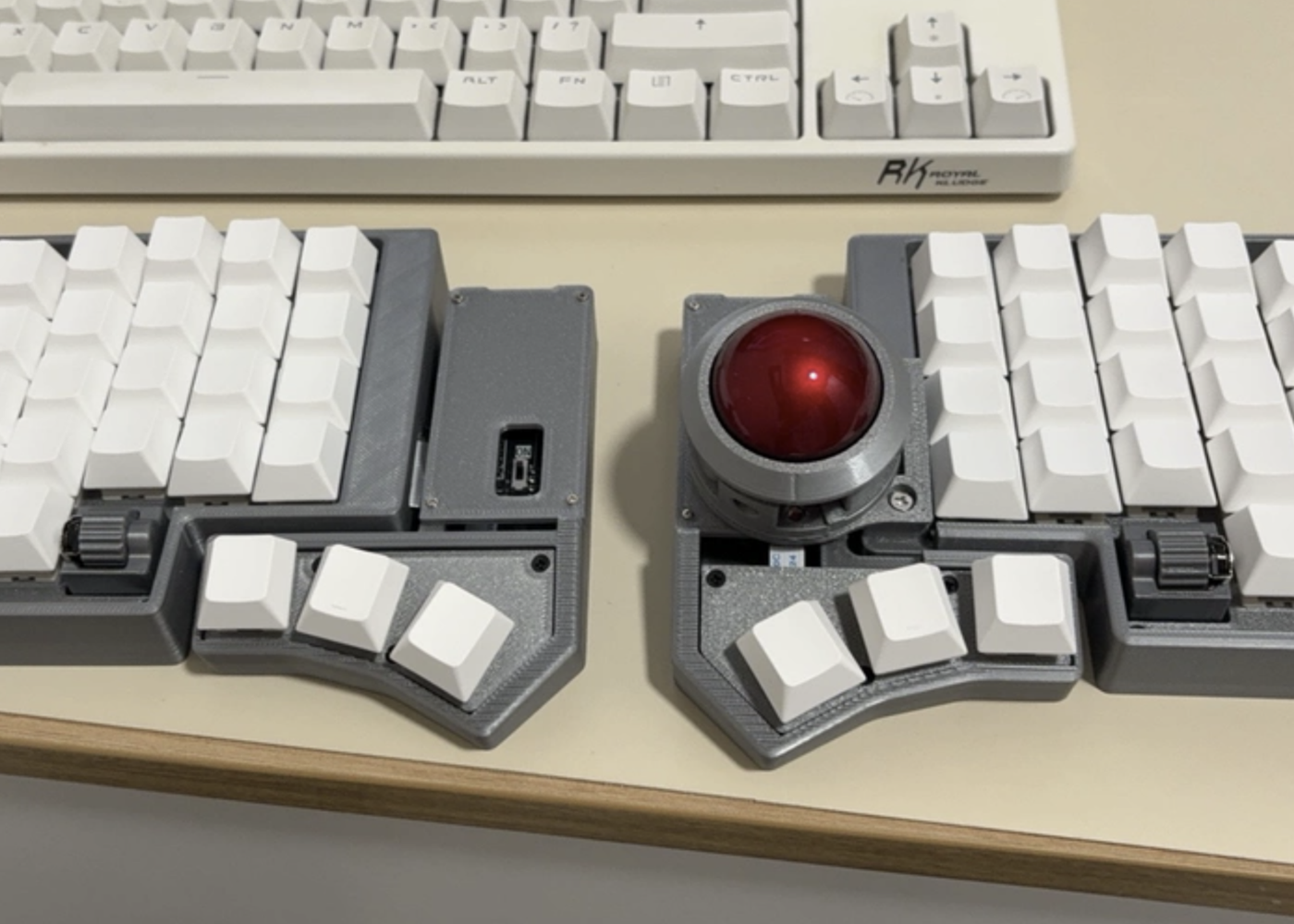
SMOOTH TRACKBALL CONTROL
The keyboard feels great to use, and the trackball is just as smooth as I expected. After a short adjustment period, it can almost replace my mouse for everyday tasks. The split layout also makes the desk feel cleaner and more comfortable for long sessions.
By Mike
Discover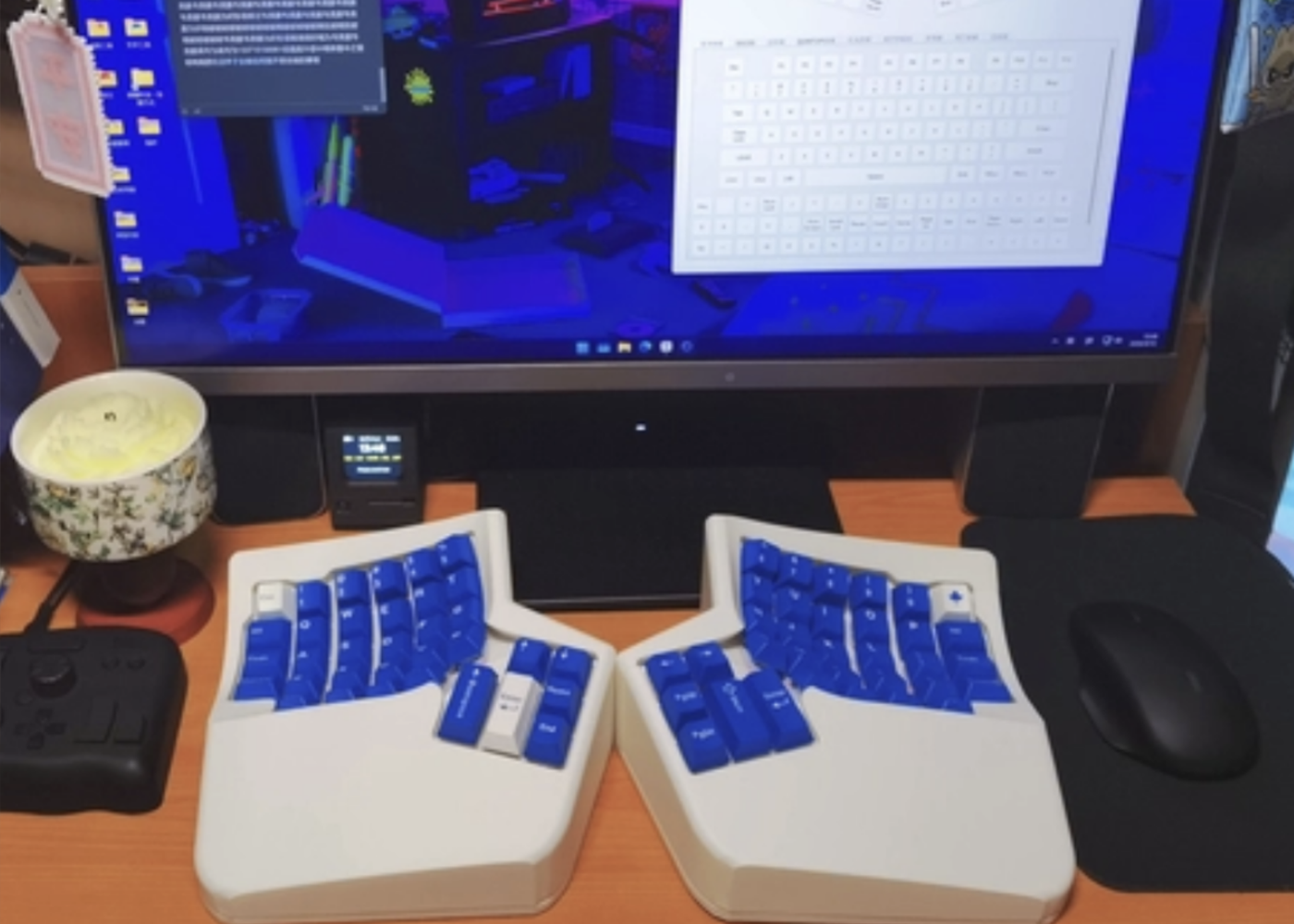
EFFORTLESS TYPING COMFORT
It’s really comfortable for typing. My hands barely need to move while typing — most of the work is just done with my fingers, which feels very natural and relaxed. I also moved the function keys to positions I’m more familiar with, so the overall experience has been really enjoyable.
The small screen shows the current key information, so I don’t really have to worry about forgetting what each remapped key does. After getting used to it, typing on it feels great.
By Lukas
Discover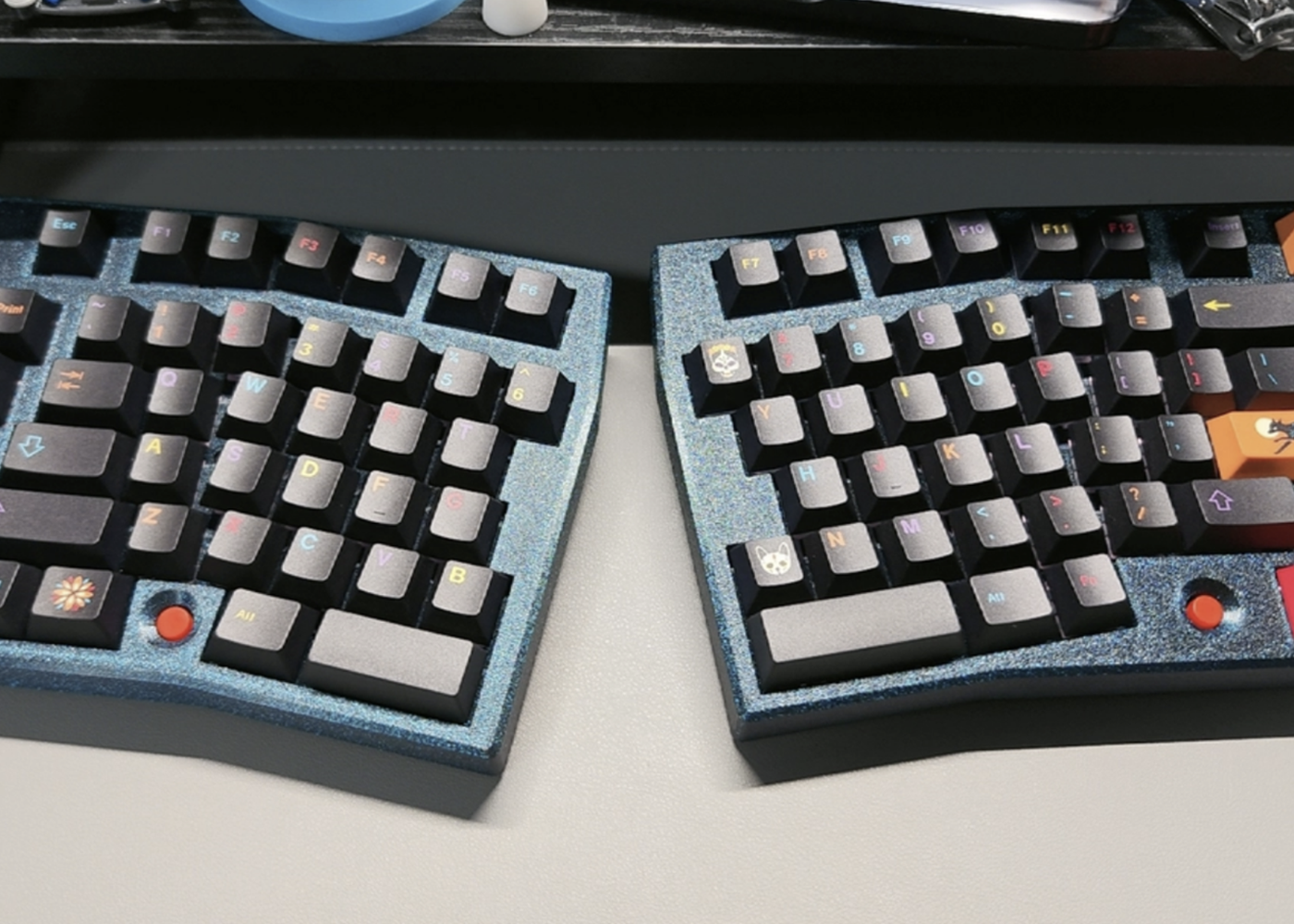
Comfortable for Long Typing Sessions
The battery is small but the standby time is surprisingly good. The split layout is very flexible and feels much more comfortable than a traditional keyboard, especially for long typing sessions. The only thing I’m still getting used to is the Esc key position, and I sometimes hit the lower-left keys by mistake when reaching for Ctrl. The internal structure is simple, so I added some foam myself. With Y3X switches, the sound is quite nice.
By Brain
Discover
HEALTHIER TYPING POSTURE
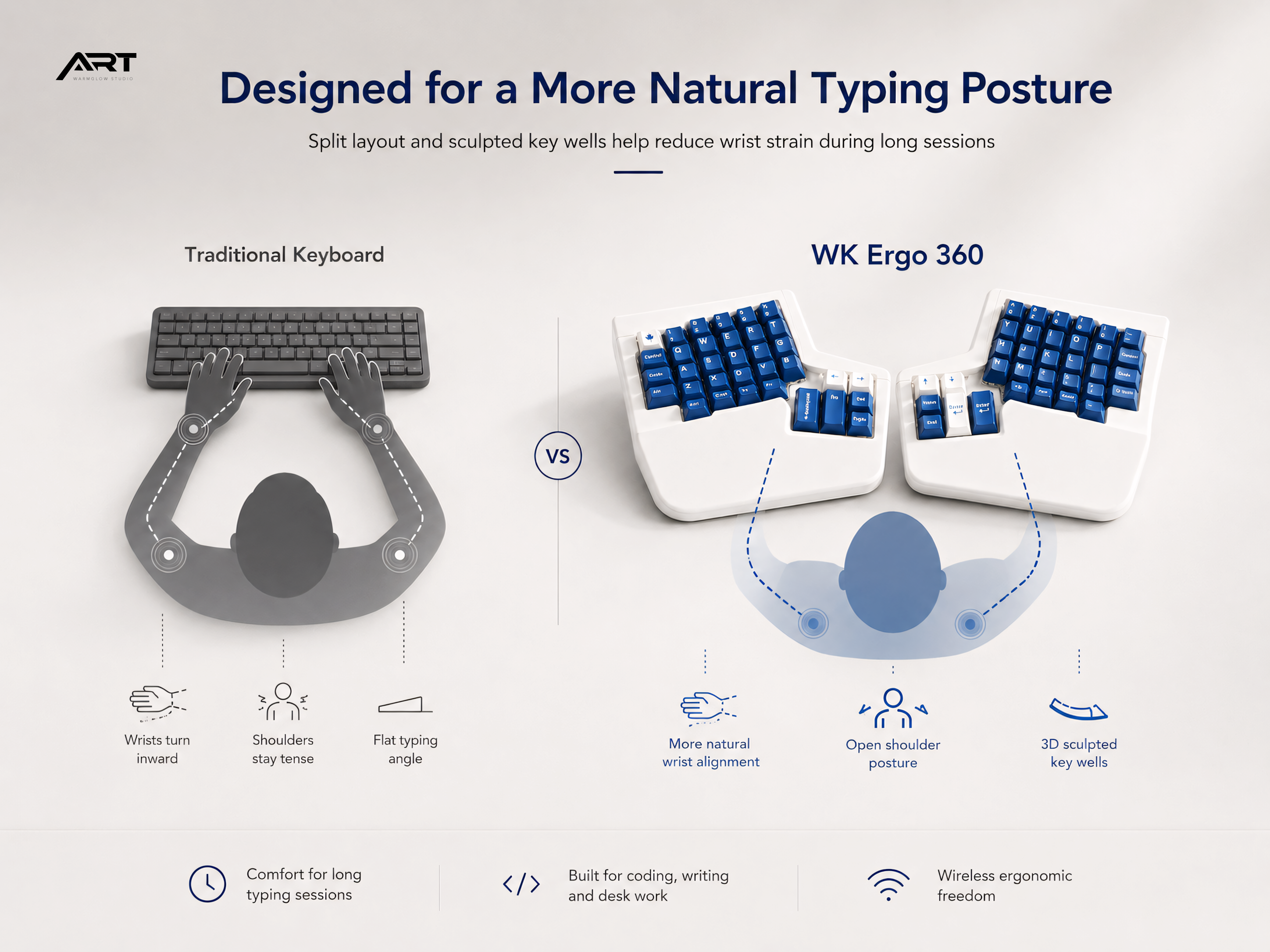
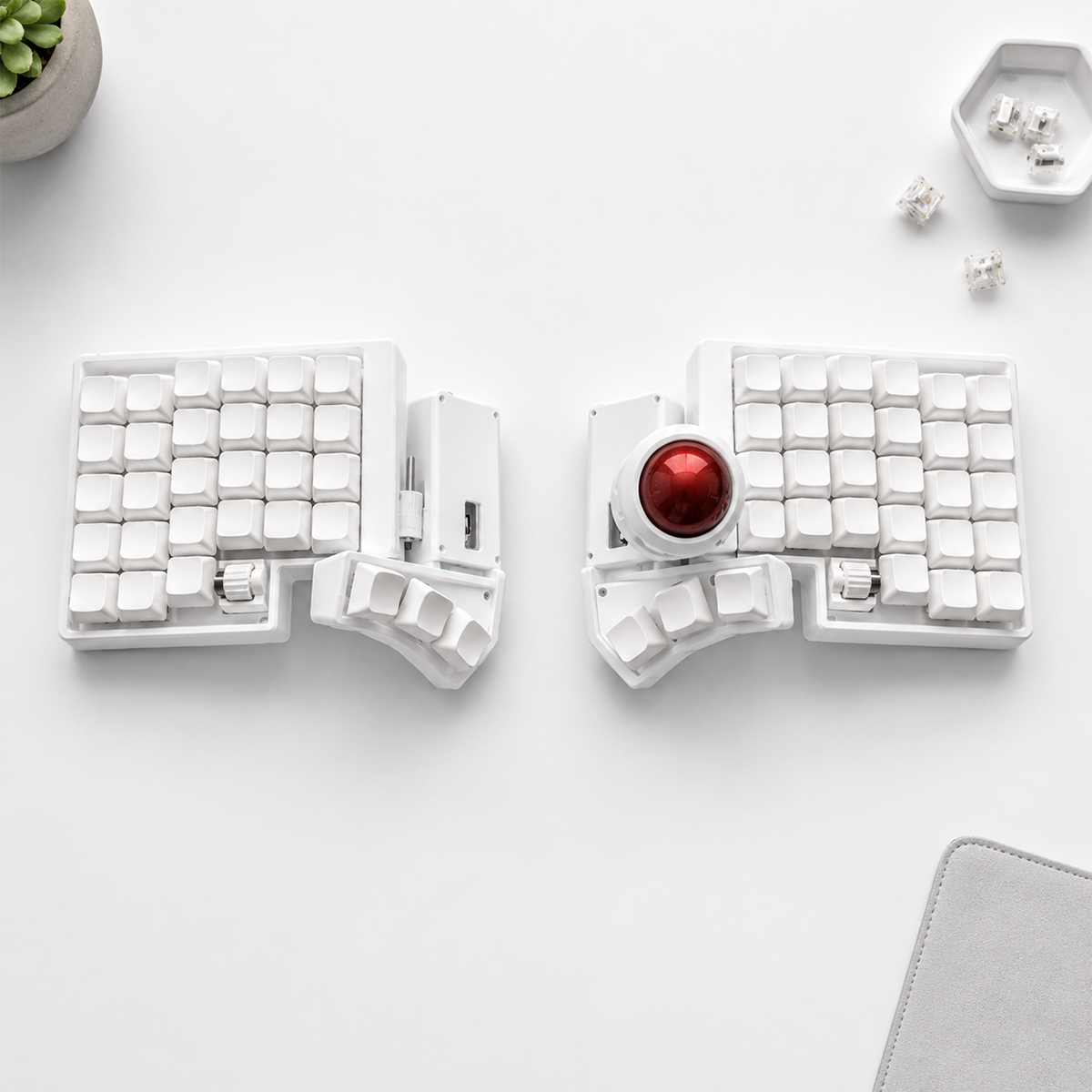
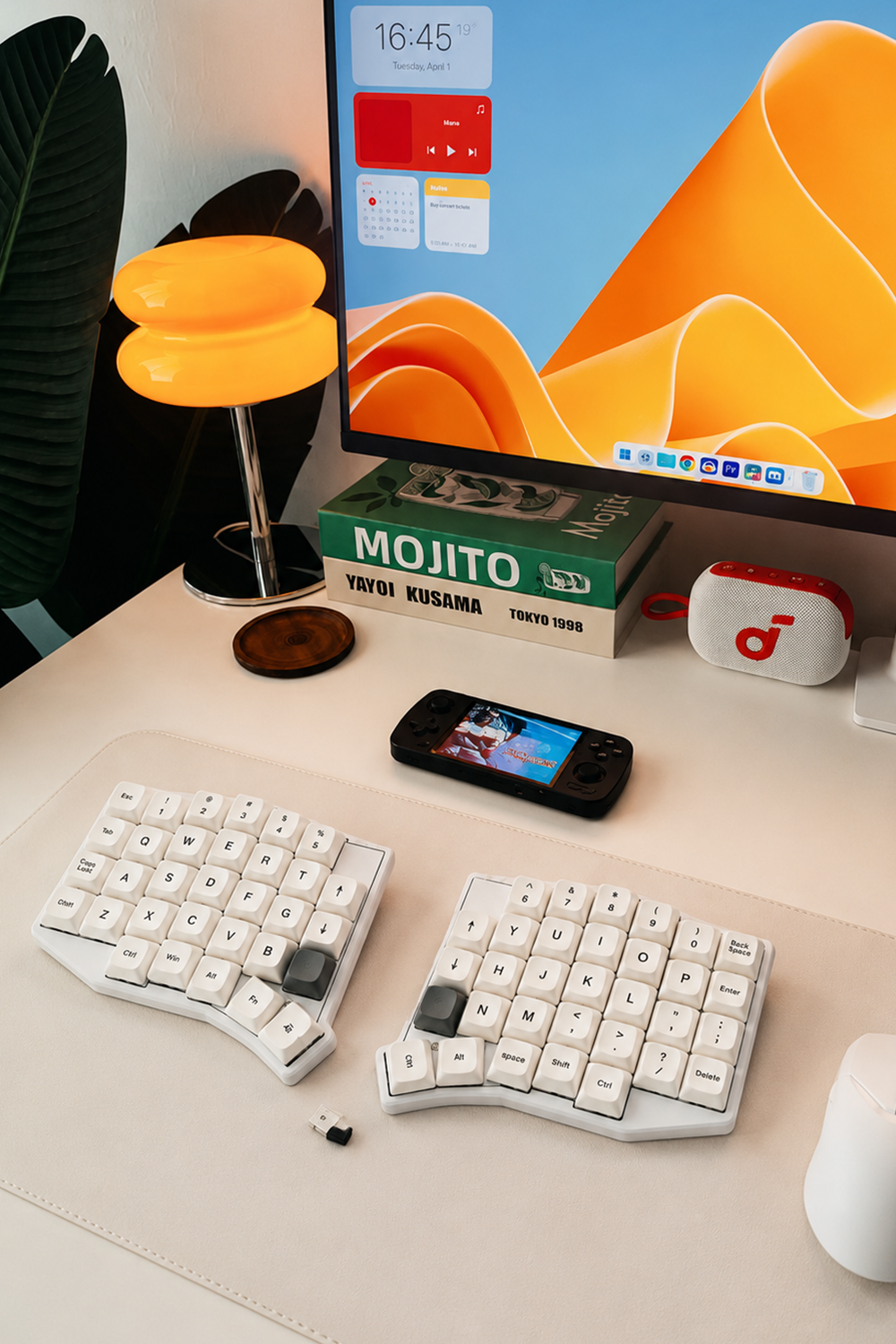
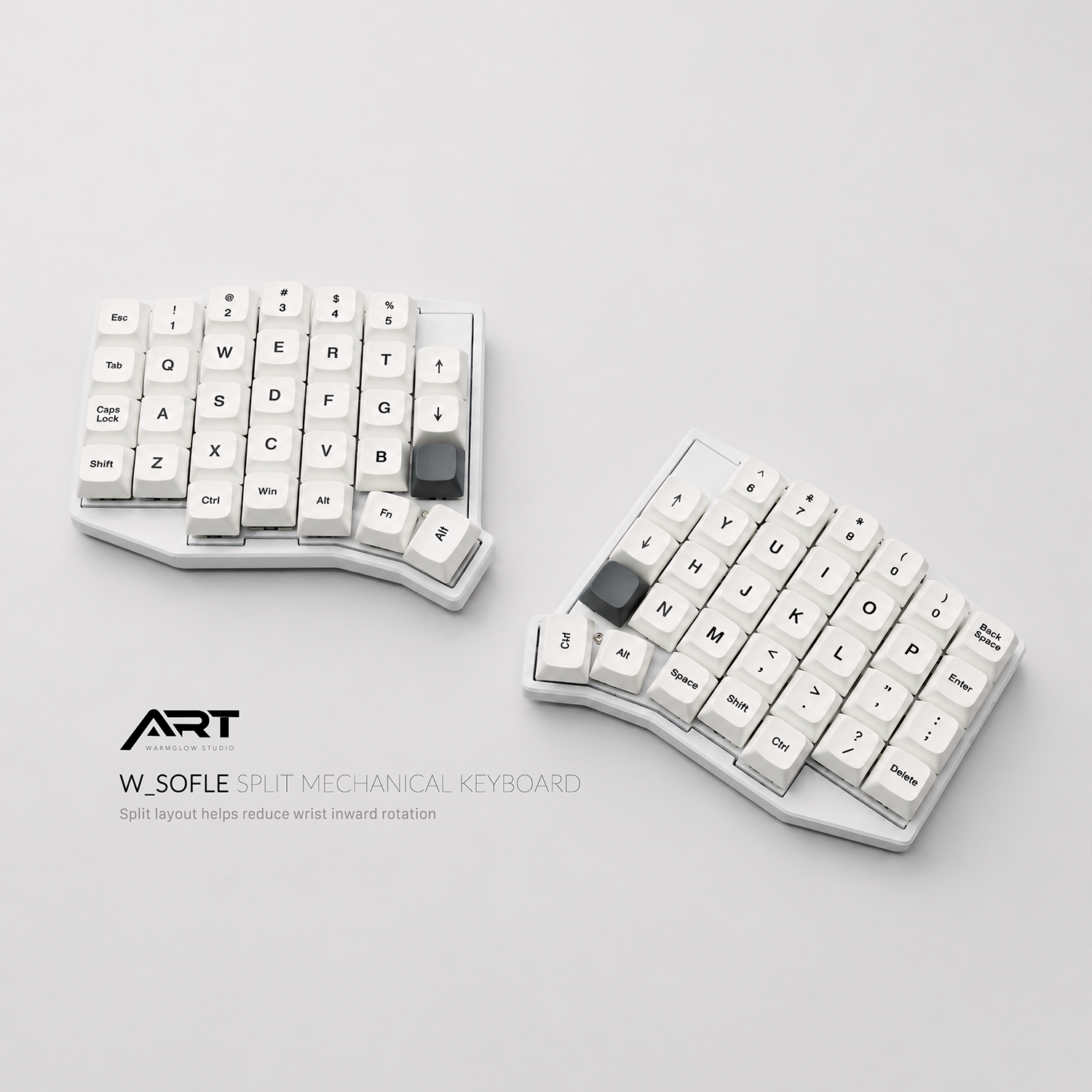
A split layout lets your shoulders stay relaxed and your wrists rest in a more natural position. It helps reduce the cramped feeling of traditional keyboards, especially during long typing sessions.
CONTROL EVERY KEY
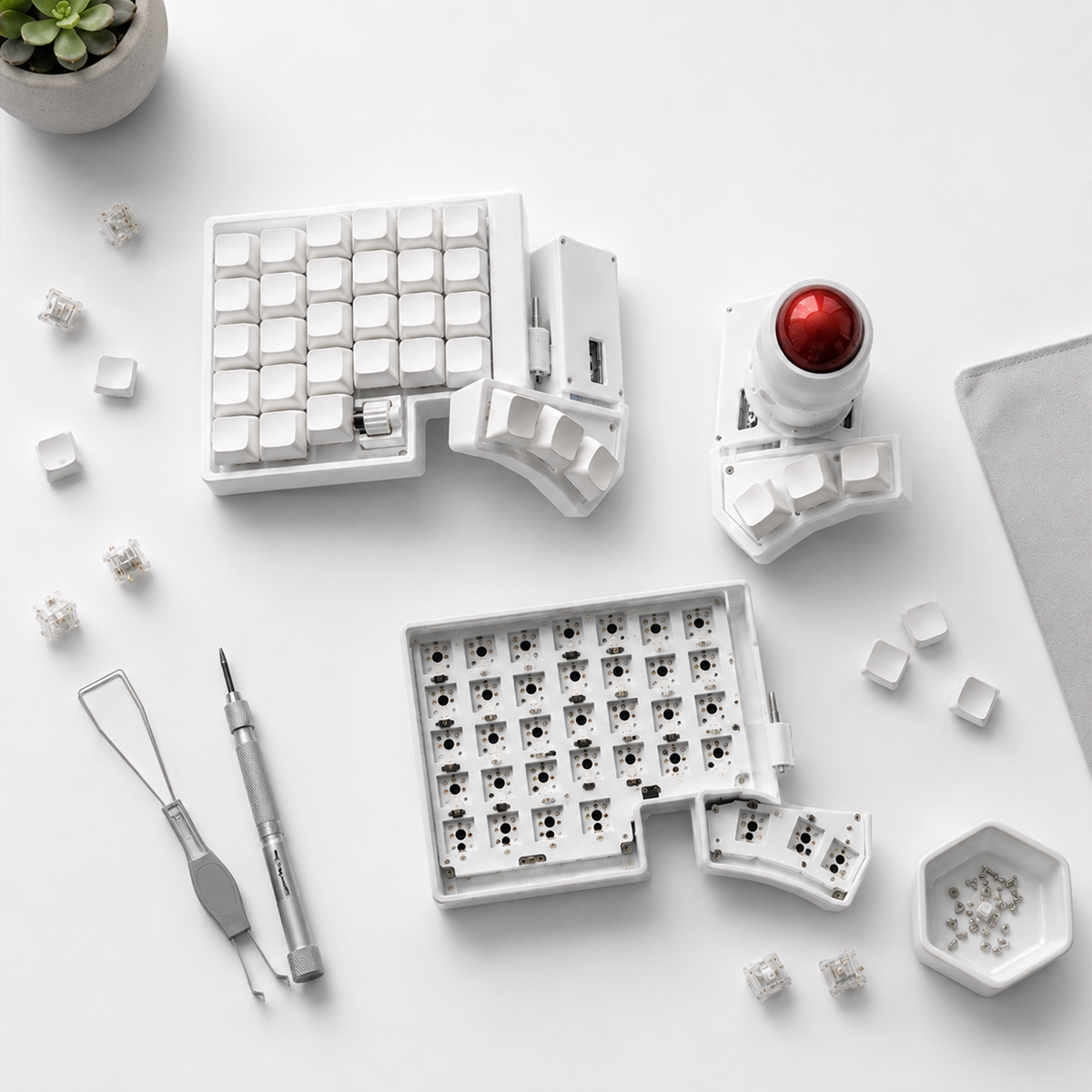
Programmable layers, custom shortcuts, and remappable keys give you full control over your workflow. Whether you are coding, writing, editing, or gaming, the keyboard can adapt to the way you work.
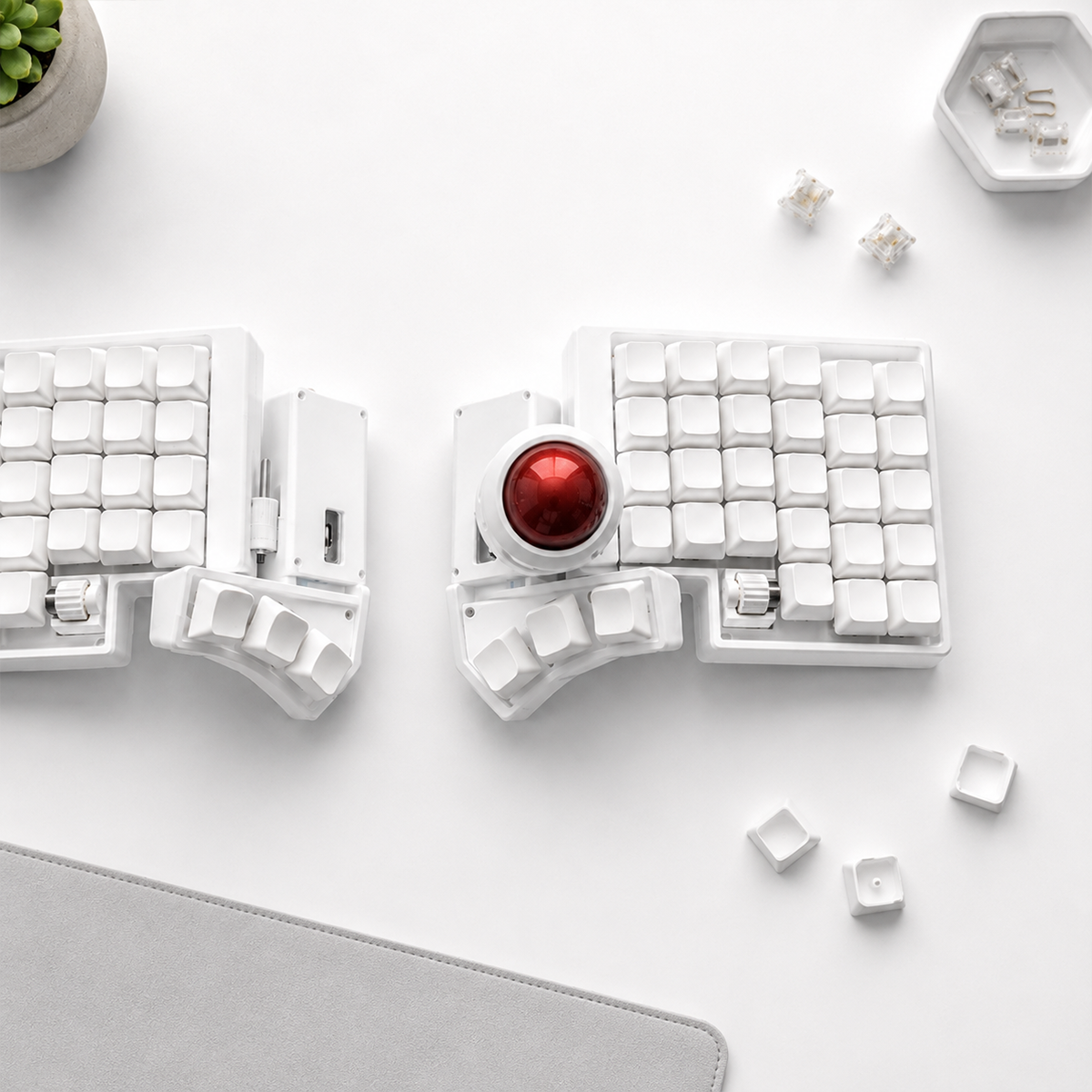
LESS REACHING, MORE FLOW
Trackball and compact split layouts keep everything within reach. You can type, navigate, and control your desk setup with less hand movement, creating a cleaner and more focused workspace.
ABOUT ARTKEEB
ArtKeeb is built around one idea: making daily typing feel more natural.
We focus on split ergonomic keyboards that help your hands rest in a more comfortable position, while giving you the flexibility to choose layouts, switches, keymaps, and build options that fit your workflow.
From compact wireless keyboards to full-size split layouts and trackball variations, every setup is designed for comfort, control, and long-term use.
STAY IN THE LOOP
JOIN THE ARTKEEB LIST
Get early access to new split keyboard releases, exclusive offers, and updates on ergonomic designs built for better typing.
Blog posts
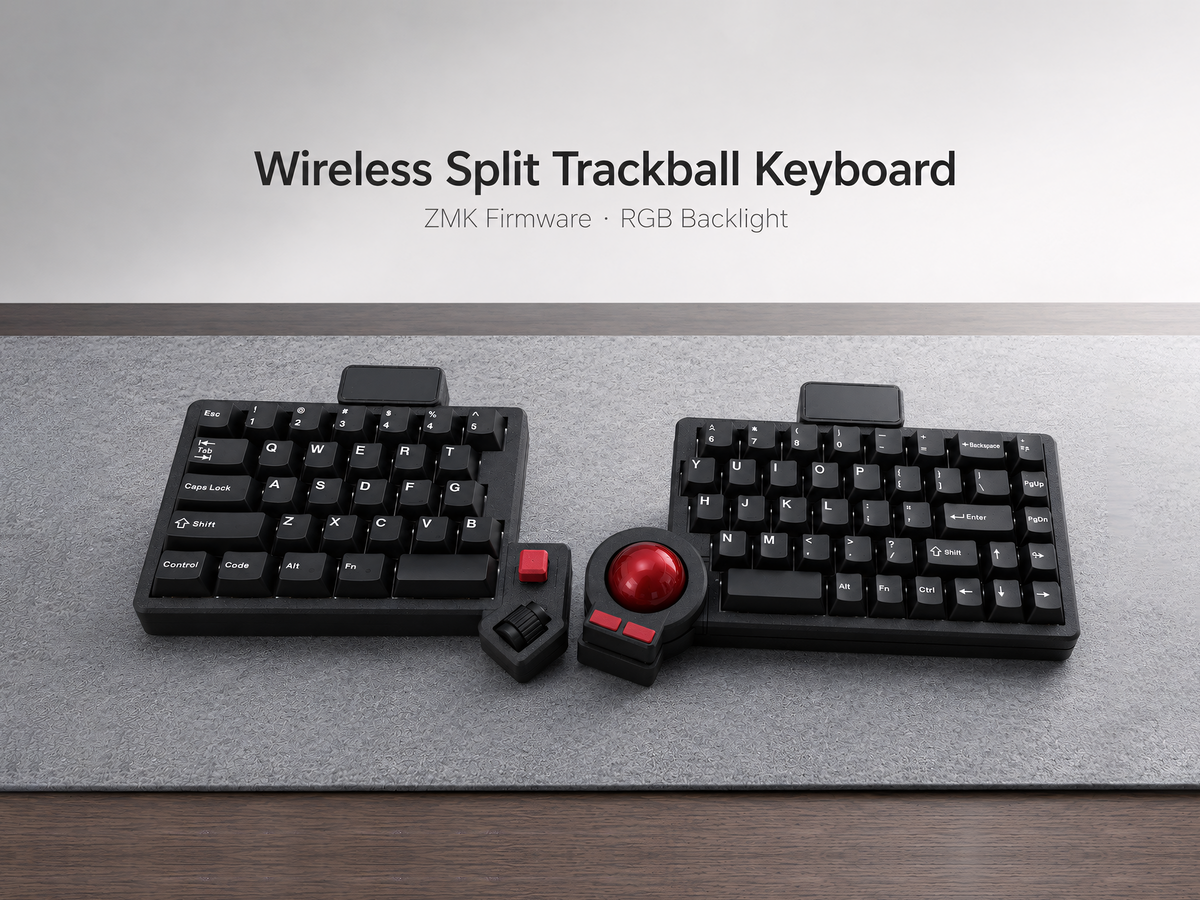
Trackball Keyboard Guide & Buying Hub
Explore practical guides to trackball split keyboards, including layouts, QMK vs ZMK, compatibility, comfort, and prebuilt vs barebone options.
Read more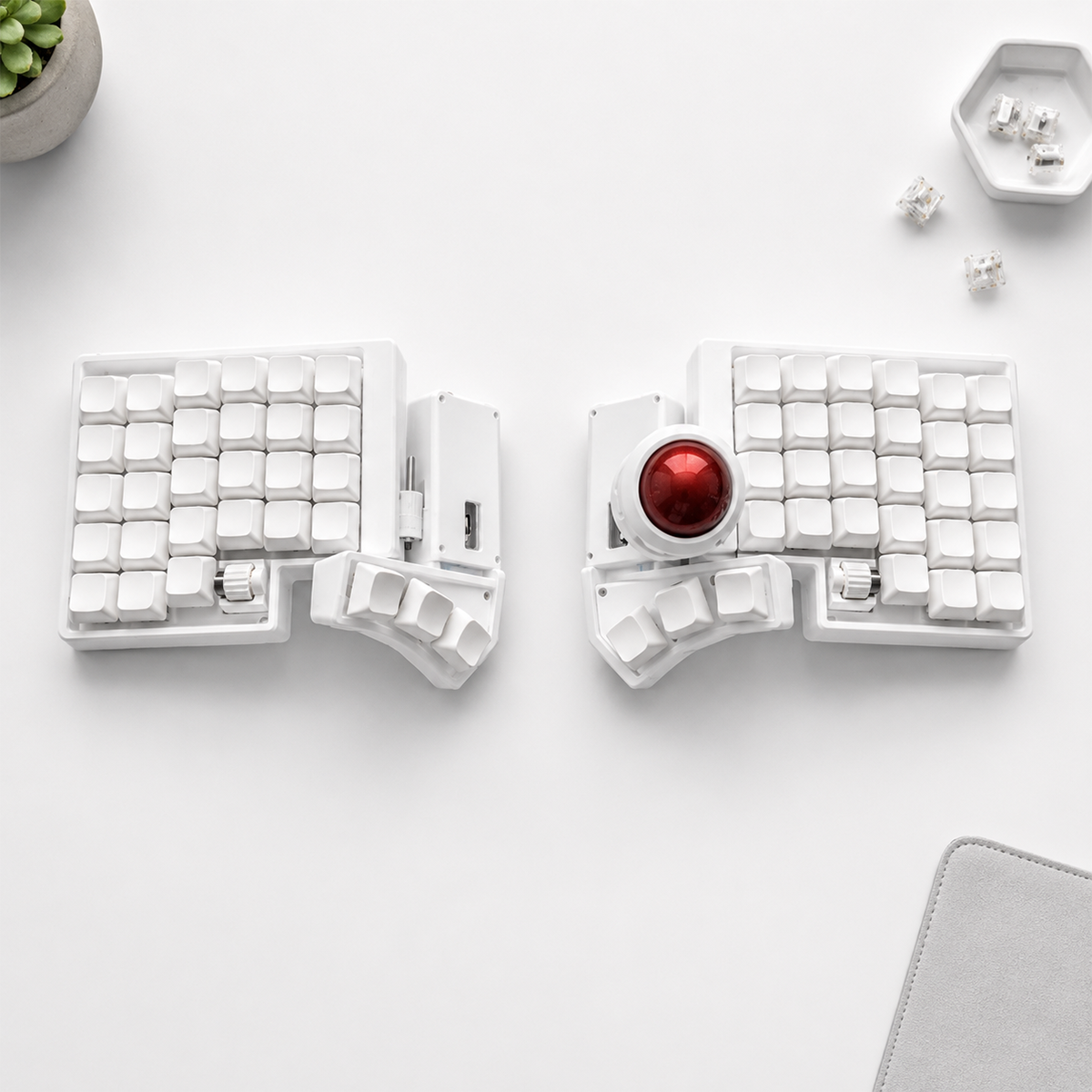
Built-In Trackball vs External Trackball: Which Keyboard Setup Is Better?
Compare integrated and external trackballs by comfort, precision, desk space, portability, and the amount of movement required during daily work.
Read more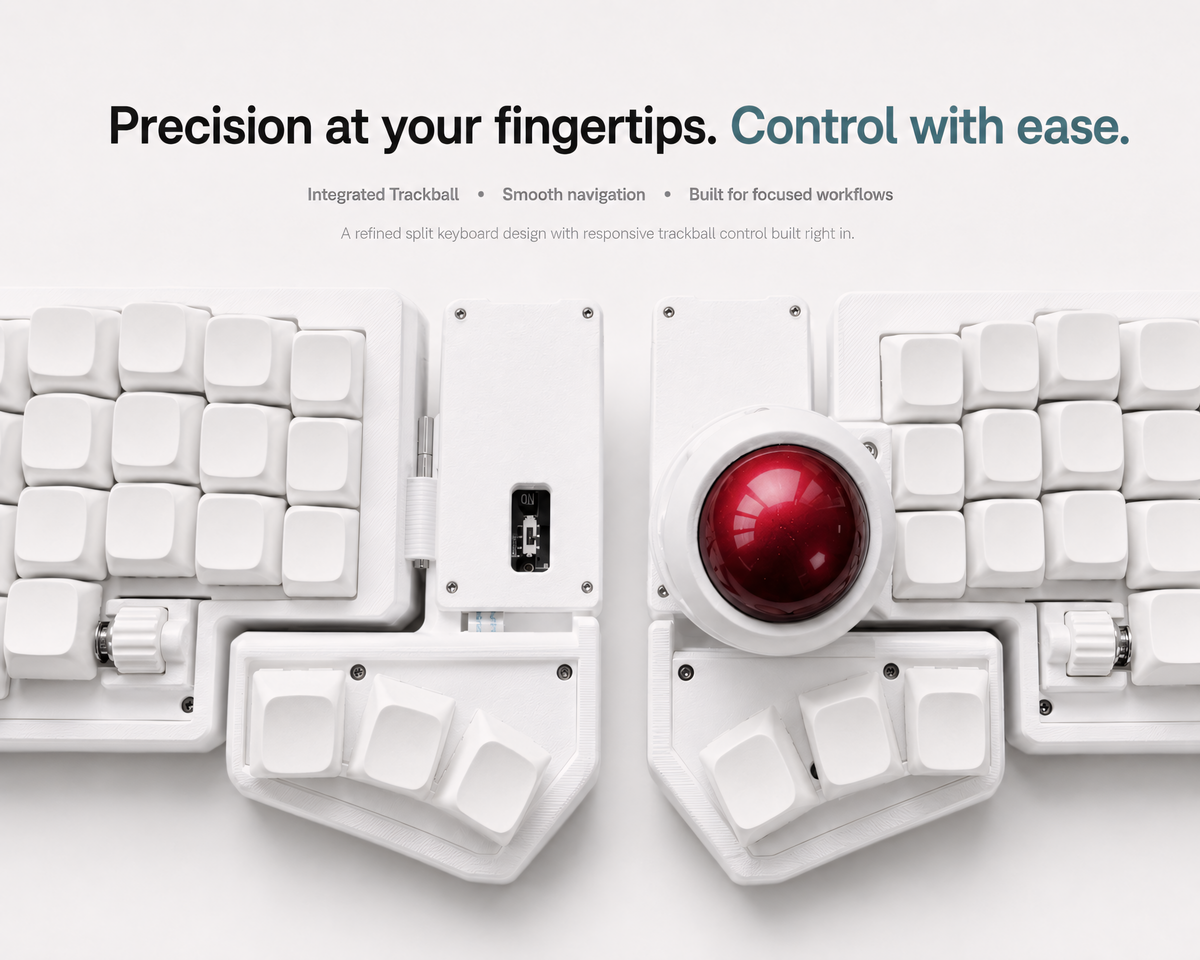
Trackball Split Keyboard for Mac, Windows, and Linux: Compatibility Guide
A compatibility guide to using wired QMK and wireless ZMK trackball split keyboards with macOS, Windows, and Linux computers.
Read more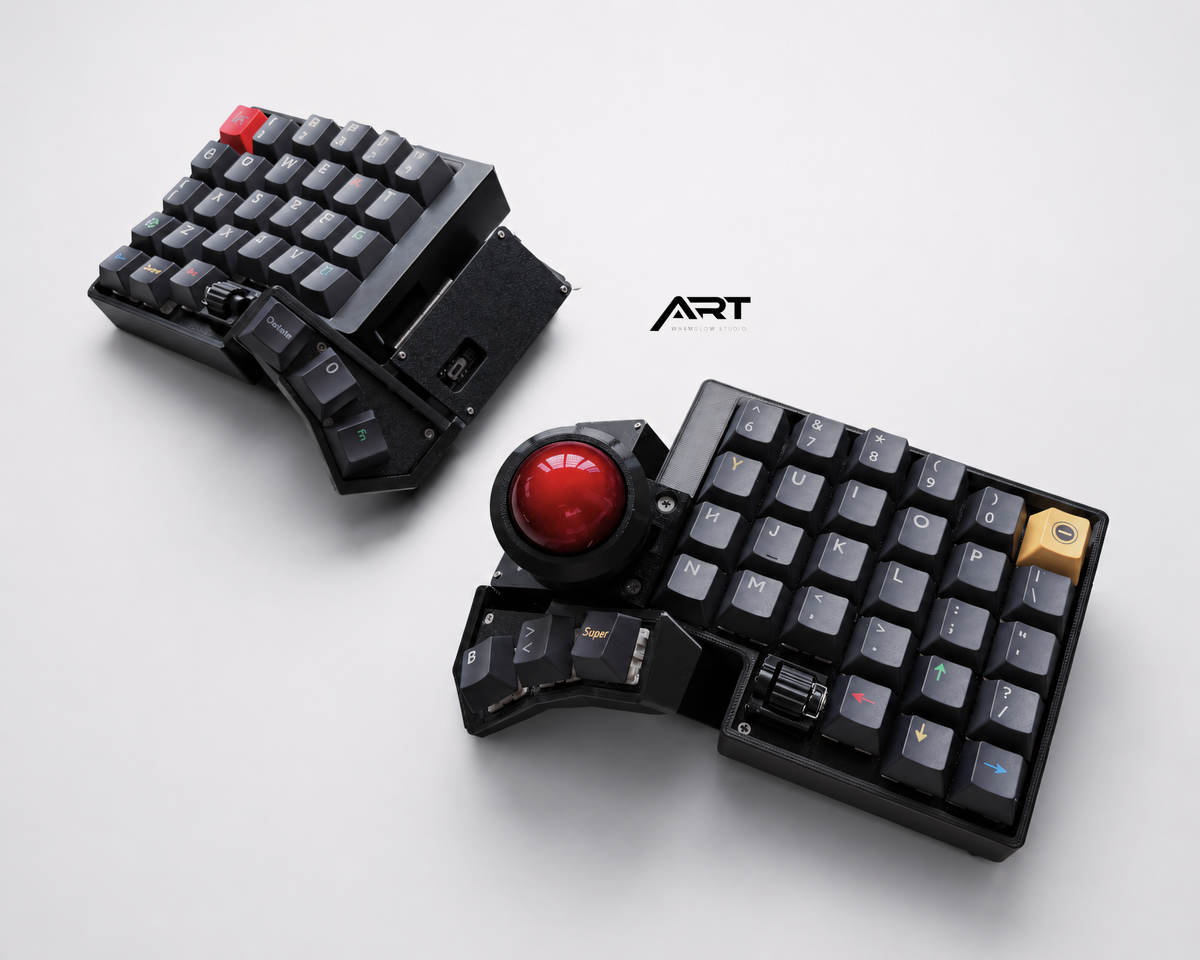
Best Trackball Split Keyboard for Programmers: What Actually Matters
A practical buying guide to trackball split keyboards for coding, focused on layout, firmware, shortcuts, cursor control, and daily reliability.
Read more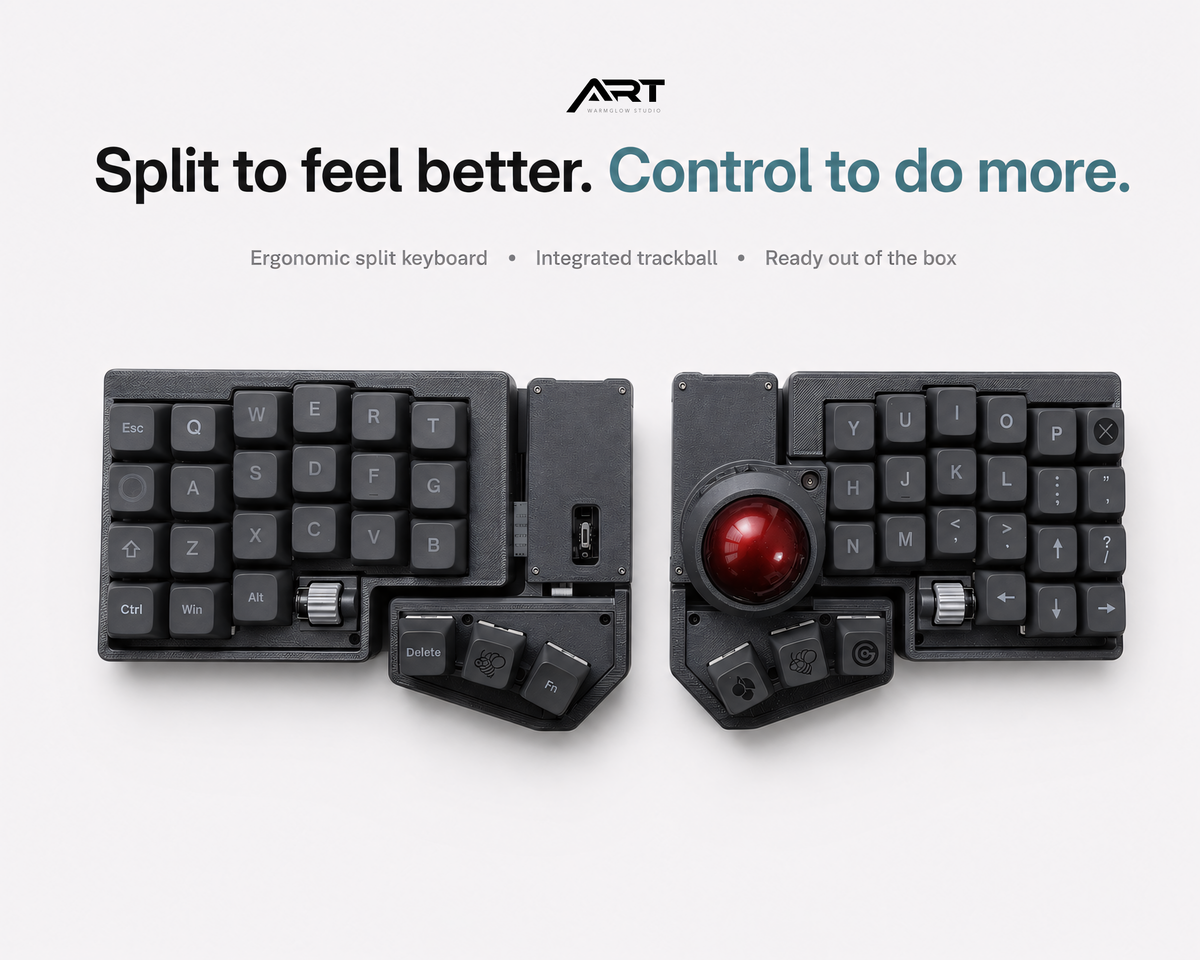
3x6 vs Full-Size Trackball Split Keyboard: Which Layout Fits You?
Compare 3x6 compact and full-size trackball split keyboards by learning curve, key count, desk space, layers, and daily workflow.
Read more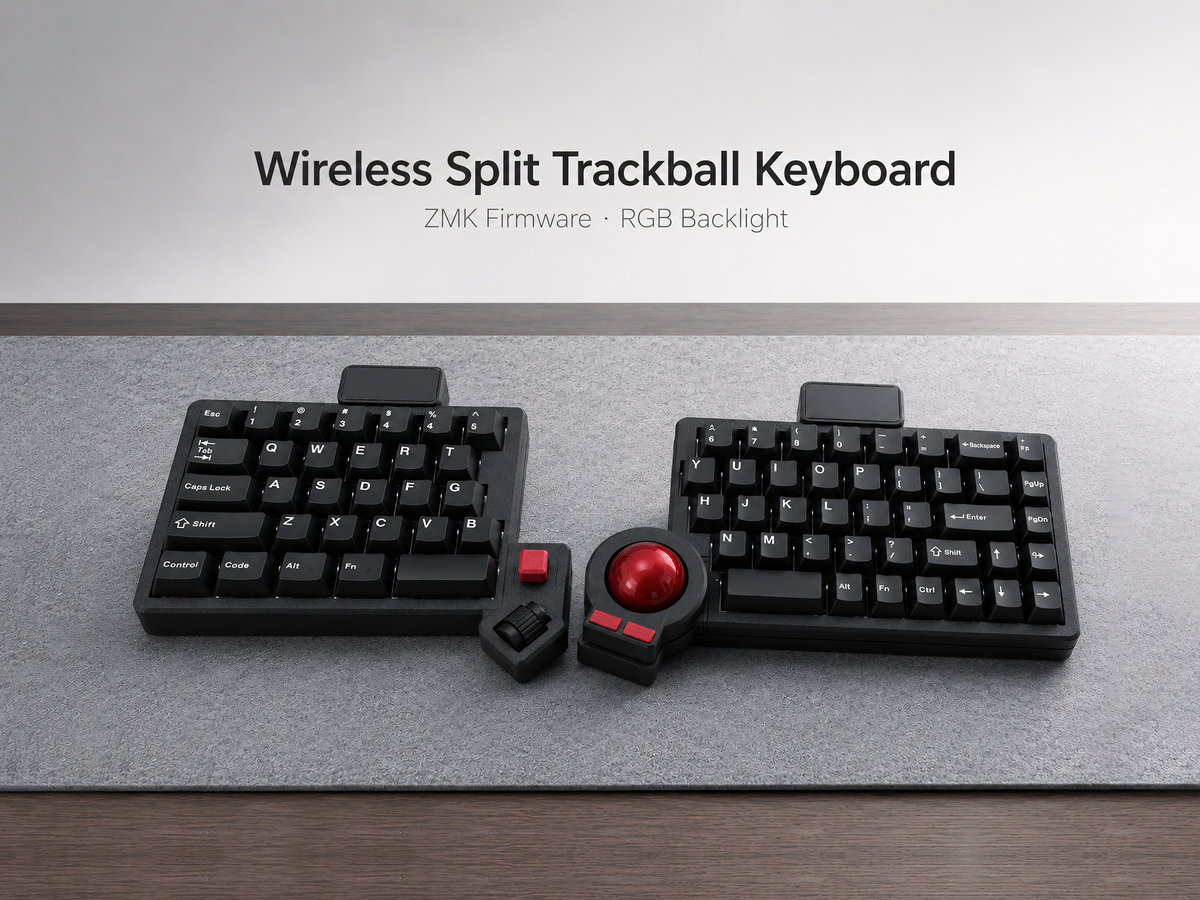
Prebuilt vs Barebone Trackball Split Keyboard: Which Should You Buy?
A practical comparison of prebuilt and barebone trackball split keyboards for first-time buyers and experienced keyboard builders.
Read more