Article: Trackball Keyboard Guide & Buying Hub
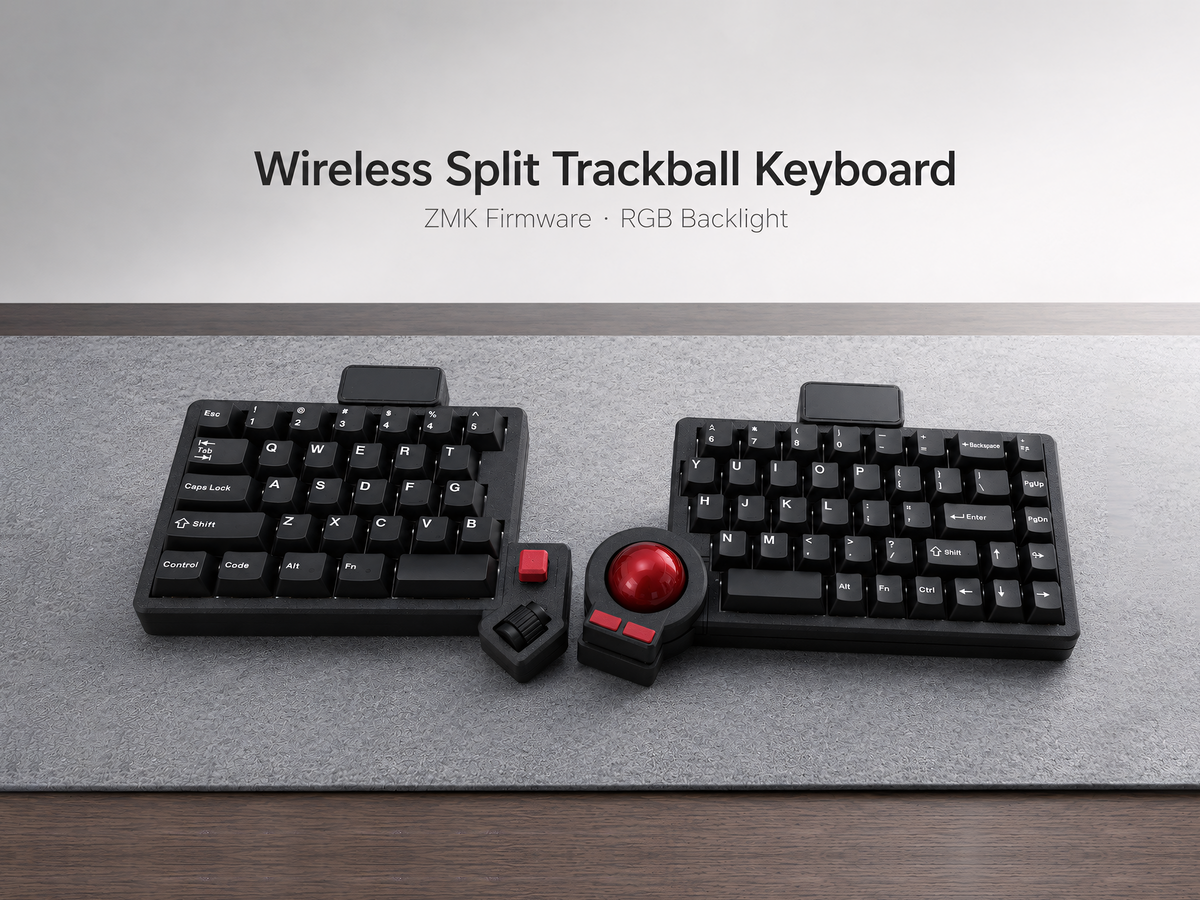
Trackball Keyboard Guide & Buying Hub
Everything you need to choose, understand, and use a split keyboard with a built-in trackball. Start with the fundamentals, compare layouts and firmware, then explore a keyboard that fits your workflow.
Begin with our honest overview, then use the buying guides below to narrow down layout, connectivity, and build options.
Start Here
Are Trackball Split Keyboards Worth It?
An honest look at comfort, desk space, learning curve, precision, and who benefits most from integrated cursor control.
Built-In vs External Trackball
Compare hand movement, portability, positioning flexibility, desk space, and the trade-offs of each setup.
Choose the Right Trackball Keyboard
A trackball keyboard combines typing and pointer control, but layout and firmware still determine how the board feels day to day. These guides answer the most important buying questions.
3×6 vs Full-Size
Understand the trade-off between a compact layer-based layout and direct access to more physical keys.
Prebuilt vs Barebone
Decide whether you want a tested, ready-to-use keyboard or a platform for your own switches and keycaps.
Mac, Windows & Linux
Learn what to expect from QMK/VIA and ZMK keyboards across the three major desktop operating systems.
Guides by Use Case
For Programmers
Focus on layers, shortcuts, remapping, cursor control, firmware, and reliability for long coding sessions.
For Wrist Comfort
See how split positioning and reduced mouse reach may support a more comfortable setup—and where expectations should remain realistic.
How to Choose in Three Steps
- Choose your layout. A 3×6 board minimizes reach and desk space but relies more heavily on layers. A larger layout gives you more dedicated keys and usually has a gentler learning curve.
- Choose your firmware and connection. QMK/VIA is a strong choice for wired remapping and advanced customization. ZMK is designed around efficient wireless split keyboards and Bluetooth workflows.
- Choose prebuilt or barebone. Select prebuilt if you want a tested keyboard that is ready to use. Choose barebone if you already have compatible switches and keycaps or want more control over the final feel.
Trackball Keyboard FAQ
What is a trackball split keyboard?
It is a split mechanical keyboard with a trackball built into one half. The goal is to keep pointer control close to the typing position so you can navigate without repeatedly reaching for a separate mouse.
Is there a learning curve?
Yes. The adjustment depends on the layout, key count, thumb cluster, and whether you already use keyboard layers. A compact 3×6 layout generally requires more adaptation than a larger layout. Trackball speed and acceleration may also need tuning.
Should I choose wired QMK or wireless ZMK?
Choose wired QMK/VIA if you prioritize a stable wired connection and convenient key remapping. Choose wireless ZMK if Bluetooth, cable-free positioning, and power efficiency are more important to your setup.
Can a built-in trackball replace a mouse?
For browsing, writing, coding, and general office work, many users can handle most pointer tasks with a built-in trackball. Precision-heavy creative work or gaming may still benefit from a separate pointing device.
Are the keyboards ready to use?
Prebuilt versions are assembled, flashed, and tested before shipping. Barebone versions are intended for buyers who want to supply compatible switches and keycaps. Always check the exact “included” list on the product page.
Explore Trackball Split Keyboards
Compare compact, full-size, wired QMK, and wireless ZMK models with built-in cursor control.
Shop Trackball Keyboards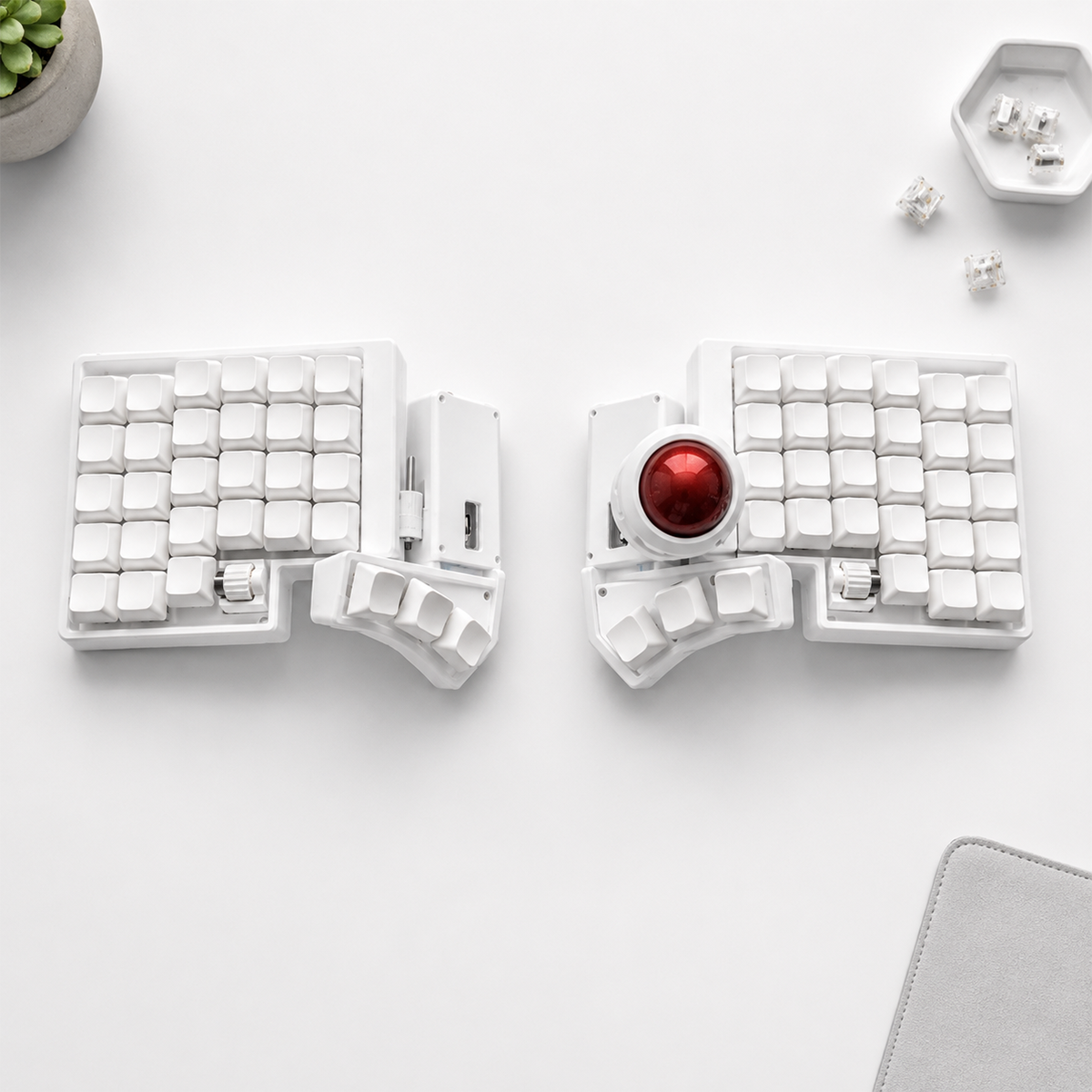

Leave a comment
This site is protected by hCaptcha and the hCaptcha Privacy Policy and Terms of Service apply.