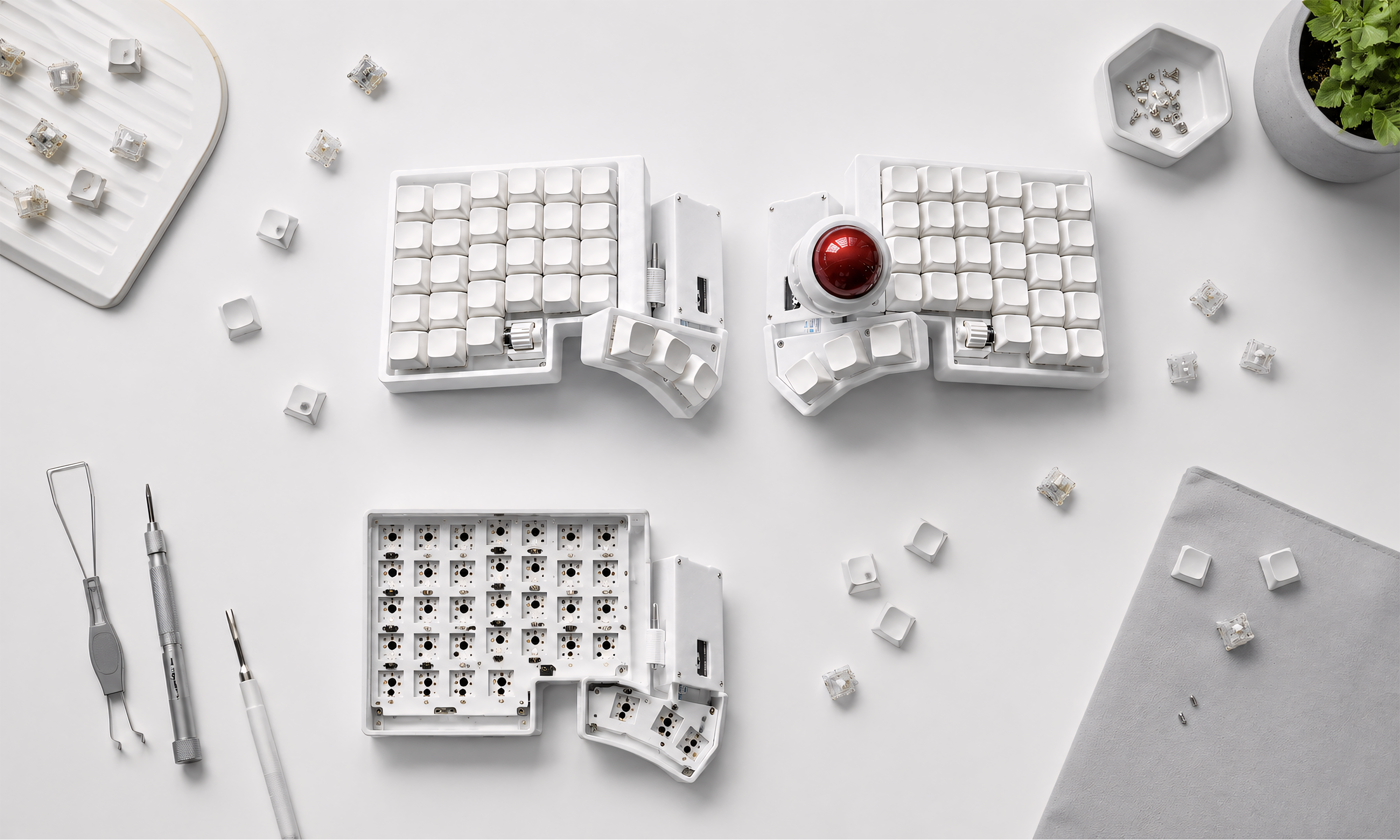
Trackball Split Keyboard for Wrist Pain: Does It Actually Help?
Meta description: Wrist or forearm pain from typing? Here's an honest look at why split keyboards with a built-in trackball are designed around this exact problem — and what they can't fix.
This isn't medical advice — just an honest look at the mechanics of why this setup helps some people and what it can't do. If your pain is severe or persistent, please see a doctor or physical therapist before changing your setup.
If you've searched something like "wrist hurts when typing" or "forearm pain from typing," you already know the pain isn't really coming from the keys themselves. It's usually coming from everything around typing — the constant reaching for a mouse, the wrists bent inward on a standard keyboard, the same repetitive motion for hours a day. A split keyboard with a built-in trackball is designed specifically around removing those three stress points. Let's go through why, honestly.
Why a standard keyboard + mouse setup causes this in the first place
A few things stack up over a normal workday:
- Ulnar deviation. On a standard keyboard, your wrists angle inward toward each other to reach the center of the board. Held for hours, that inward bend puts steady strain on the tendons running through your wrist.
- Constant reaching. Every time you move from keyboard to mouse and back, your shoulder and forearm make a small repetitive motion — dozens, sometimes hundreds of times an hour. It's a small movement, but it adds up the same way any repetitive strain does.
- Mouse grip tension. Gripping and moving a mouse for extended periods keeps your forearm muscles engaged in a way that rarely fully relaxes, even during "idle" moments between clicks.
None of these are dramatic on their own. The problem is they're constant, and constant low-grade strain is exactly what tends to show up as wrist, forearm, or shoulder pain by the end of a long work day.
How a split trackball keyboard addresses each one
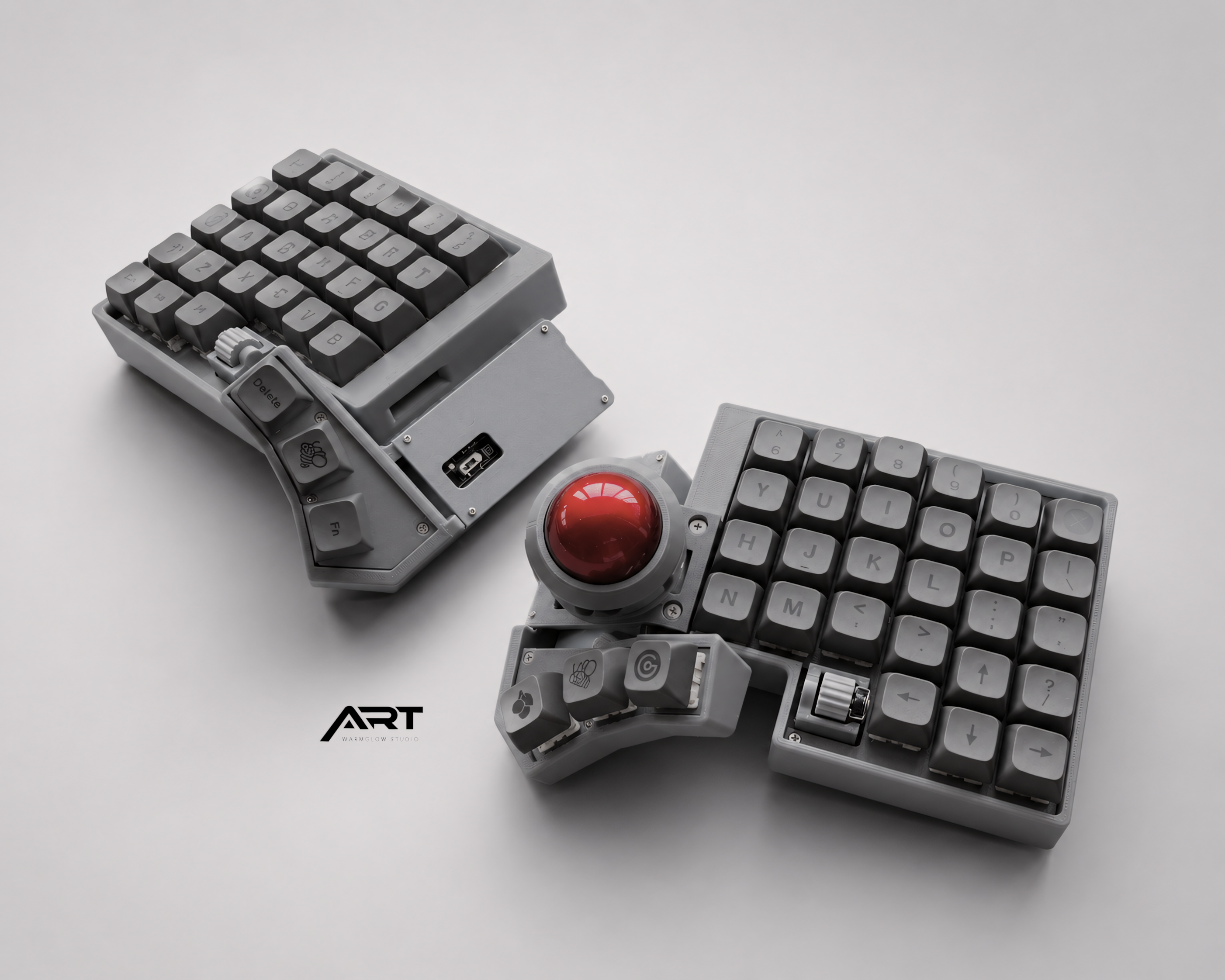
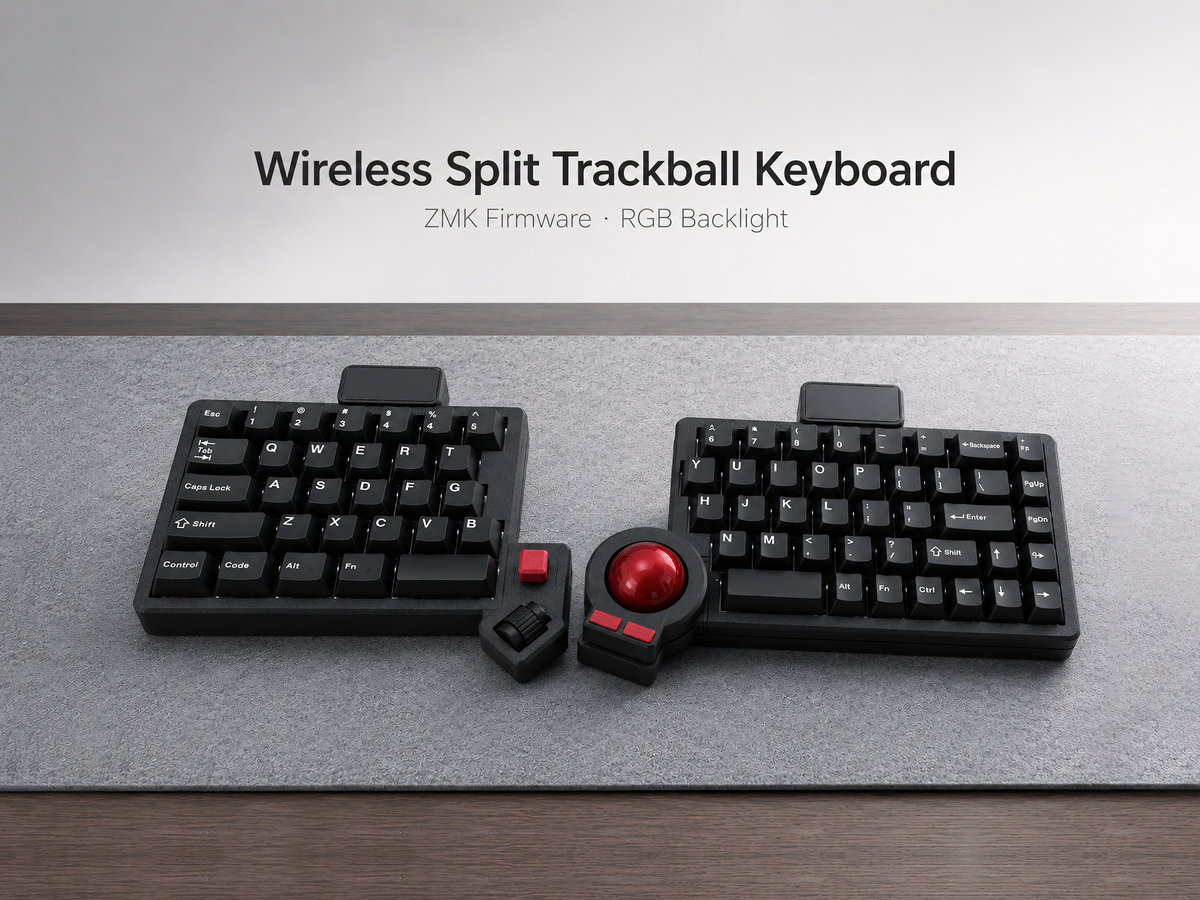
Split layout → wrists stay straight. Because the two halves separate, you position each hand at shoulder width instead of angling inward. Your wrists can stay in a neutral, straight position instead of bending toward the center.
Trackball at the thumb → no more reaching. The trackball sits at your thumb cluster, in the same resting position as your hands while typing. Cursor movement happens without your hand ever leaving the keyboard, which removes the repetitive reach-and-return motion entirely.
Less forearm tension. Rolling a trackball with your thumb uses a different, smaller set of muscles than gripping and dragging a mouse across a pad. For a lot of people, this alone reduces the "tight forearm" feeling by the end of the day.
What this setup won't fix
Being honest matters more here than anywhere else on this page, because this isn't just a productivity purchase — it's about your body.
- It won't undo an existing injury overnight. If you already have diagnosed RSI, carpal tunnel, or tendonitis, a new keyboard is a change in tool, not a treatment. Please talk to a doctor or physical therapist about your specific situation.
- It won't fix bad posture elsewhere. Wrist pain is often part of a bigger picture that includes chair height, monitor position, and overall desk setup. A better keyboard helps one piece of that picture, not all of it.
- There's an adjustment period. Any new input device asks your hands to learn something new, which can feel slightly awkward for the first couple of weeks — not painful, but unfamiliar. If you're in acute pain right now, that adjustment period is worth discussing with a professional first.
Who tends to notice the biggest difference
In practice, the people who report the clearest improvement are usually those who:
- Type for several hours a day, most days of the week
- Already suspected their pain was reach- or posture-related, not from an acute injury
- Have tried adjusting other parts of their desk setup (chair, monitor height) without full relief
If that sounds like you, a split keyboard with a built-in trackball is worth trying — not as a medical fix, but as a genuine change to how your hands and wrists move through a normal workday.
See the Wireless Split Trackball Keyboard →
Prebuilt, pre-flashed, and ready to use — no soldering or firmware setup required, so you can focus on whether the ergonomics actually help.
Not sure if this fits your situation? Reach out — happy to answer questions before you buy. And if your pain is significant, please loop in a doctor or physical therapist alongside any equipment change.

Leave a comment
This site is protected by hCaptcha and the hCaptcha Privacy Policy and Terms of Service apply.