Built-In Trackball vs External Trackball: Which Keyboard Setup Is Better?
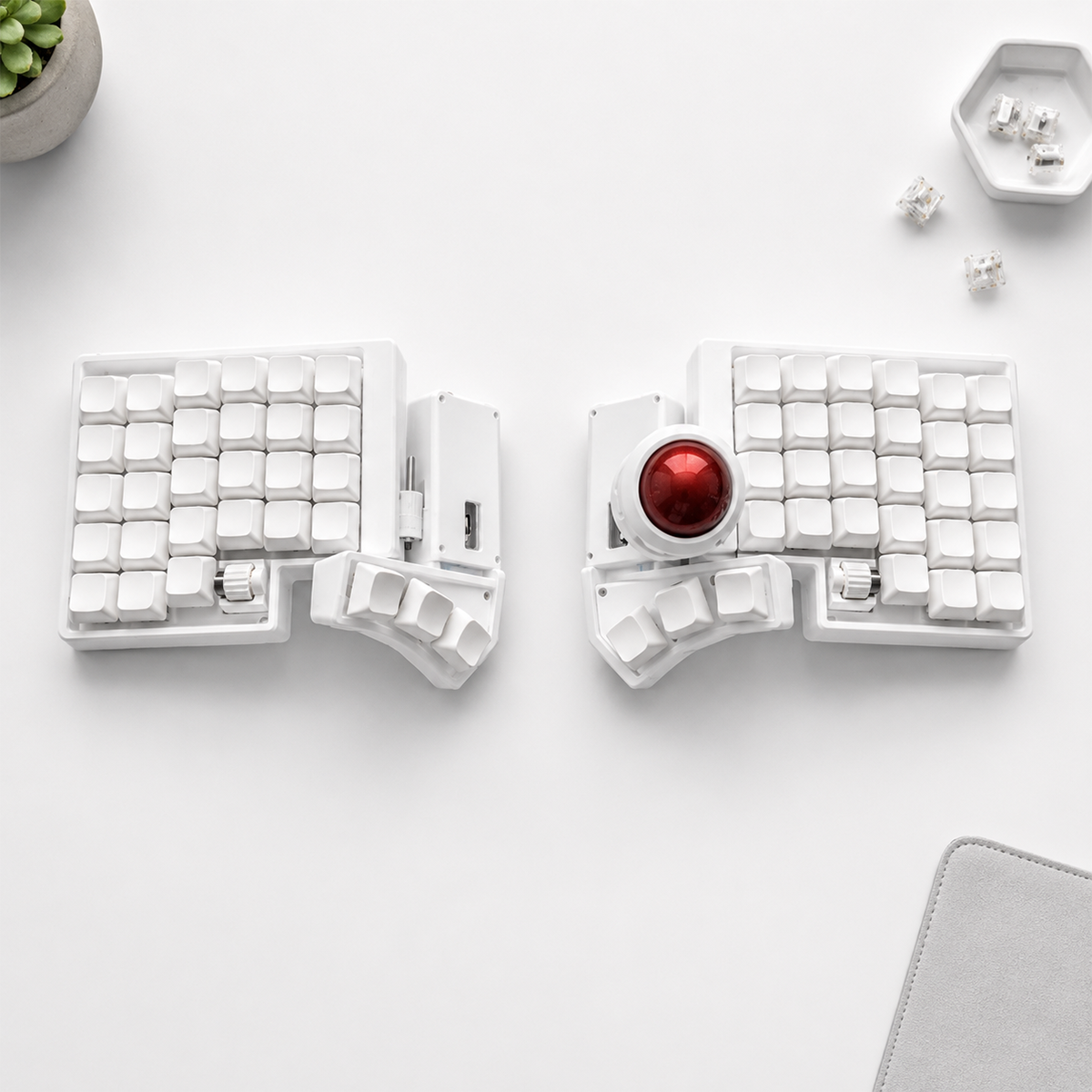
A built-in trackball and a separate trackball mouse solve related problems in different ways. Both can reduce the sweeping arm movement of a conventional mouse, but only the integrated option keeps cursor control inside the keyboard’s normal working area.
The right choice depends on whether your priority is minimum hand movement, maximum pointer precision, easy replacement, or the flexibility to position each device independently.
Quick comparison
| Question | Built-in trackball | External trackball |
|---|---|---|
| Hand leaves keyboard | Rarely | Yes |
| Desk footprint | Smallest combined setup | Requires separate space |
| Position flexibility | Fixed by keyboard design | Fully adjustable |
| Precision options | Depends on integrated ball | More models and ball sizes |
| Portability | One combined device | Two devices |
| Replacement | More specialized | Easier |
The main advantage of a built-in trackball
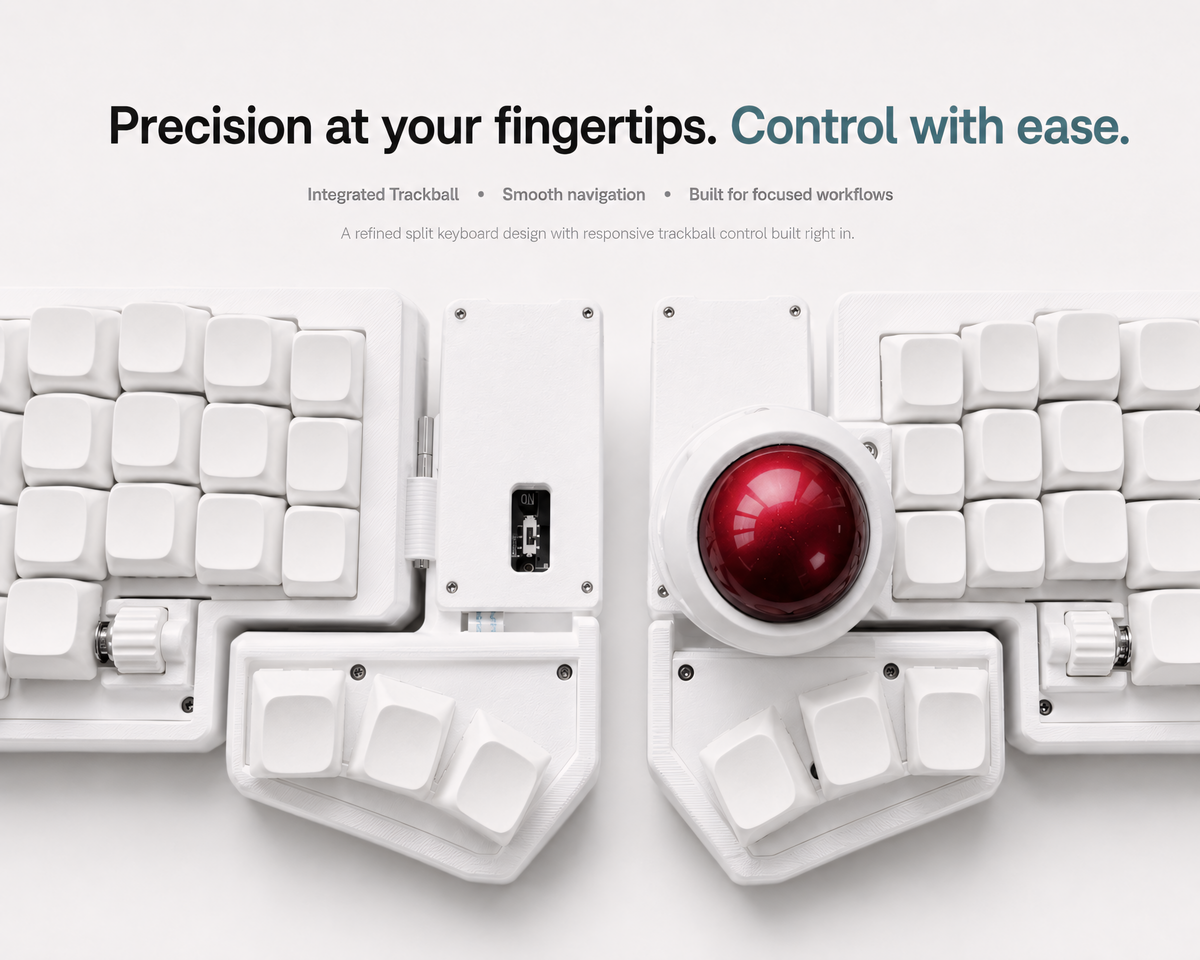
The biggest benefit is not eliminating the mouse. It is eliminating repeated reach. When the ball sits beside the thumb cluster, you can move the pointer, click a link, scroll a page, and return to typing without moving the entire hand away from the home position.
This is especially useful for writing, programming, customer support, research, and office workflows where pointer actions are short but frequent. Saving one large movement does not sound important; removing that movement dozens of times every hour changes how continuous the workflow feels.
An integrated design also saves desk space. A split keyboard can be positioned at shoulder width without leaving an additional mouse area on the right side.
Where an external trackball is stronger
A separate trackball can be positioned independently. You can move it closer, farther away, or switch sides without changing the keyboard. External devices are also available with different ball sizes, angles, button layouts, and thumb- or finger-operated designs.
That variety can improve precision and individual fit. Large finger trackballs are popular for controlled pointer movement, while thumb trackballs may feel more familiar to users coming from a mouse. If the device fails, it is also easier to replace without affecting the keyboard.
For illustration, CAD, audio timelines, and other pointer-heavy work, a dedicated trackball may offer more control than a compact integrated ball.
Precision and speed
Neither design is automatically faster. Pointer speed depends on sensitivity, acceleration, ball size, cleaning, and practice. New trackball users often overshoot small targets during the first few days because they are learning to move the pointer with smaller muscles.
An integrated trackball is usually sufficient for browsing, documents, code editing, email, and general application control. A separate precision device may remain useful for specialized tasks. Many users keep both and use the built-in ball for routine work.
Comfort depends on placement
“Trackball” does not automatically mean ergonomic. A built-in ball should be reachable without twisting the wrist or stretching the thumb. An external device should be placed close enough that the shoulder does not rotate outward every time you reach for it.
Hand size matters. Study top and side photos, check the thumb-cluster distance, and compare product dimensions. Comfort claims should be treated as individual fit questions, not medical guarantees.
Maintenance and support
All trackballs collect dust and skin oils over time. Cursor movement that becomes rough or inconsistent often improves after the ball and support bearings are cleaned according to the manufacturer’s instructions.
With an integrated design, support should cover both keyboard and pointer functions. Look for clear setup instructions, sensitivity guidance, firmware information, and a seller who tests cursor movement before shipping.
Which setup should you choose?
Choose a built-in trackball keyboard if:
- You alternate between typing and light pointer work throughout the day.
- You want the smallest complete desktop setup.
- You travel with your keyboard.
- Reducing repeated reach is more important than maximum pointer precision.
Choose an external trackball if:
- You need a large ball or a specialized button layout.
- You want to change pointer position independently from the keyboard.
- Precision pointer work is a major part of your job.
- Easy device replacement is a priority.
Explore integrated trackball keyboards
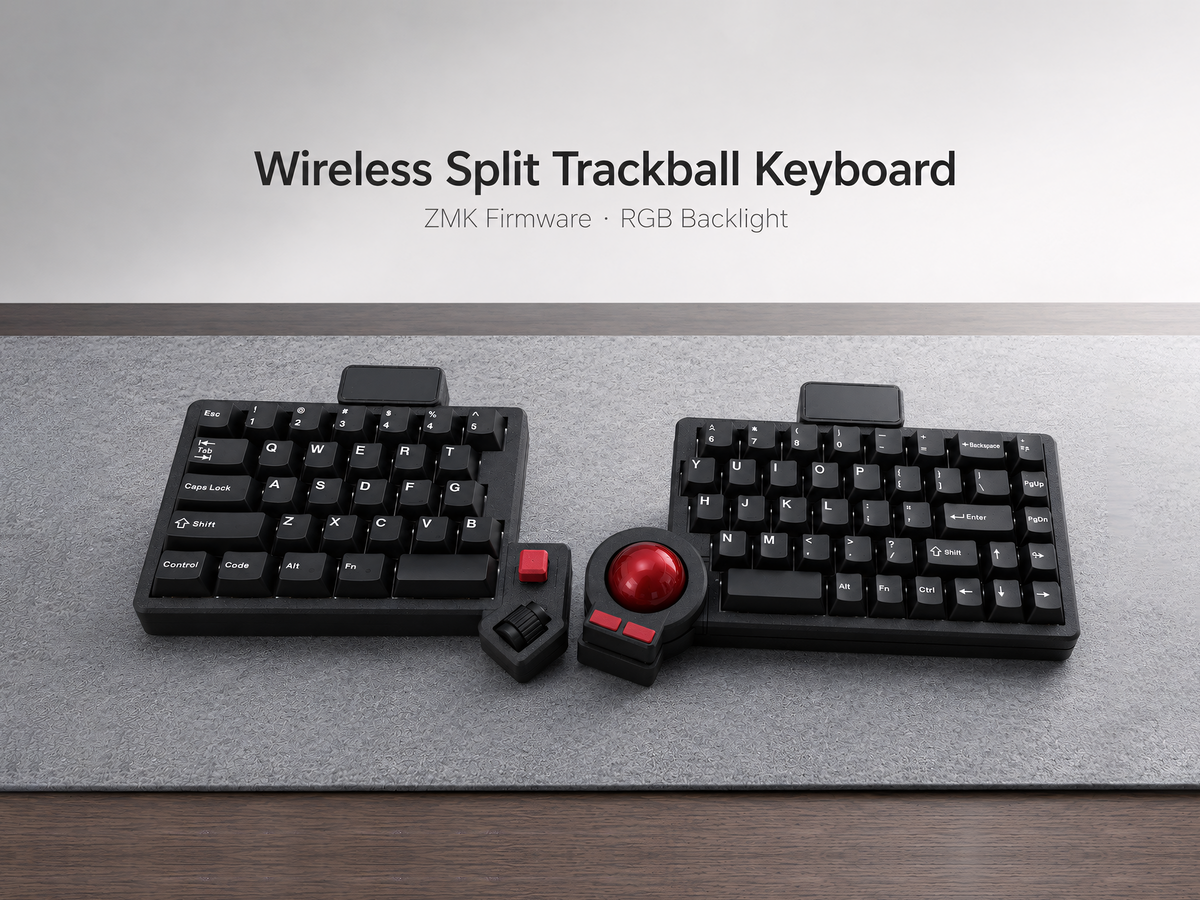
Artkeeb offers compact and larger layouts with built-in cursor control. Compare them in the trackball split keyboard collection, including the Wireless ZMK 3x6 Compact and the QMK/VIA or Wireless ZMK Trackball Split Keyboard.
Frequently asked questions
Can a built-in trackball completely replace a mouse?
It can replace a mouse for many everyday tasks, but precision design and some games may still benefit from a dedicated pointing device.
Is a thumb trackball difficult to learn?
Expect several days of overshooting and slower clicks. Consistency usually improves with regular use and sensible sensitivity settings.
Which option uses less desk space?
The built-in trackball generally creates the smallest combined keyboard-and-pointer footprint because it does not require a separate device area.

Leave a comment
This site is protected by hCaptcha and the hCaptcha Privacy Policy and Terms of Service apply.