Can You Use VIAL with a Wireless Keyboard? 2.4G vs Bluetooth Explained
If you've been shopping for a wireless split keyboard and want to use VIAL for key remapping, you've probably run into a confusing situation: VIAL and Bluetooth don't work together. But wireless keyboards with VIAL do exist — they just use 2.4G instead of Bluetooth.
This guide explains why, what the difference actually means for daily use, and how to choose between 2.4G wireless with VIAL and Bluetooth wireless with ZMK.
Why VIAL Doesn't Work with Bluetooth
VIAL is a fork of QMK firmware. QMK was designed for wired keyboards — it communicates with your computer over USB, which is how VIAL's real-time configuration interface sends and receives data from the keyboard.
When you open the VIAL app and see your keyboard's layout, VIAL is talking to the keyboard directly over the USB connection, reading and writing keymap data in real time. This requires a constant, bidirectional data connection between the app and the keyboard's firmware.
Bluetooth doesn't support this kind of direct firmware communication. Bluetooth HID is designed to send keystrokes and mouse movements — not to have an app reach into the firmware and modify it in real time. This is why ZMK doesn't support VIAL.
How 2.4G Wireless Solves This
2.4G wireless keyboards use a small USB receiver that plugs into your computer. From the keyboard's firmware perspective, this dongle acts like a USB connection — so VIAL works exactly the same way it does on a wired keyboard.
The result: a wireless keyboard with full VIAL remapping support. Plug in the receiver, open VIAL, and your keyboard appears with all keys configurable in real time.
2.4G vs Bluetooth: The Practical Differences
Connection setup 2.4G: Plug the receiver in, keyboard connects automatically. No pairing needed. Bluetooth (ZMK): Pair through your OS Bluetooth settings. Supports up to 5 device profiles.
Key remapping 2.4G with VIAL: Full graphical remapping in real time. Drag keys, create layers, set macros — changes apply instantly. Bluetooth with ZMK: Edit a keymap config file and reflash firmware. Works well once you've done it once, but a different process.
Multi-device 2.4G: One receiver, one computer. Bluetooth: Switch between laptop, desktop, and tablet with a keypress.
Battery life 2.4G: Good. Bluetooth with ZMK: Excellent — ZMK is engineered specifically for low power consumption.
Compatibility 2.4G: Needs a USB port for the receiver. Bluetooth: Works with any Bluetooth device including iPad and Android tablets.
Latency Both are low enough that the difference is imperceptible in everyday typing and cursor use.
Which Should You Choose?
Choose 2.4G with VIAL if:
- You want to remap keys without editing config files
- You use the keyboard with one primary computer
- Plug-and-play simplicity matters to you
Choose Bluetooth with ZMK if:
- You switch between multiple devices
- Battery life is a priority
- You use an iPad or phone and need native Bluetooth
For most users new to split keyboards who want wireless, 2.4G with VIAL is the easier starting point. If you later need multi-device support, you can move to a ZMK keyboard.
Artkeeb Keyboards: Which Use 2.4G and Which Use Bluetooth
2.4G with VIAL: Sofle Split, Alice Split, Alice 3, Lily58, WK Ergo 360 (2.4G version)
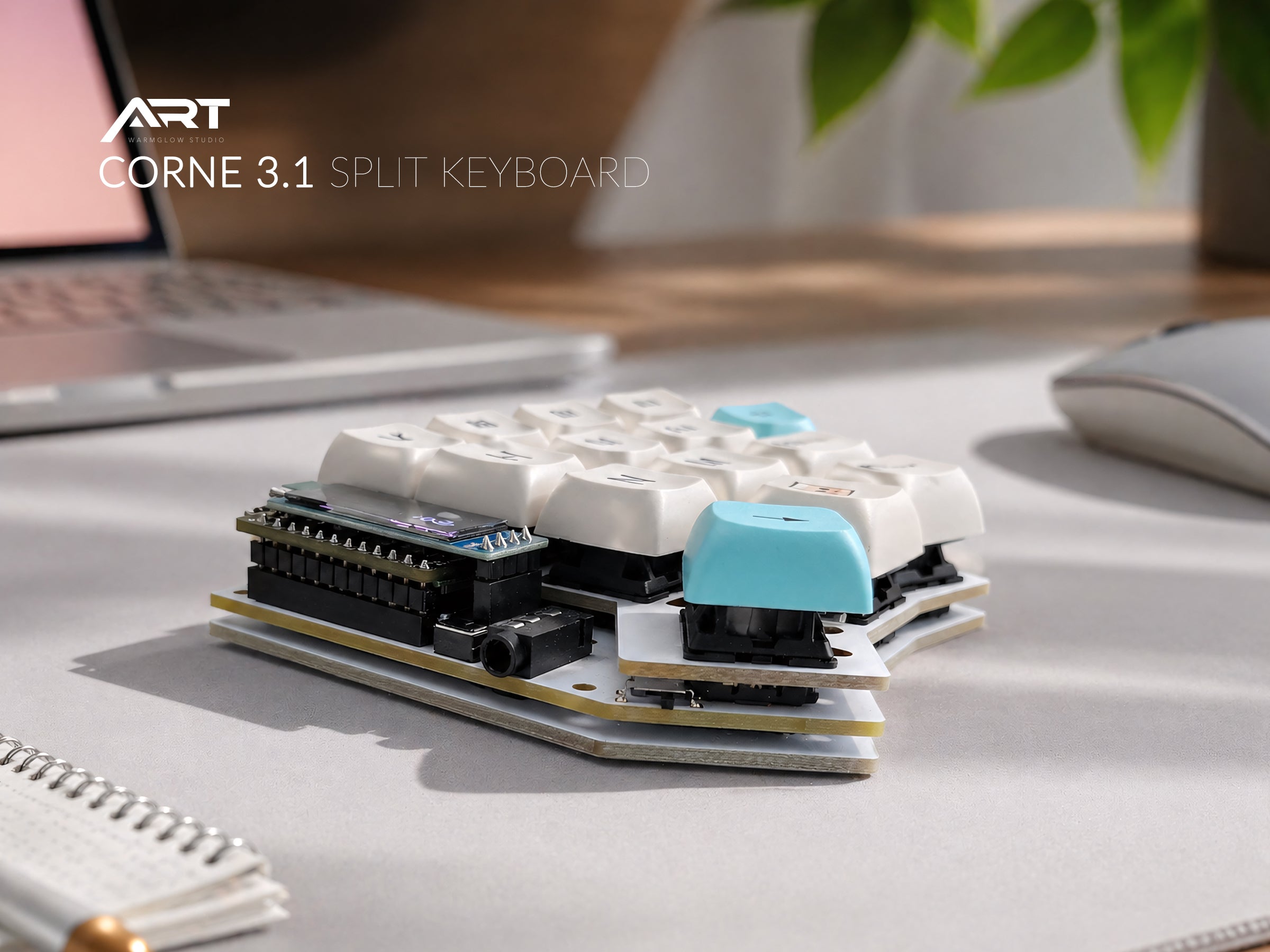
Bluetooth with ZMK: Corne 3.1, Wireless Split Trackball (ZMK), WK Ergo 360 (ZMK version)
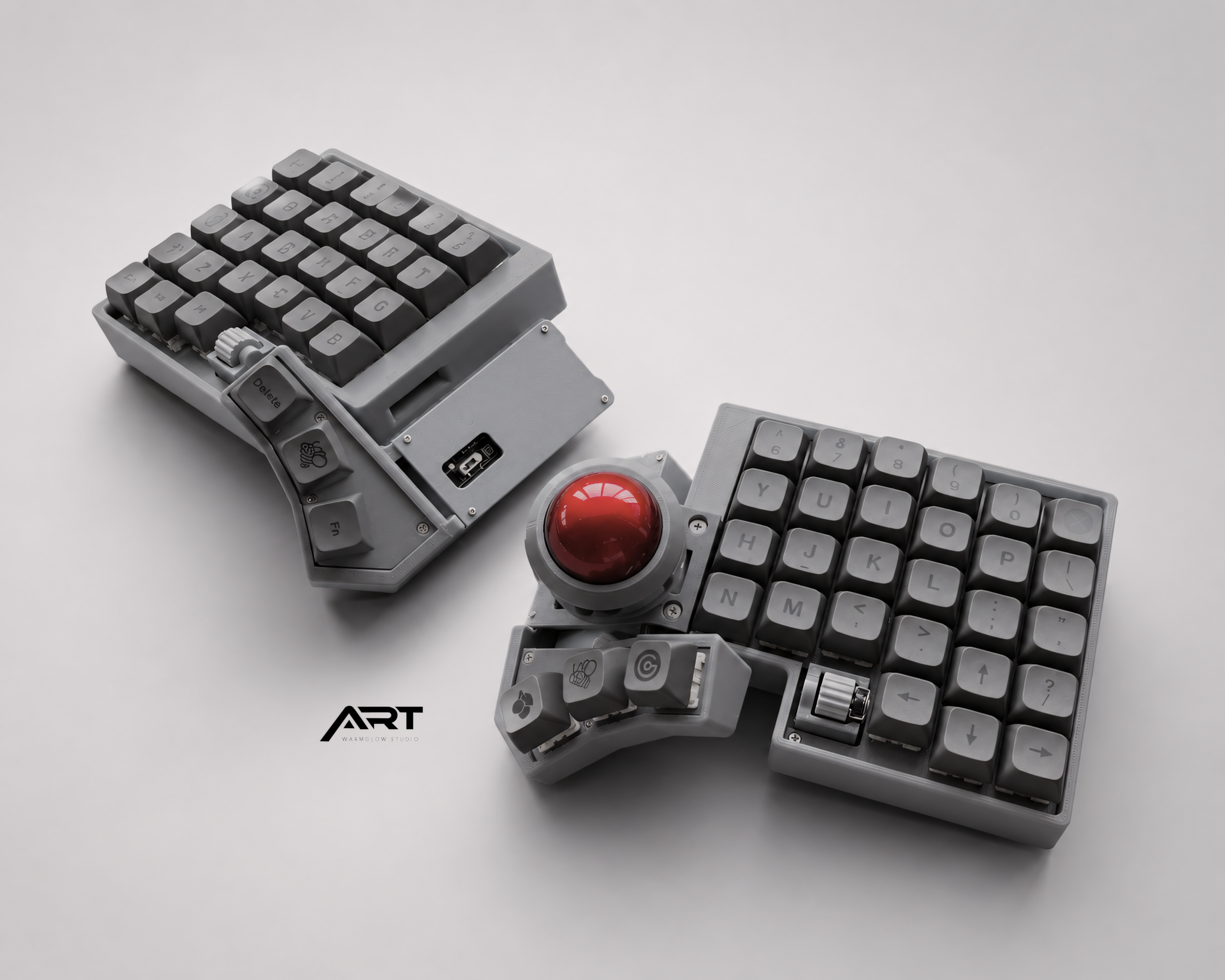
Both options available: Trackball Split Keyboard, Sofle V2

1 comment
wow what an informative piece of shit SEO article that doesn’t tell you anything about anything
.
Leave a comment
This site is protected by hCaptcha and the hCaptcha Privacy Policy and Terms of Service apply.