Columnar vs Row Stagger: Why Your Keyboard Layout Affects More Than Typing Speed
When you look at a keyboard, the offset between rows probably seems natural — just how keyboards look. It isn't. The row stagger layout is a design artifact from 1870s typewriter mechanics. It was never intended to be ergonomic. It's been copied ever since because it became the standard, not because it works well for human hands.
Columnar stagger is what happens when you design a keyboard around how fingers actually move. This guide explains the difference, why it matters, and what to expect when you switch.
What Is Row Stagger?
Row stagger is the layout used by virtually every standard keyboard. Each row of keys is offset horizontally from the row above it — the A row is shifted slightly left of the Q row, and the Z row is shifted slightly left of the A row.
This offset exists because early mechanical typewriters needed physical space between the key levers to prevent them from jamming. The horizontal offset let each lever sit next to, rather than directly behind, the lever in the row above.
When typewriters became the standard for text input, the layout became entrenched. Computer keyboards copied typewriters. The row stagger persisted for over 150 years not because it's ergonomically sound, but because it became what keyboards looked like.
What Is Columnar Stagger?
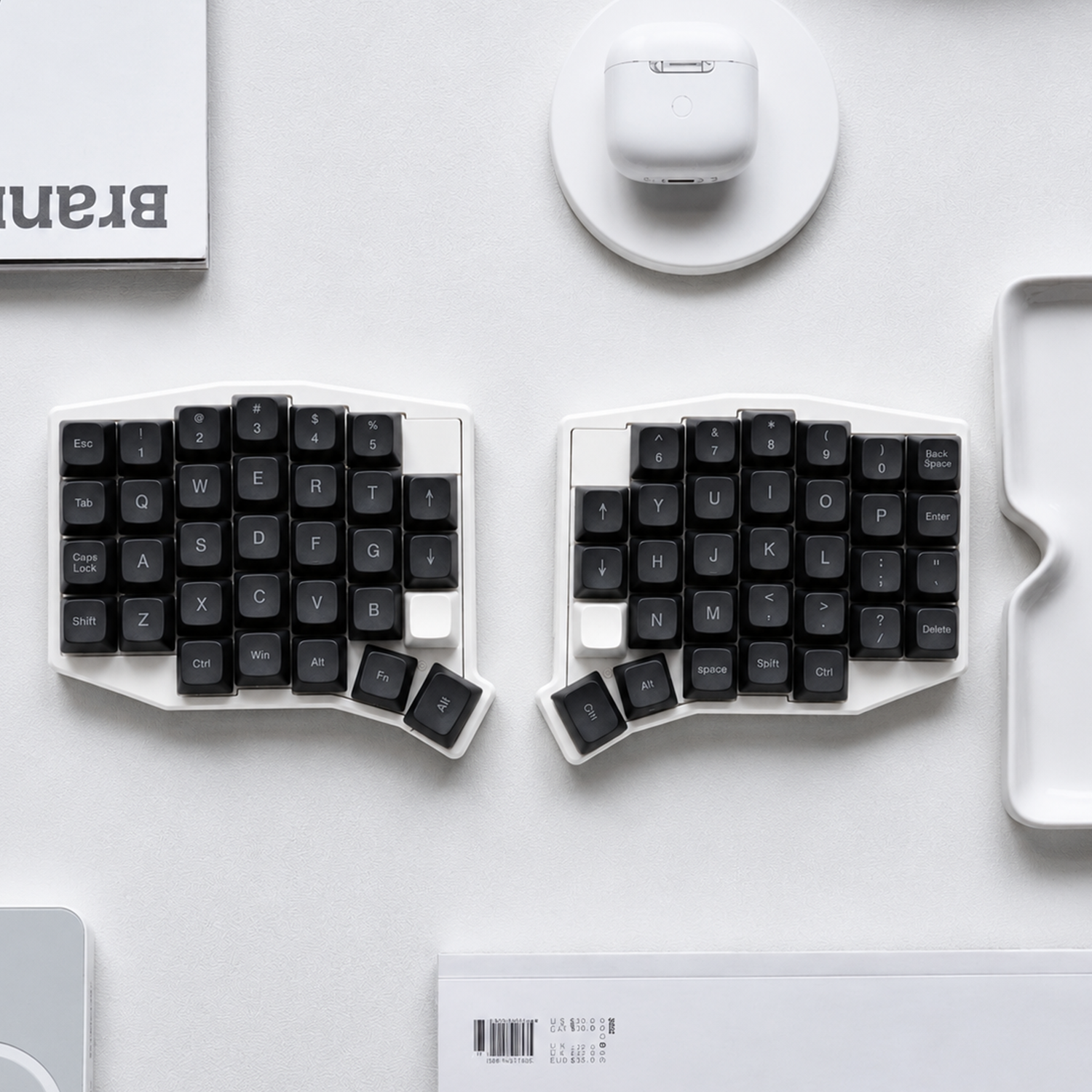
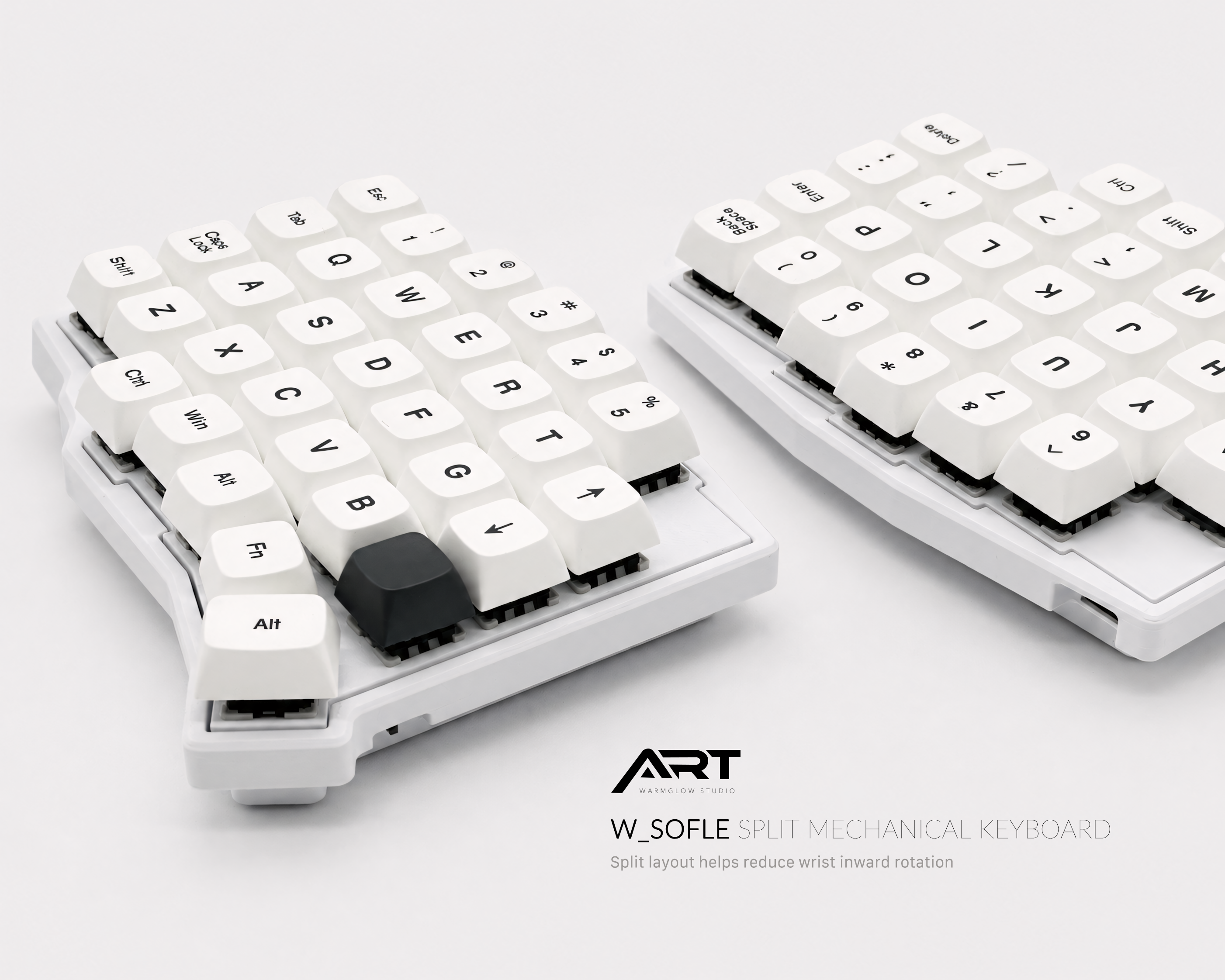
Columnar stagger aligns keys in straight vertical columns, with each column offset vertically to account for the different lengths of your fingers.
Your middle finger is longest, so the middle column sits highest. Your index and ring fingers are shorter, so their columns are lower. Your pinky is shortest, so the pinky column is lowest. The result is a layout where each key is directly above or below the corresponding key in adjacent rows — no horizontal offset.
Some columnar keyboards also include a slight horizontal splay, angling the columns outward to match the natural angle of your fingers when your hands are relaxed.
Why the Difference Matters Ergonomically
The row stagger creates a specific problem: to reach keys in adjacent rows, your fingers have to move diagonally rather than straight up or down.
On a row stagger keyboard, pressing the key above your index finger (W, for example) requires your finger to move up and slightly left. Pressing the key below (X) requires moving down and slightly right. These diagonal movements are small individually, but they occur thousands of times per hour and require constant lateral adjustment of the entire hand.
With columnar stagger, the key above your index finger is directly above it. Straight up. The key below is directly below. Straight down. Your fingers move in the direction they're designed to flex — along their length, not across it.
The practical effects:
Reduced lateral finger deviation: Your fingers don't have to bend sideways to reach keys in adjacent rows. This reduces the strain on the tendons that run along the sides of the fingers.
More consistent key location: Once you know where a key is in a columnar layout, its position relative to your finger is the same regardless of which row it's in. Row stagger requires your brain to maintain different spatial models for each row.
Less hand repositioning: Row stagger requires small whole-hand adjustments when reaching certain keys. Columnar stagger reduces this because the columns align with your natural hand position.
The Adjustment: What Actually Changes
Switching from row stagger to columnar stagger requires relearning several key positions. The change is not as dramatic as learning a completely different keyboard layout (like Dvorak), but it's more significant than most people expect.
Keys that move the most:
The outer column keys change position most significantly because they're where the row offset accumulates most. On a standard keyboard, reaching Z requires your left pinky to move down and slightly right from A. On a columnar keyboard, Z is directly below A — the diagonal component disappears.
The same applies to X, C, V on the left side and M, comma, period, slash on the right. These keys are in noticeably different positions relative to the home row compared to a standard keyboard.
Keys that are easy:
The home row (A, S, D, F, J, K, L, semicolon) is essentially the same. The number row and the keys near the center of the keyboard are usually straightforward. The main adjustment is on the outer and lower rows.
Timeline:
Most users take one to two weeks to reach comfortable typing speed on a columnar layout. Users who touch type (without looking at the keyboard) adjust faster because their existing muscle memory is more explicit and easier to recalibrate. Users who partially look at the keyboard sometimes take longer.
Row Stagger vs Columnar Stagger: Direct Comparison
| Row Stagger | Columnar Stagger | |
|---|---|---|
| Historical origin | 1870s typewriter mechanics | Ergonomic design |
| Finger movement direction | Diagonal | Straight up/down |
| Key position consistency | Varies by row | Consistent across rows |
| Hand repositioning required | Frequent | Minimal |
| Adjustment for new users | None | 1–2 weeks |
| Availability | Universal | Split/ergo keyboards |
Alice Layout: A Middle Ground
If the full columnar stagger adjustment sounds daunting, the Alice layout offers a middle ground. Alice-style keyboards use a row stagger layout (familiar key positions) with a split angle — the two halves are angled toward each other rather than laid flat.
This provides meaningful ergonomic improvement over a standard flat keyboard — reduced shoulder inward rotation, more natural wrist angle — without requiring any relearning of key positions.
The Artkeeb Alice-layout keyboards (Alice Split Ergonomic Keyboard and Alice 3 with full numpad) use this approach. All key positions are identical to a standard keyboard; the only change is the angle between the two halves.
For users who want to start with ergonomic improvement before committing to a full columnar layout switch, Alice-layout keyboards are the most accessible entry point.
Should You Switch to Columnar Stagger?
Yes, if:
- You type heavily and want the most ergonomically efficient layout available
- You're comfortable investing 1–2 weeks in adjustment
- You're already switching to a split keyboard and want the full ergonomic benefit
- You're starting to learn to touch type and want to build on a better foundation
Consider Alice layout first, if:
- You want ergonomic improvement without a layout relearning period
- You share a keyboard with others who use standard layouts
- You're not ready to commit to the adjustment period right now
Stick with row stagger, if:
- You type occasionally and aren't experiencing strain
- Your work requires frequent use of different keyboards (travel, shared office keyboards)
- The adjustment period isn't practical for your current workload
All Artkeeb Split Keyboards Use Columnar Stagger (Except Alice Models)
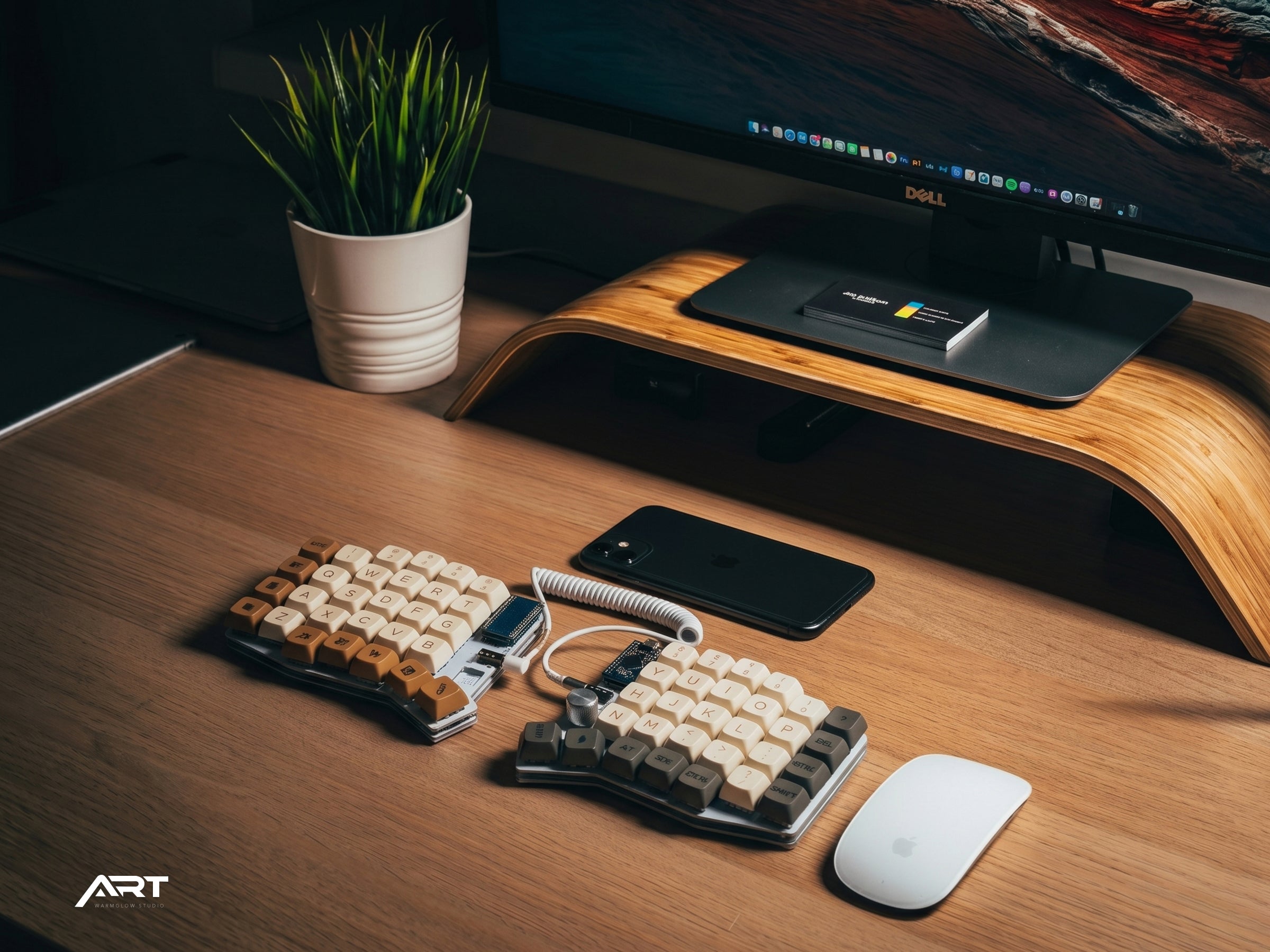
The Sofle V2, Lily58, Corne, WK Ergo 360, and all trackball split keyboards in the Artkeeb lineup use columnar stagger. These keyboards provide the full ergonomic benefit of both the split design and the columnar layout.
The Alice Split Ergonomic Keyboard and Alice 3 use a row stagger layout with a split angle — the gentler transition option.
Both approaches are significant improvements over a standard flat keyboard. The right choice depends on how much adjustment you're willing to invest in for how much long-term ergonomic benefit.

Leave a comment
This site is protected by hCaptcha and the hCaptcha Privacy Policy and Terms of Service apply.