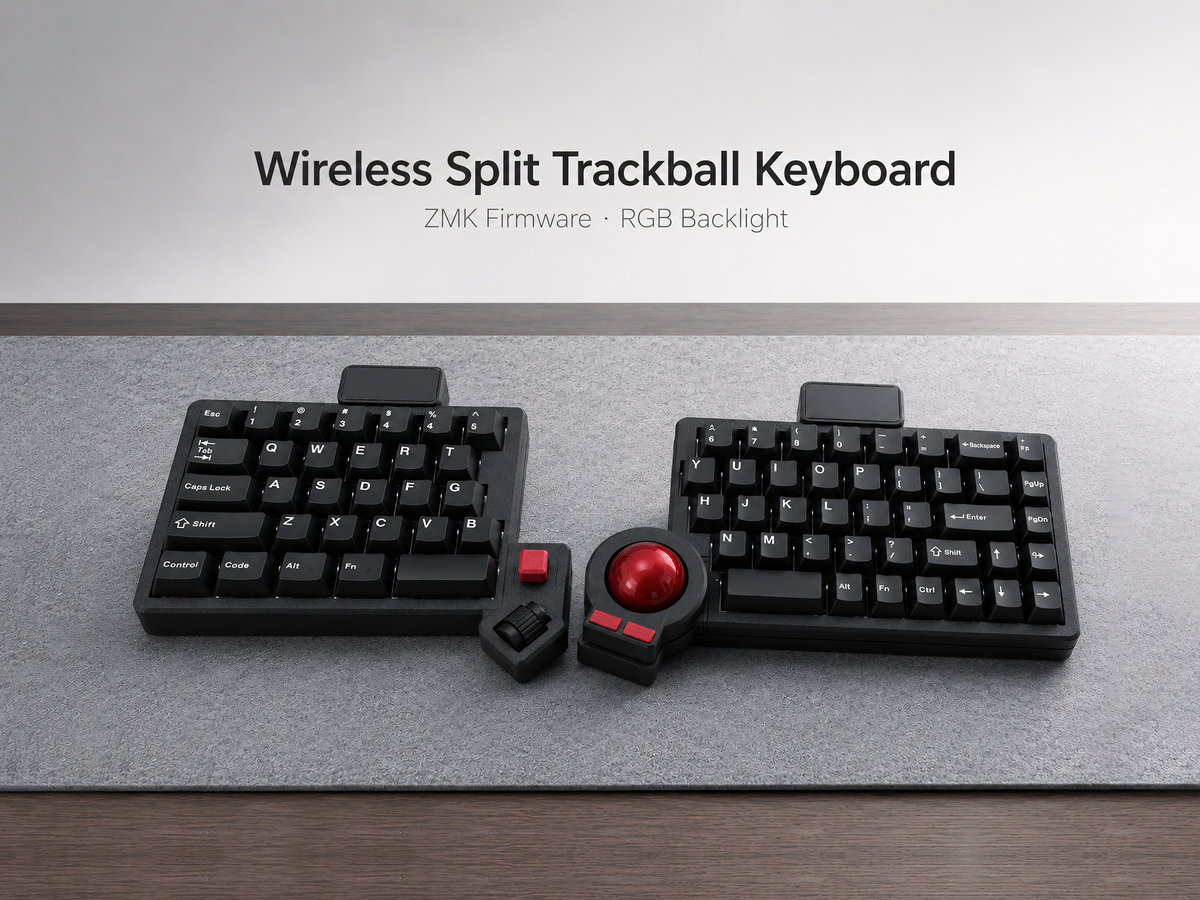
Prebuilt vs Barebone Trackball Split Keyboard: Which Should You Buy?
When a trackball split keyboard is available as both prebuilt and barebone, the cheaper option is not automatically the better value. The real difference is how much assembly, component selection, and troubleshooting you want to handle yourself.
Choose prebuilt when you want a complete keyboard that has been assembled, flashed, and tested. Choose barebone when you already understand mechanical keyboard parts and want to supply your own switches and keycaps.
What “prebuilt” should include
A proper prebuilt trackball split keyboard should arrive with the case, PCB, trackball hardware, switches, keycaps, battery where applicable, and firmware already installed. It should also be tested for key input, cursor movement, charging, and communication between the two halves.
The main advantage is not simply convenience. It reduces uncertainty. If a key or trackball does not work, you know the problem is not an incorrectly seated switch, incompatible keycap profile, missed solder joint, or incomplete firmware build.
Prebuilt is usually the right choice if this is your first split keyboard, your first ZMK device, or you need the keyboard for daily work without a long setup project.
What “barebone” normally means
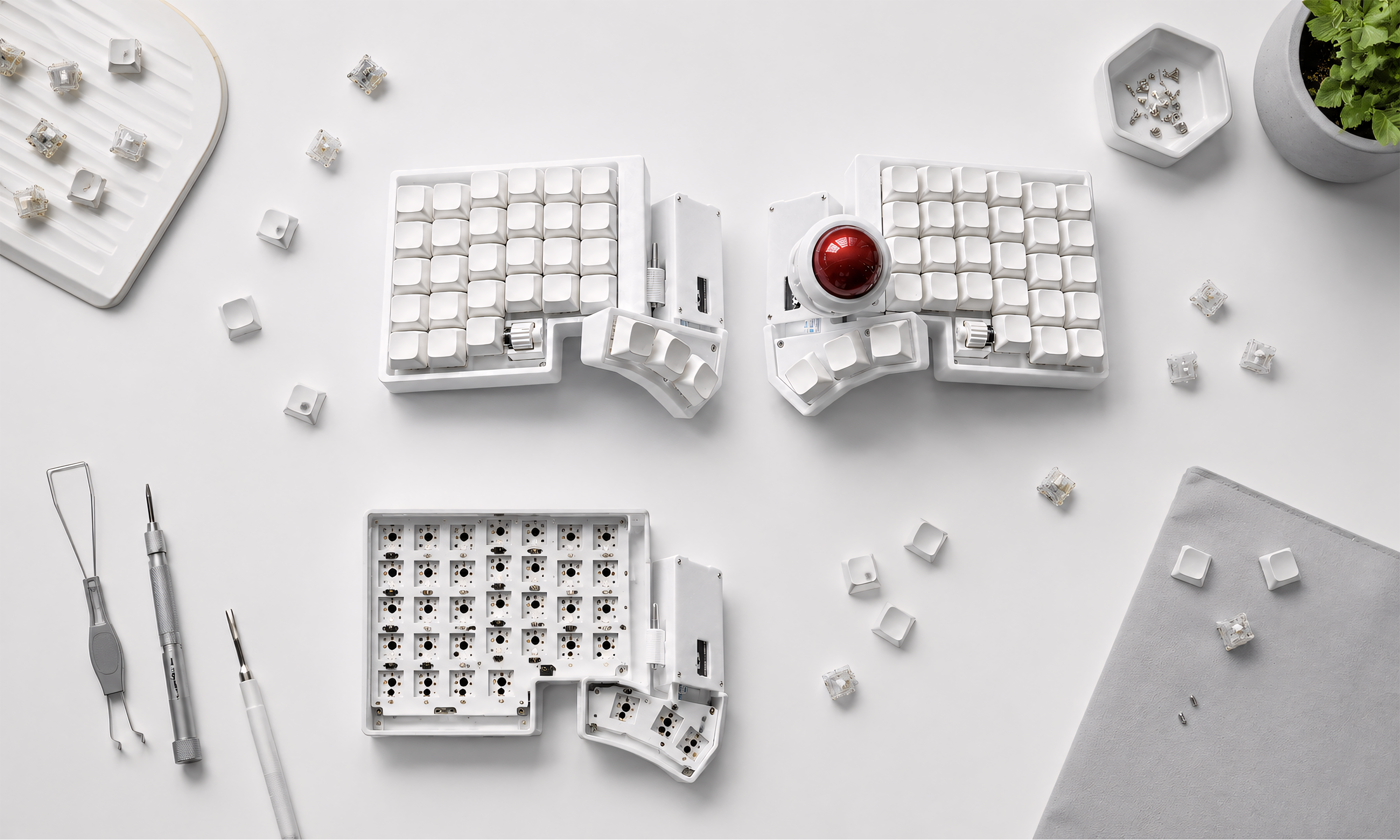
Barebone configurations vary, so always read the included-parts list. For an Artkeeb compact trackball model, barebone can include the case, PCB, trackball parts, built-in battery, hot-swap sockets, and pre-installed firmware while leaving switches and keycaps to the buyer.
That is different from a DIY kit that requires soldering and firmware compilation. A hot-swap barebone keyboard can still be relatively quick to finish, but you must choose compatible switches, install them correctly, add keycaps, and test every position.
Barebone makes sense if you already own MX switches and keycaps or want a specific silent, tactile, or linear typing feel. It can also reduce waste when you have usable components from another build.
Cost: compare the complete setup
Do not compare only the product-page prices. Add the cost of all missing parts:
- Switches for every key plus a few spares
- Compatible keycaps for the layout and thumb cluster
- USB cable if not included
- Tools or switch pullers
- Your time for installation and troubleshooting
A barebone board may be less expensive when you already own these components. Starting from zero can narrow the price difference quickly.
Firmware and support
Wireless split keyboards commonly use ZMK. A prebuilt version should arrive with a working keymap and pairing instructions. Barebone does not necessarily mean the firmware is unfinished—check whether it is already flashed.
If you plan to modify the keymap, save a copy of the original configuration first. Make one change at a time and confirm that both halves, charging, and trackball behavior still work. Buyers who do not want to manage firmware should prioritize a tested prebuilt configuration and clear post-purchase support.
Switch and keycap compatibility
Hot-swap sockets remove soldering, but they do not remove compatibility questions. Confirm whether the PCB accepts 3-pin and 5-pin MX-style switches. Check the keycap sizes used by the thumb cluster and any non-standard keys.
When installing switches, support the hot-swap socket from behind where possible and verify that both switch pins are straight. Forcing a bent pin can damage the socket, and damage from incorrect installation may not be covered by warranty.
Which option fits you?
Choose prebuilt if:
- You want to use the keyboard immediately after charging and pairing.
- You are new to split keyboards, ZMK, or hot-swap assembly.
- You want one seller responsible for testing the complete system.
- The keyboard is a work tool and downtime matters.
Choose barebone if:
- You already own compatible switches and keycaps.
- You understand how to install and test hot-swap switches.
- You want a specific typing feel that is not offered prebuilt.
- You are comfortable diagnosing component and keymap issues.
Artkeeb options
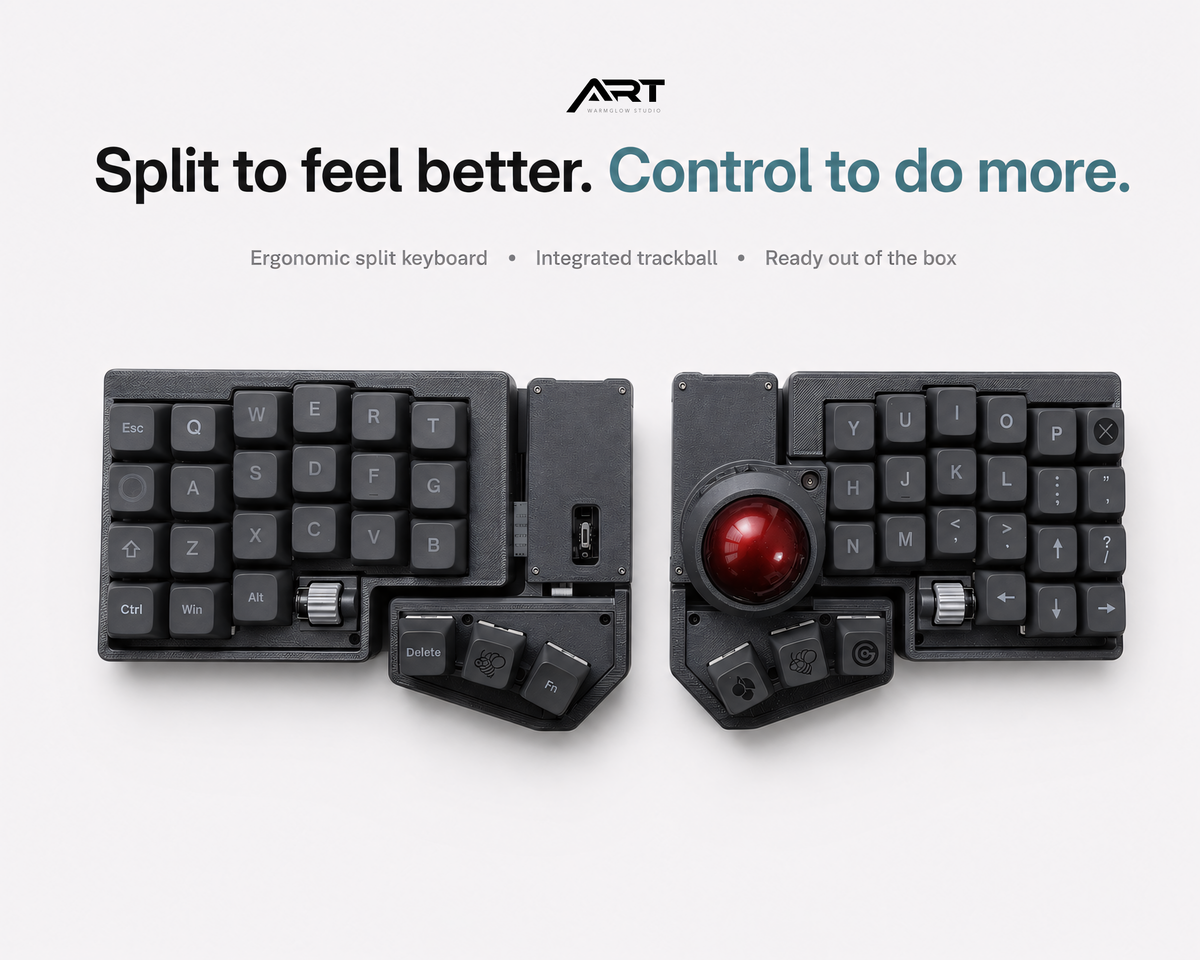
The Wireless ZMK 3x6 Compact Trackball Keyboard is available in prebuilt and barebone configurations. For a larger ready-to-use layout, compare the QMK/VIA and Wireless ZMK Trackball Split Keyboard.
Browse the complete trackball split keyboard collection to compare layouts and firmware options.
Frequently asked questions
Does barebone require soldering?
Not when the board is already assembled with hot-swap sockets. You still need to install compatible switches and keycaps. Always check the individual product’s included-parts list.
Is firmware included with a barebone keyboard?
It depends on the seller. Artkeeb product pages specify when ZMK is pre-installed. Do not assume every barebone kit from every manufacturer includes working firmware.
Is prebuilt better for a first split keyboard?
Usually, yes. It lets you focus on adapting to the layout and trackball instead of separating ergonomic questions from assembly problems.

Leave a comment
This site is protected by hCaptcha and the hCaptcha Privacy Policy and Terms of Service apply.