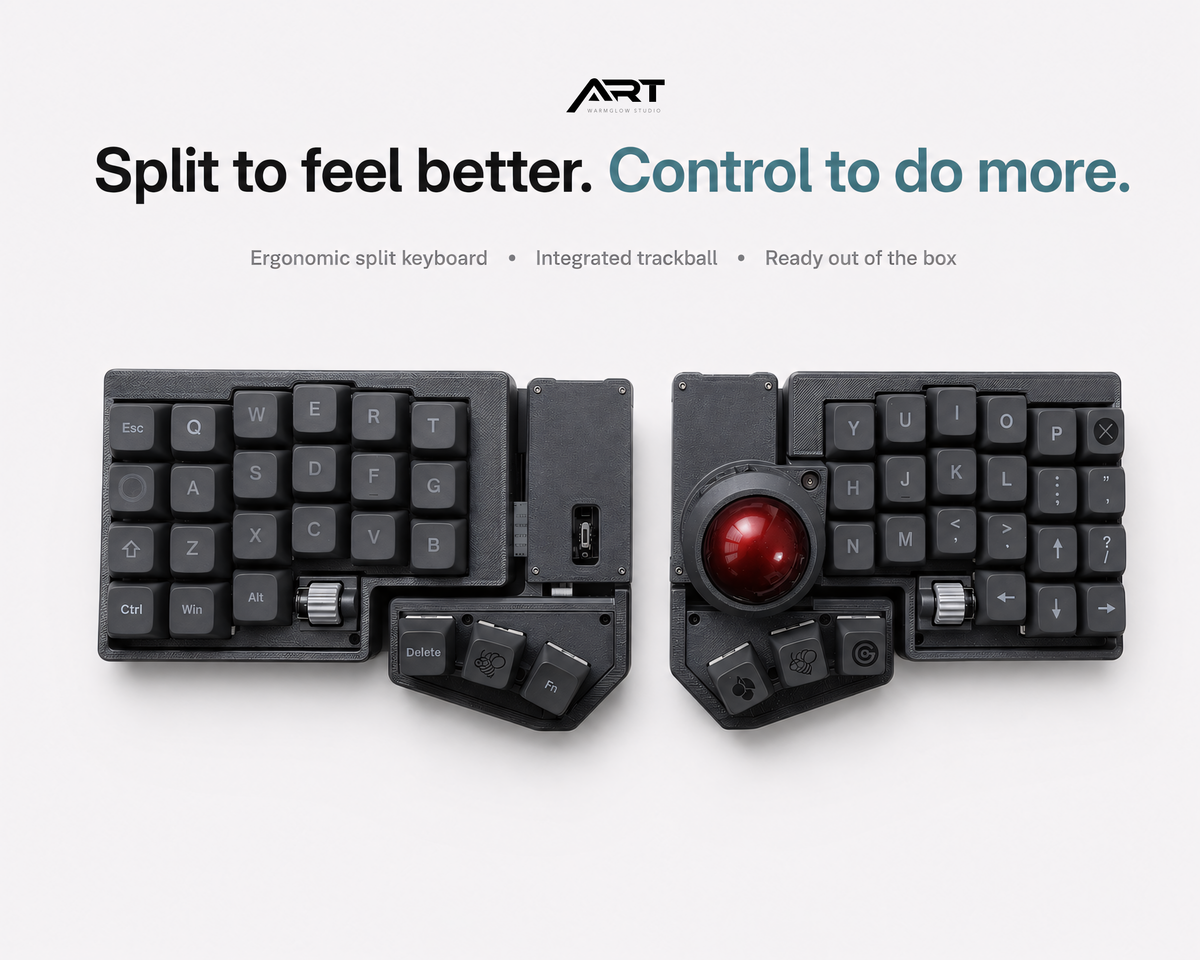
3x6 vs Full-Size Trackball Split Keyboard: Which Layout Fits You?
A built-in trackball solves one problem immediately: it keeps cursor control within reach of the keyboard. The harder decision is choosing the right layout around it. A compact 3x6 board minimizes hand travel and desk space, while a larger trackball split keyboard keeps more familiar keys on the base layer.
The best choice is not the smallest keyboard or the one with the most keys. It is the layout that matches how much you want to rely on layers, how quickly you need to adapt, and which shortcuts you use every day.
Quick answer
Choose a 3x6 trackball split keyboard if you already use layers, want the smallest possible footprint, and prefer keeping every key close to the home row. Choose a full-size or extended split layout if you want dedicated number keys, easier access to shortcuts, and a gentler transition from a conventional keyboard.
| Feature | 3x6 compact | Full-size / extended split |
|---|---|---|
| Learning curve | Higher | Lower |
| Desk footprint | Very small | Larger |
| Layer use | Frequent | Optional or limited |
| Dedicated number row | Usually no | Usually yes |
| Best for | Experienced split users | New users and shortcut-heavy workflows |
What a 3x6 layout changes
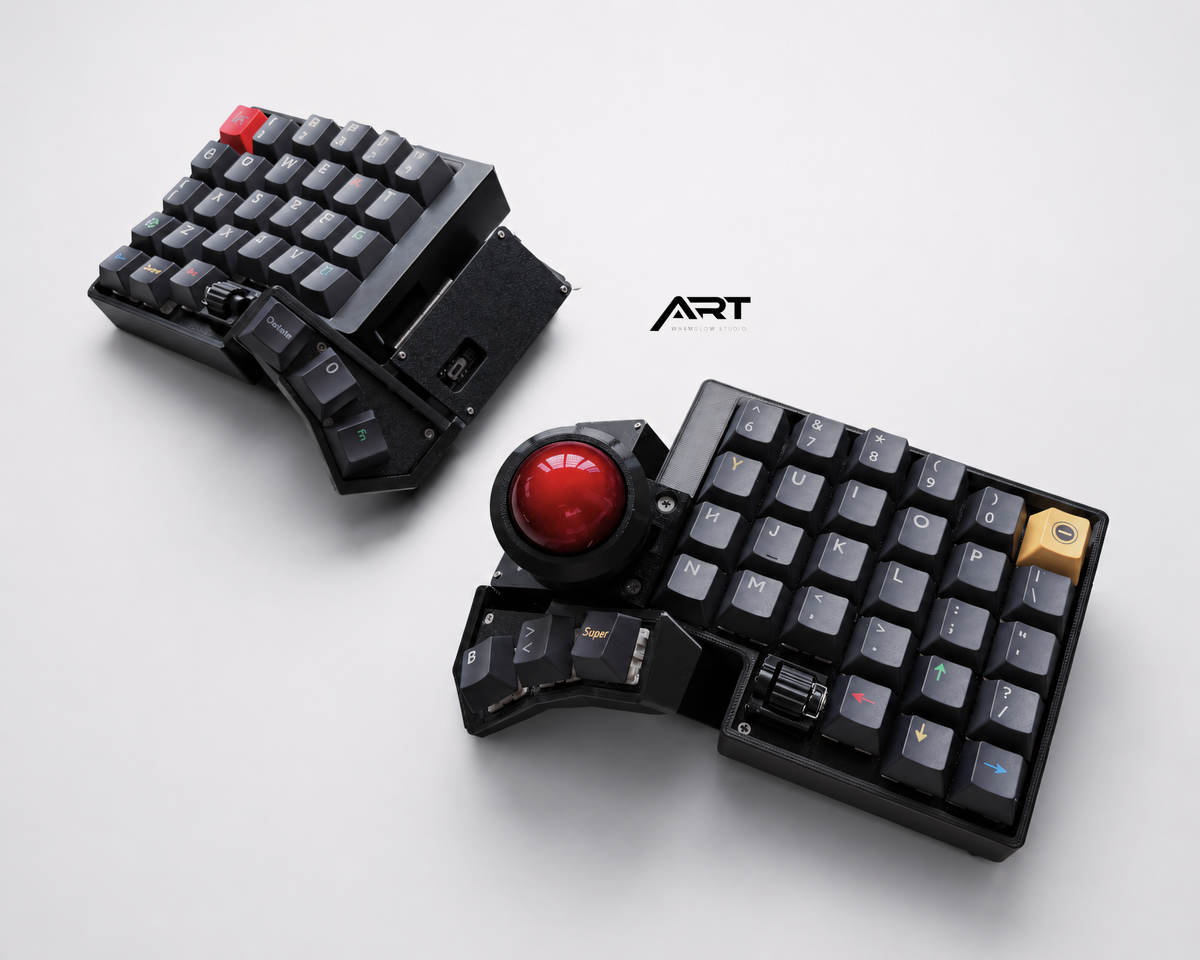
A 3x6 layout usually gives each hand three rows of six keys, plus thumb keys. Numbers, symbols, navigation, media controls, and function keys move to layers. The benefit is reach: your fingers rarely need to stretch far from the home position.
For programmers and writers who enjoy a carefully designed keymap, layers can be faster than reaching for distant keys. A navigation layer can place arrows under the home row. A symbol layer can keep brackets and operators close to stronger fingers. Once learned, the keyboard feels less like a reduced layout and more like a customized control surface.
The tradeoff is that the first week can be demanding. If you frequently switch between computers, share a keyboard, or depend on unfamiliar software shortcuts, remembering layers adds cognitive load. A compact layout rewards customization, but it expects participation from the user.
Why a larger trackball split keyboard is easier to adopt
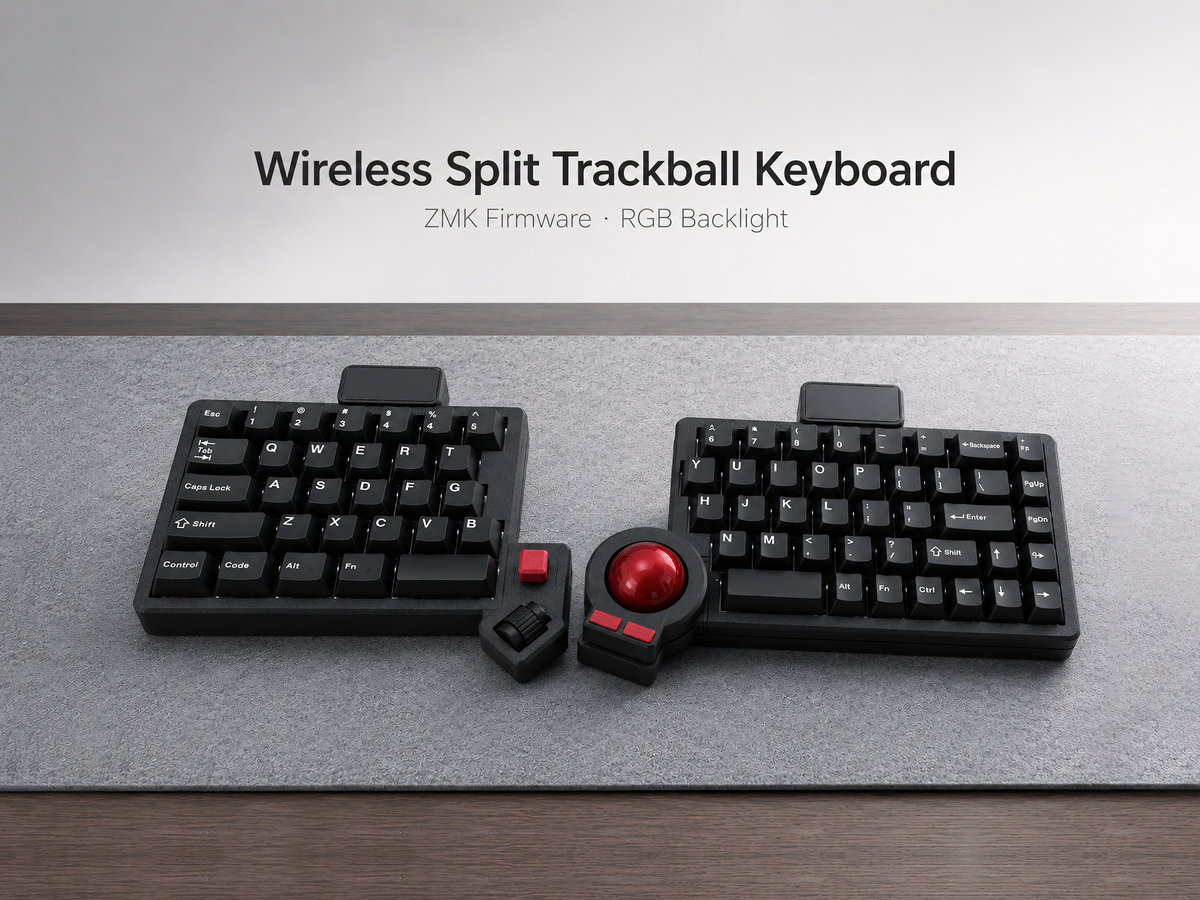
A larger split layout preserves more visible keys. Dedicated numbers, punctuation, modifiers, and sometimes extra macro keys reduce the need to remember layer positions. You still gain the shoulder positioning of a split board and integrated cursor control without changing every part of your typing habits at once.
This is often the better starting point for a first ergonomic keyboard. It is also practical for spreadsheets, design applications, gaming shortcuts, or workflows where many combinations need to remain visible.
The downside is physical size. A larger board occupies more desk space and may require slightly more finger travel. However, the built-in trackball still removes the need to place a mouse beside the keyboard, so the complete workspace can remain compact.
How the trackball affects the decision
With either layout, trackball placement matters more than raw key count. The ball should sit where your thumb can reach it without twisting the wrist or leaving the home position. Buttons for click, drag, and scroll should also be available without an awkward stretch.
A compact board concentrates everything into a smaller area, which can feel exceptionally efficient for the right hand size and keymap. A larger board gives the designer more space for thumb keys and dedicated controls. Neither is universally better, so compare product photos at actual scale and check the thumb-cluster layout before buying.
Which layout should you choose?
- Choose 3x6 if you understand layers, want maximum desk space, travel with your keyboard, or enjoy building a personal ZMK keymap.
- Choose a larger layout if this is your first split keyboard, you use a number row constantly, or you need familiar shortcuts from day one.
- Choose prebuilt if your goal is to evaluate the ergonomics rather than assemble hardware and troubleshoot firmware.
- Choose barebone if you own compatible switches and keycaps and want control over the final typing feel.
Two Artkeeb options to compare
The Wireless ZMK 3x6 Compact Trackball Keyboard is designed for minimalists who want hot-swap sockets, wireless connectivity, and a small footprint. The Trackball Split Keyboard with QMK/VIA or Wireless ZMK offers a more familiar layout and a choice between wired and wireless firmware.
You can also compare all Artkeeb trackball split keyboards in one place.
Frequently asked questions
Is 3x6 too small for programming?
Not necessarily. It works well when the keymap places symbols, navigation, and shortcuts on logical layers. It is less suitable if you dislike layers or frequently use software with many one-off shortcuts.
Is a full-size split keyboard still ergonomic?
A larger layout can still allow a more neutral shoulder and wrist position. Comfort depends on split angle, tenting, key reach, posture, and individual fit—not only the number of keys.
Can either layout replace a mouse?
For browsing, writing, coding, and general office work, an integrated trackball can handle most daily cursor tasks. Precision design or gaming work may still benefit from a dedicated mouse.
If you are still deciding whether the adjustment is worthwhile, read our honest guide to split keyboards with a trackball.

Leave a comment
This site is protected by hCaptcha and the hCaptcha Privacy Policy and Terms of Service apply.